YouTube Video Ideas to Grow Your Embroidery Business
What if the You Tube videos that get views and promote embroidery business aren’t sales pitches, but useful projects viewers want to watch? If you’re unsure what to film, start with a question crafters are likely to have, such as how to choose a design for a gift or how a theme might work on team apparel.
Choose a schedule you can maintain while making videos that are clear and useful. There’s no universal posting frequency that guarantees growth. Plan topics around design themes or project questions, then publish as your workflow allows. Review YouTube Studio’s available audience and performance signals over time, and adjust your pace or subject choices based on what you learn.
Key Takeaways
- Plan You Tube videos that get views and promote embroidery business around one viewer question and one clear outcome.
Table of Contents
-
Which embroidery YouTube videos can attract views and interest potential customers?
-
How to package embroidery videos so the right viewers can find and watch
-
Turn embroidery video views into interest in digital designs
Which embroidery YouTube videos can attract views and interest potential customers?
Viewers come for useful craft content, not a string of sales pitches. Make each video worthwhile on its own, then let the project show how a digital design can inspire a finished piece. A brief introduction to embroidery can also help new crafters understand the range of techniques and traditions behind the craft.
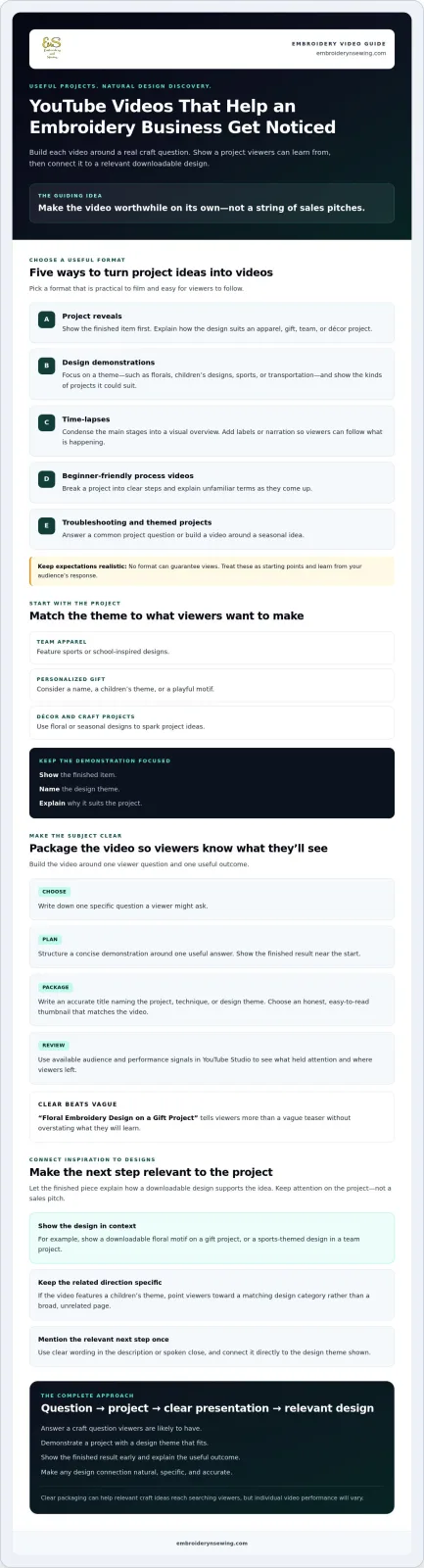
Choose formats that are practical to film and easy to follow:
-
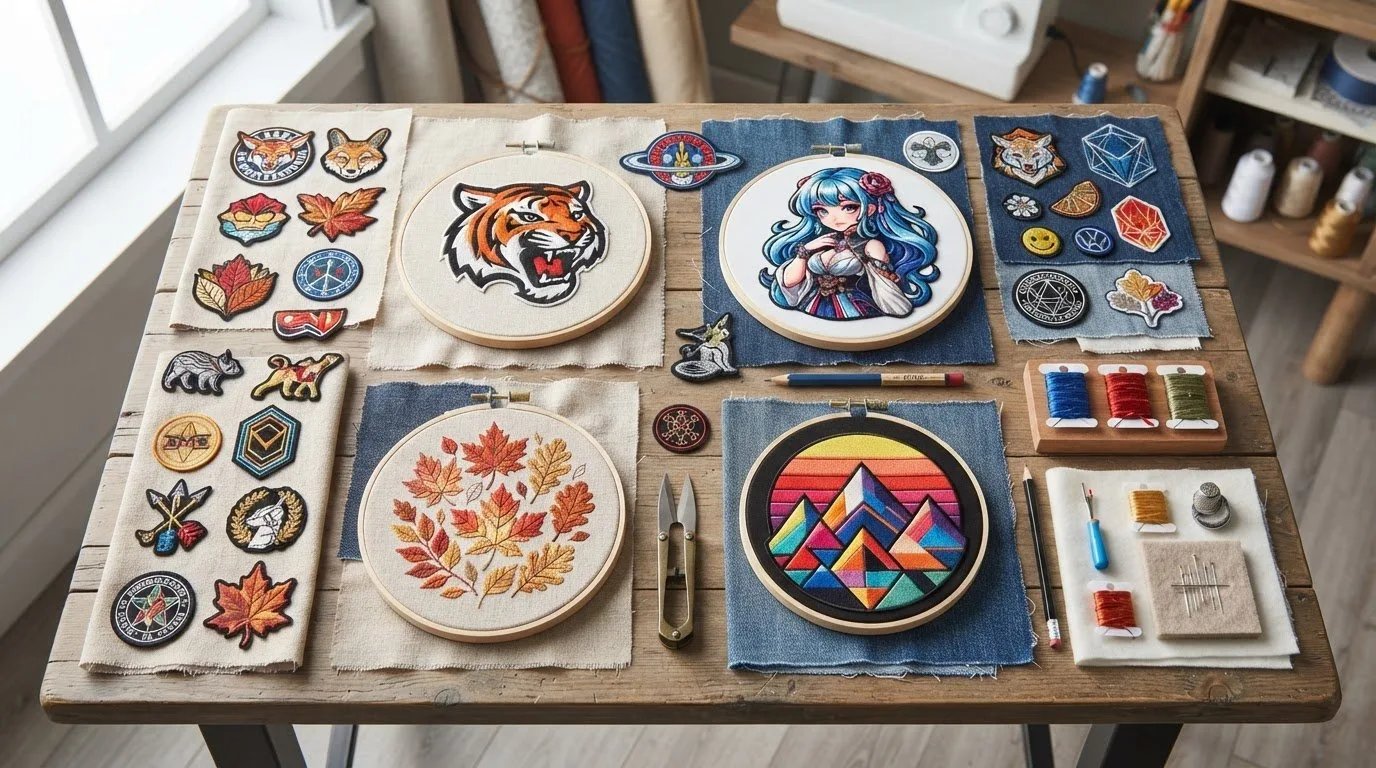
Project reveals: Show the finished item first, then explain how the design suits an apparel, gift, team, or décor project.
-
Design demonstrations: Focus on a theme, such as florals, children’s designs, sports, or transportation. Explain what kinds of projects the motif could suit.
-
Time-lapses: Condense the main stages into a visual overview. Add labels or narration so viewers can follow what is happening.
-
Beginner-friendly process videos: Break a project into clear steps and explain unfamiliar terms as they come up.
-
Troubleshooting and themed projects: Address a common project question or build a video around a seasonal idea. No format can guarantee views, so use these as starting points and learn from your audience’s response.
Match video ideas to the projects your audience wants to make
Start with the item or occasion viewers have in mind, then choose a design theme that fits. For team apparel, feature sports or school-inspired designs. For a personalized gift, consider a name, a children’s theme, or a playful motif. Floral or seasonal designs can give viewers ideas for décor and craft projects.
Keep the demonstration focused: show the finished item, name the design theme, and explain why it suits the project. For more background on choosing digital patterns, point viewers to embroidery design articles, including “Embroidery Designs: The Ultimate Guide to Digital Patterns.” This gives interested crafters a relevant next step without interrupting the video with repeated pitches.
These concepts are a practical starting point for creators looking for You Tube videos that get views and promote embroidery business: answer a project question, demonstrate a relevant design, and make the promotional connection natural.
How to package embroidery videos so the right viewers can find and watch
A useful project also needs a clear presentation. Build each video around one viewer question, such as how a design theme could work on a particular item. Plan a concise demonstration, show the finished result near the start, and keep the rest focused on one practical outcome. This structure helps viewers quickly understand what they will get from watching.
Make the subject clear before viewers press play
Write an accurate title that names the project, technique, or design theme. “Floral Embroidery Design on a Gift Project” tells viewers more than a vague teaser without overstating what they will learn. Choose a thumbnail that is easy to read at a glance and shows the project featured in the video. Atlassian’s affordable video marketing ideas also emphasize practical ways to make product-focused content useful to an audience.
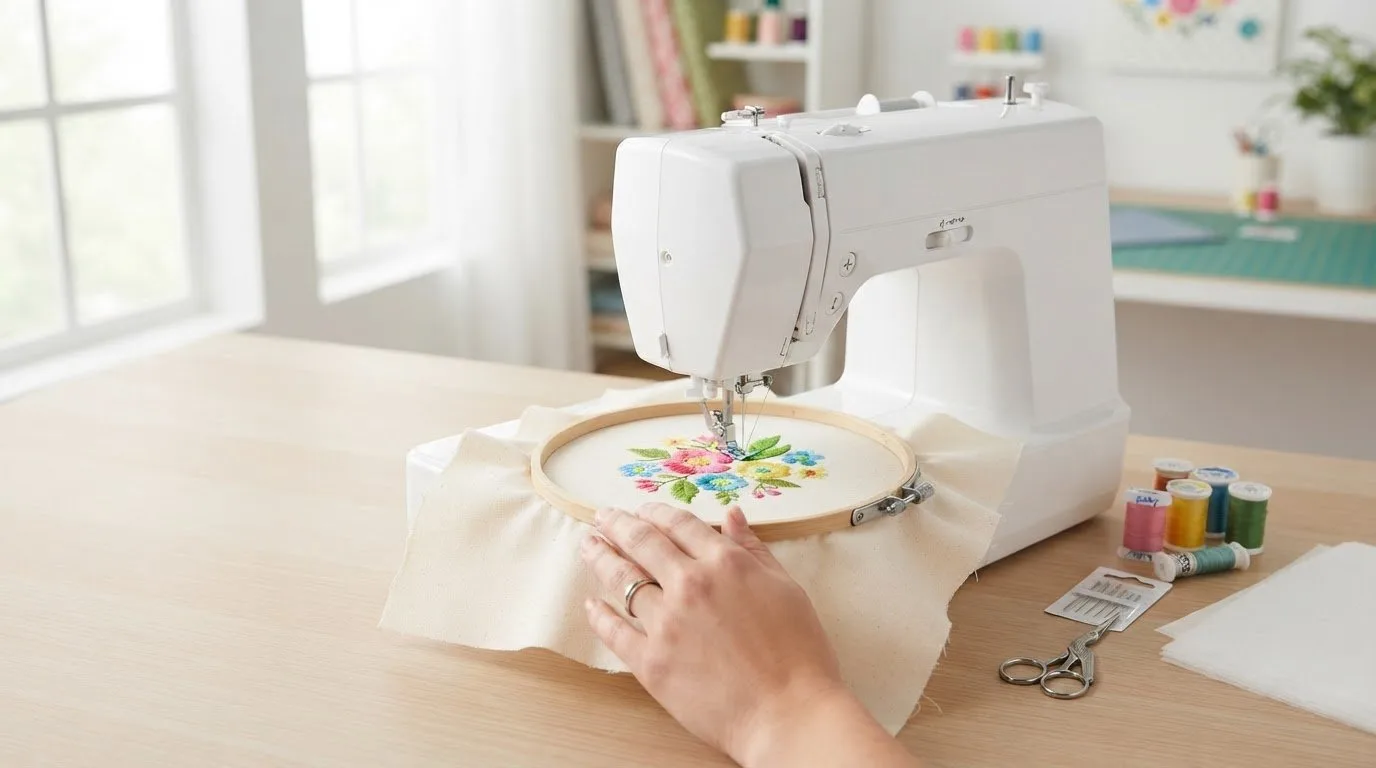
For a project featuring a digital file, explain what viewers are seeing and how the downloadable machine embroidery design relates to the finished piece. Viewers who need the basics can explore beginner’s guidance on machine embroidery designs before choosing a theme. Naming the design category also helps them connect the demonstration with ideas for their own projects.
-
Choose: Write down one specific question a viewer might ask.
-
Plan: Structure the demonstration around one useful answer.
-
Package: Create a descriptive title and an honest thumbnail that matches the video.
-
Review: Check available audience and performance signals in YouTube Studio to see what held attention and where viewers left.
Use performance signals as guidance, not as a promise of future views. For ideas on themes to feature, browse the digital embroidery design categories. Clear packaging can help You Tube videos that get views and promote embroidery business reach people searching for relevant craft ideas, though individual video performance will vary.
![You Tube videos that get views and promote embroidery business]
Turn embroidery video views into interest in digital designs
A finished project gives viewers a clear reason to care about a design. Show a downloadable floral motif on a gift project or a sports-themed design in a team project. Then explain that viewers can browse related digital designs if they want to explore the idea. Keep the focus on the project and how the file supports it, rather than turning the tutorial into a sales pitch.
Build a useful path from project inspiration to the shop
Make the next step specific to the video. If you demonstrate a children’s theme, direct viewers to a matching design category rather than a broad, unrelated page. Use clear wording in the description or spoken close, such as “Browse children’s embroidery designs,” and mention the link once. This keeps the tutorial useful while giving interested viewers a simple way to continue exploring.
Views and shopping interest are not the same thing. A video may attract viewers, while a relevant category link gives them a practical way to explore designs for their own projects. Review whether people follow that path, then use what you learn to align future topics and destinations more closely.
For viewers comparing where to find designs, the article Embroidery Shops: The Ultimate Guide to Finding Your Perfect Match can provide another resource. Keep the video’s primary next step focused, though: browse embroidery design categories that match the project shown. That connection is central to You Tube videos that get views and promote embroidery business: useful content first, relevant choices next.
For more content-planning guidance and project inspiration, explore embroidery articles and design inspiration.
Turn your next video idea into a project path
Strong embroidery content starts with a useful idea and a clear focus. Choose a project viewers care about, show how the design fits, and make the next step relevant to the theme they have just seen. These choices help your videos serve crafters while introducing digital designs without crowding the tutorial with pitches.
The best You Tube videos that get views and promote embroidery business connect inspiration with an easy way to explore. A broad, searchable range of digital embroidery themes can help viewers find options for their projects, while instant-download files let them move from browsing to personalization.
Browse embroidery design categories to find themes that could inspire your next demonstration or help viewers continue their own projects. Choose one appealing idea, then build the video around it. Your next project may give a crafter the inspiration they were looking for.