A striking embroidery photo can catch the eye, but repeating the same post across groups may put people off. Promoting your embroidery designs on Facebook works better when each post clearly shows the finished stitching, respects customer privacy, and suits the group where you share it.
It’s natural to want more people to see your work while protecting customer trust. Ask permission before sharing customer projects, choose photos that show designs clearly, and avoid posting identical content across multiple groups. Professional captions and useful, audience-specific posts help make promotion feel relevant rather than repetitive. If you also share on other platforms, our guide to Facebook and Instagram marketing for embroidery businesses shows how to plan both together.
Key Takeaways
- Browse by theme to find embroidery designs that fit your project and spark ideas for what to make next.
- Explore the collection to compare designs and choose the style that suits your project.
- Choose a digital embroidery design, then use it to bring your next project to life.
- Keep your project plans organized so you can find the designs you want and get started with confidence.
1. Finding embroidery designs for your project
Start with the theme you want to stitch, then browse the catalog for designs that fit your project. If you’re choosing a design for a child’s item, look for options that suit the style and placement you have in mind. Check the design details before you download so you know what you’re selecting.
Copyright still matters when using embroidery designs. Choose designs you created or have permission to use; finding artwork in a group doesn’t give you the right to reuse it. Make sure each design’s permitted use fits your project.
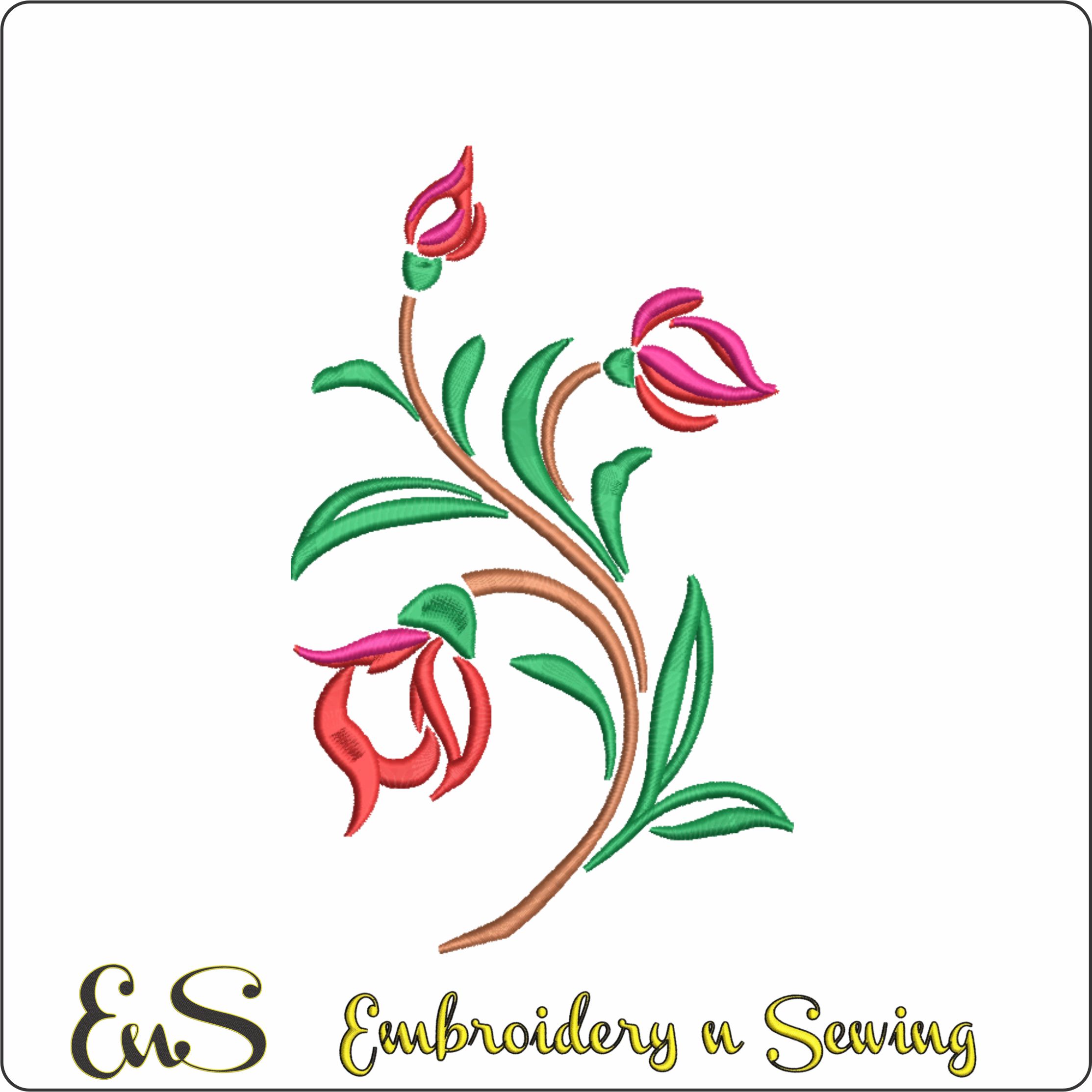
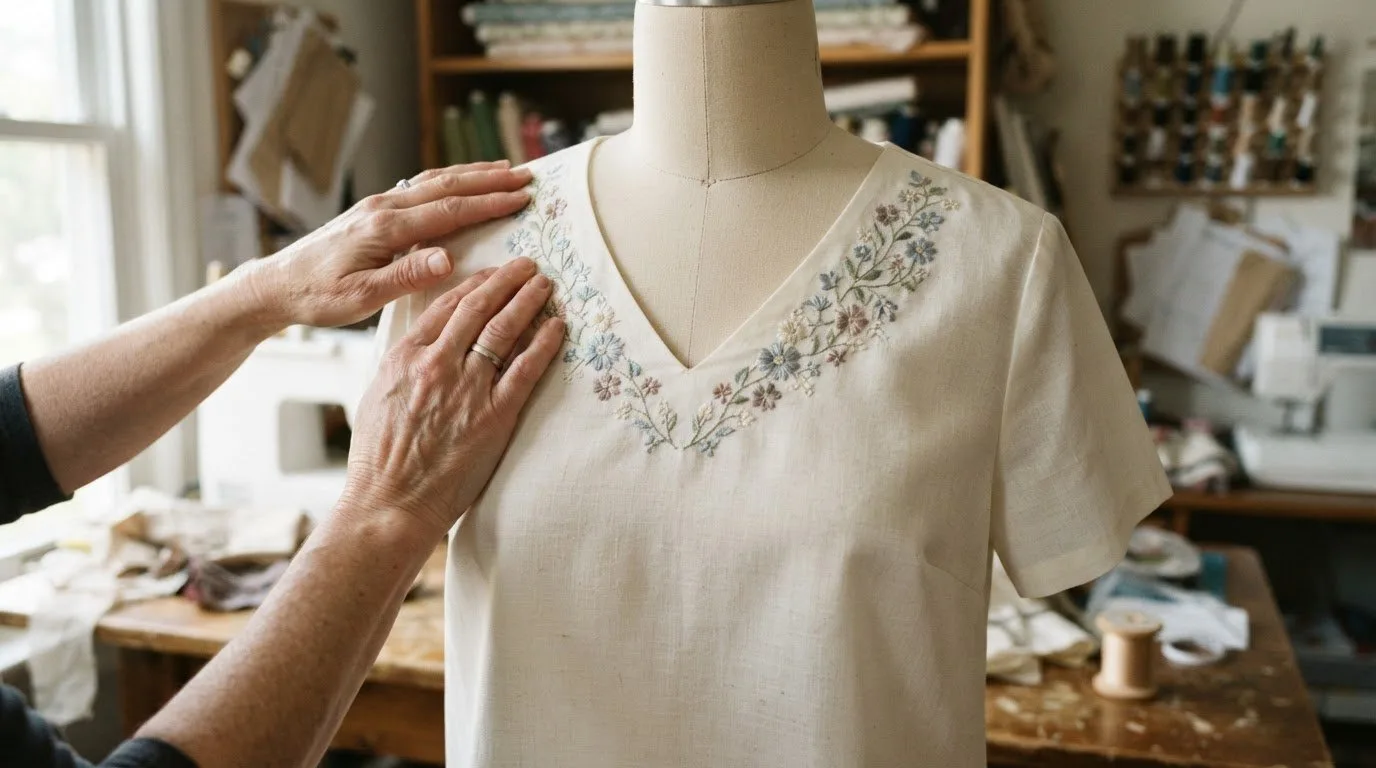
Look for a clear preview that shows the design’s details and finished placement. A stitched sample can help you picture the design on a real item. Browse by theme, such as floral embroidery, to find options that match your project and spark ideas for what to make next. A delicate design like Line Art Flowers photographs beautifully on plain fabric, and our essential guide to floral machine patterns has more ideas.
For a specific project interest, such as machine embroidery, explore designs that match the theme and item you want to stitch. Browse related options to compare styles and find a design that fits. Keep your search focused on the project instead of choosing an unrelated design.
Choose designs that suit your project and preferences. Check the design details, compare options, and follow the download instructions to get started. Whether you’re looking for a particular theme or exploring ideas, a broad catalog makes it easy to find a design for your next project.
Clear previews and stitched samples can help you choose designs for your projects. Browse by theme and check each design’s details to find options that fit what you want to make.
From specific themes to fresh project ideas, a wide selection makes it easy to find embroidery designs that inspire your next stitch.
2. Avoiding repetitive posting across groups
Posting the same embroidery design daily in 20 Facebook groups can irritate potential customers. Repeated posts may make promotion feel like spam instead of useful inspiration. Promoting your embroidery designs on Facebook works better when each group receives content tailored to its members, rather than identical copy.
Rules for selling handmade items and digital embroidery designs on Facebook depend on the platform’s current policies and each group’s own guidelines. Read a group’s promotion rules before posting, and follow Facebook’s applicable commerce policies. Group approval doesn’t replace platform requirements, and platform permission doesn’t mean a group allows sales posts.
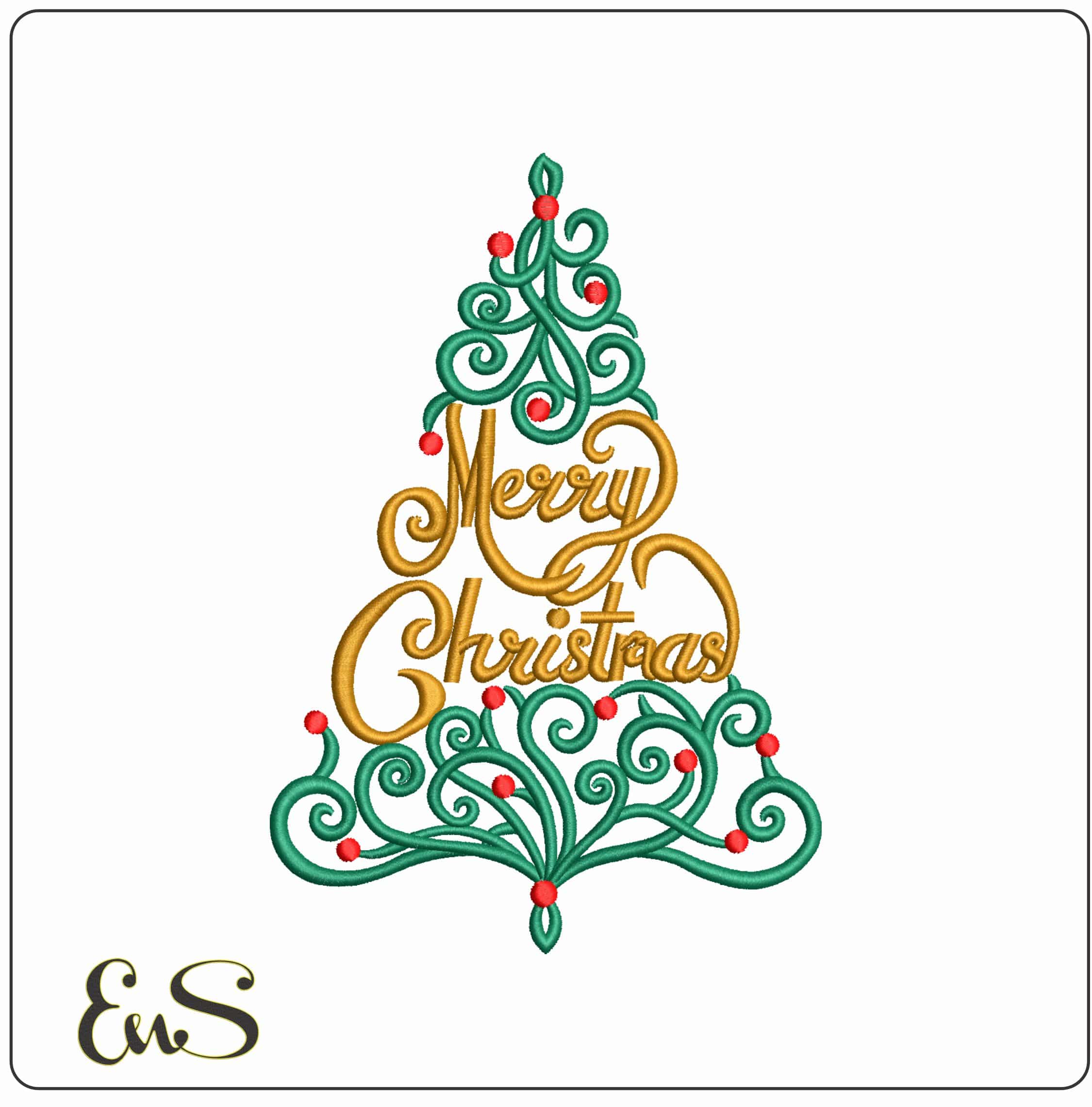
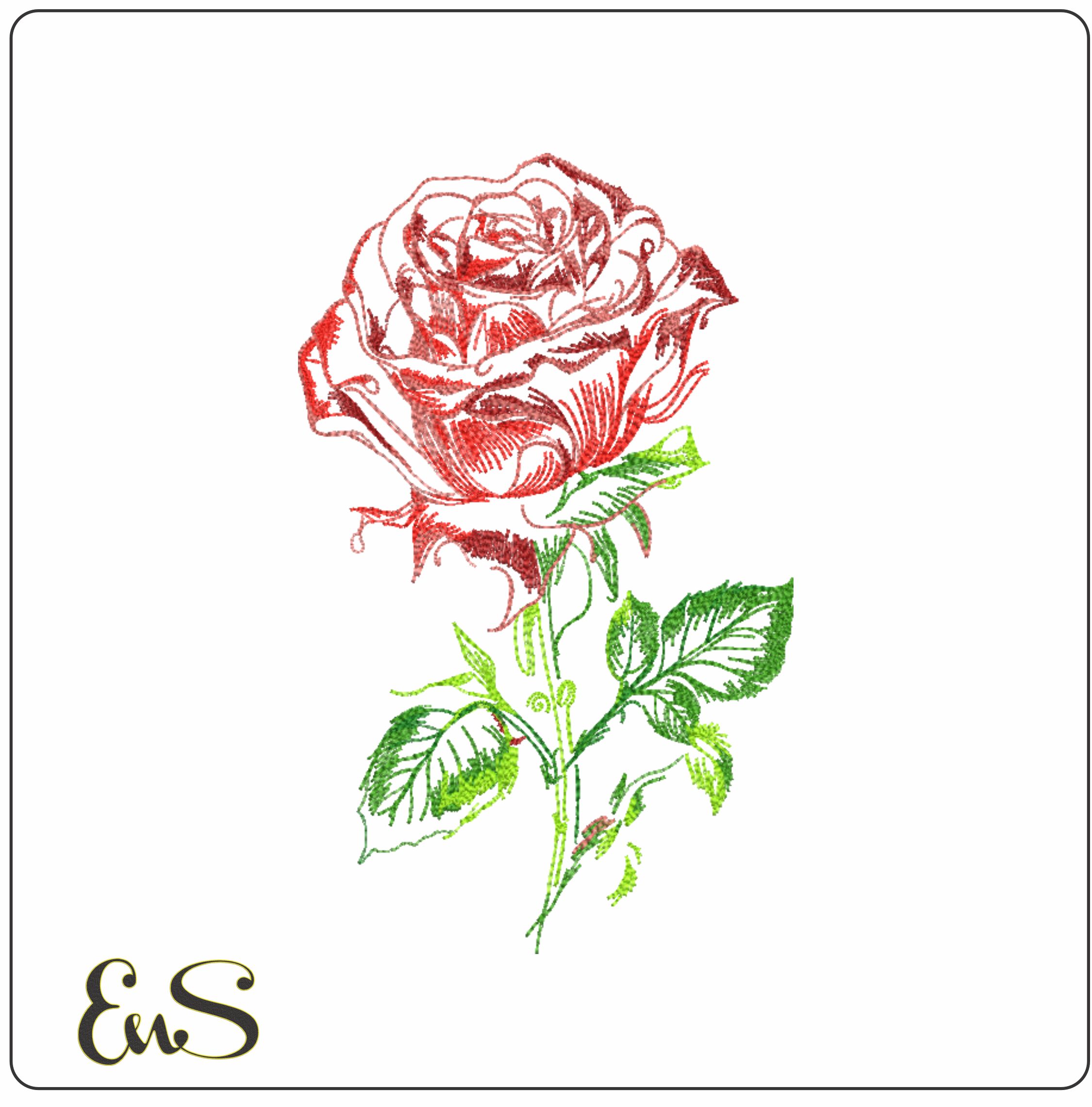
Rotate your content between different designs, project ideas, and finished examples. One post might highlight floral stitching, such as a Single Red Rose on a tea towel; another could show a sports-themed project. Seasonal posts work well too, for example a Merry Christmas in Xmas Tree design stitched as a holiday gift. Tailor each caption to the group’s interests and explain why the design may appeal to its members. Track what you post and where, so each contribution offers something new.
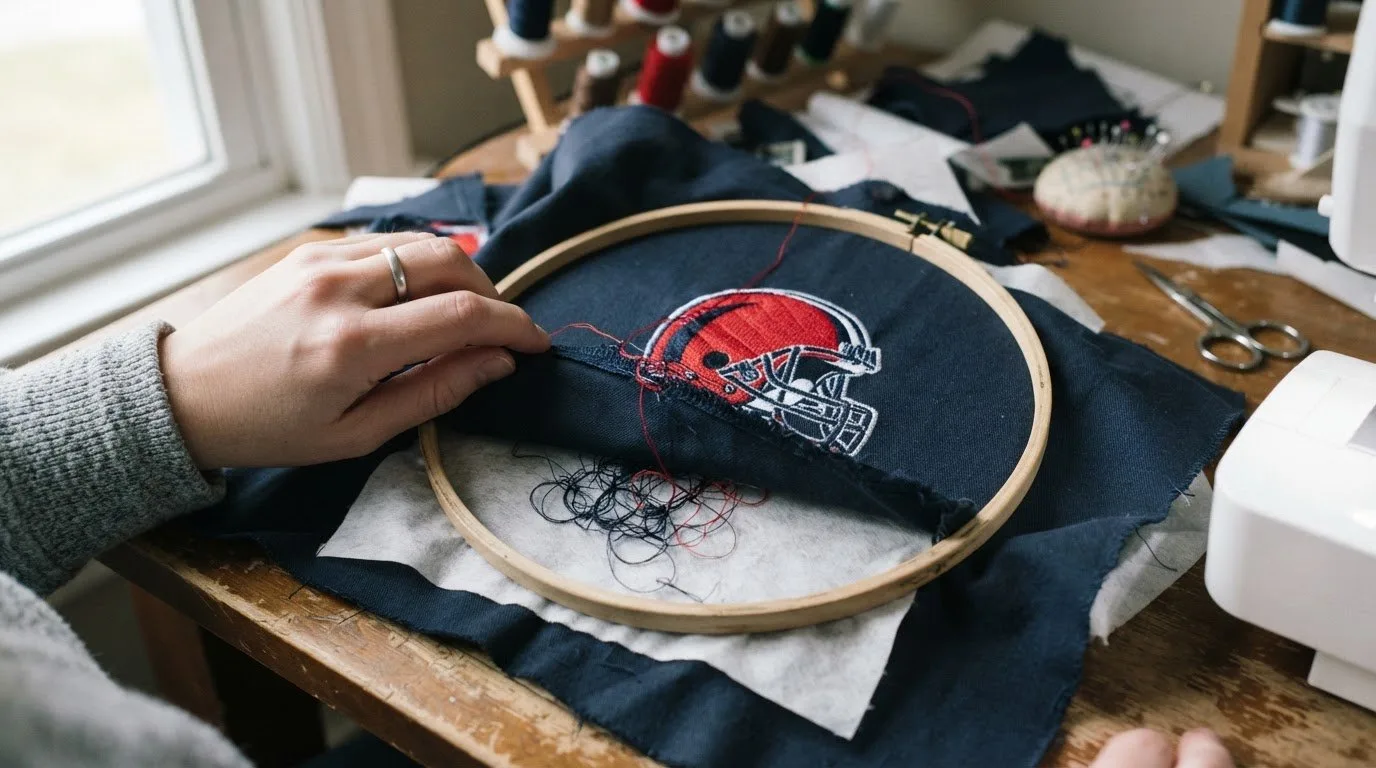
Before sharing, consider whether your post speaks to that group’s interests. A machine-embroidery group may value a close-up of the stitches, while a college-themed group may respond to a relevant school design. If you share the same design in several groups, adapt the angle and caption instead of copying the post. Space out related promotions, join useful conversations between posts, and stop posting in groups whose rules or audience don’t fit your work. Relevant posts give members a reason to engage.
3. Finding embroidery designs for your projects
Start with the theme you want to stitch, then browse the collection for designs that suit your project. A clear preview can help you assess the design’s details and placement before choosing a download. Consider the finished item and the look you want, so you can find a design that fits your plans.
Explore different themes and design styles to find inspiration for your next project. Compare the available options, paying attention to stitch details and how each design might work on your chosen item. Whether you have a specific idea or are looking for a fresh starting point, our best sellers and nature embroidery designs offer designs to help you get started.
Before choosing a design, check its description and preview so you know what you’re selecting. Consider how the theme, details, and placement will suit your embroidery project. A clear match between the design and your plans makes it easier to move from browsing to stitching.
When selecting a downloadable design, confirm that the listing is for a digital file rather than finished embroidery. Review the available information and choose an option that fits your project. Once you’ve found the right theme and design, download it and get ready to stitch.
Use the collection to compare designs and discover ideas for future projects. Whether you’re searching for a particular theme or browsing for inspiration, take time to find an option that suits your plans. Explore embroidery design options and choose a download for your next project.
Embroidery n Sewing
Embroidery n Sewing offers a wide selection of downloadable machine embroidery designs for creative projects you can feature in social posts. Browse themes from college-inspired stitching to other creative interests to find a design that fits your Facebook content.
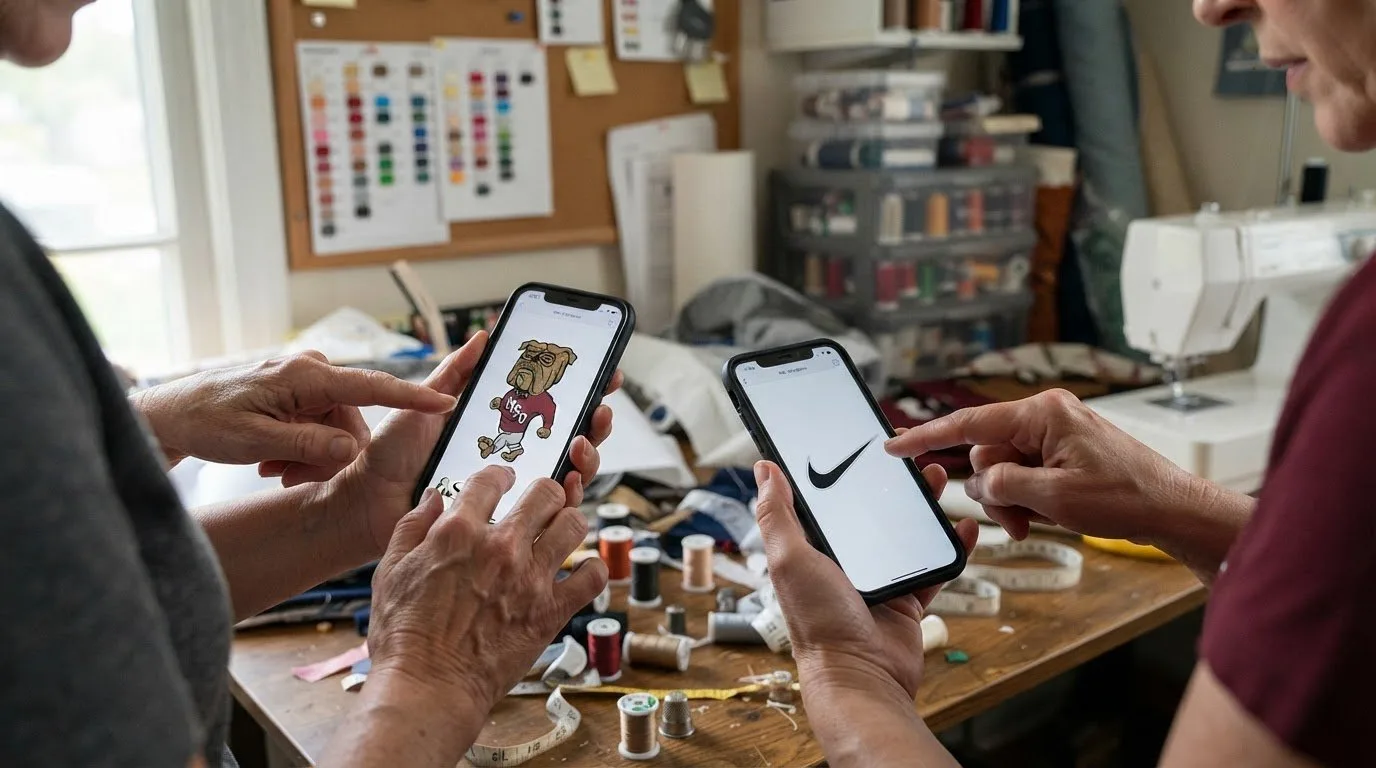
Start with a project idea: choose a theme, download a design, stitch it onto an item, then share a finished example with a caption explaining the concept. Machine embroidery designs, college embroidery designs, and Nike embroidery designs offer distinct sources of inspiration. Match the design to your intended audience, and keep the photo and wording focused on the project. Short stitch-out clips also work well on Facebook; see our YouTube video ideas to grow your embroidery business and TikTok tips for embroidery businesses for content you can reuse.
Ready to find a design for your next project? Browse the Embroidery n Sewing collection.
Give Your Next Project a Clear Direction
Start with a theme you want to stitch, then browse the catalog for a design that fits. Use it to choose your fabric and thread, and you’ll have a clear starting point for your next project. A consistent visual style can help your work feel cohesive while leaving room to explore new ideas.
Promoting your embroidery designs on Facebook can become part of a broader creative routine when every post reflects a project you care about. Before planning an update, decide what you want viewers to notice, then choose a design that supports that idea. This keeps your content connected to your craft while making room for fresh themes.
Browse Embroidery n Sewing to find a design for your next project and start stitching.
Frequently Asked Questions
How can I find embroidery designs for my project?
Start with the theme or subject you have in mind, then browse the collection for matching embroidery designs. Check design previews and descriptions to compare options, and consider the project’s intended use and the look you want. This makes it easier to choose a design that fits your idea.
How do I select and download an embroidery design?
Review the design details before choosing, including the format and machine compatibility information provided on the design page. When you’ve found the right option, add it to your order and follow the download instructions. Keep the downloaded file accessible so you can locate it when you’re ready to stitch.
How do I use a downloaded embroidery design?
Check the file details and your machine’s instructions before transferring the design. Choose a project that suits the design, prepare your materials, and follow your machine’s steps to load and stitch it.