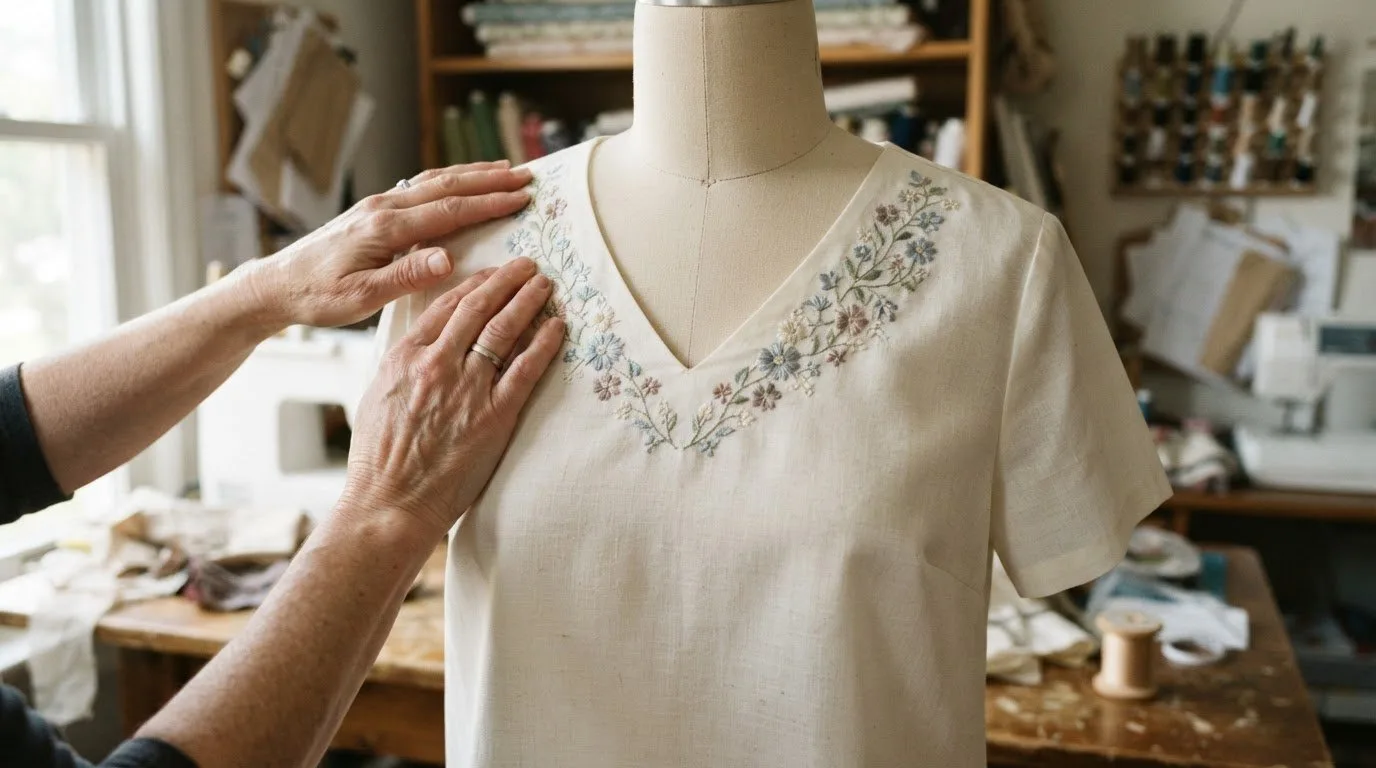
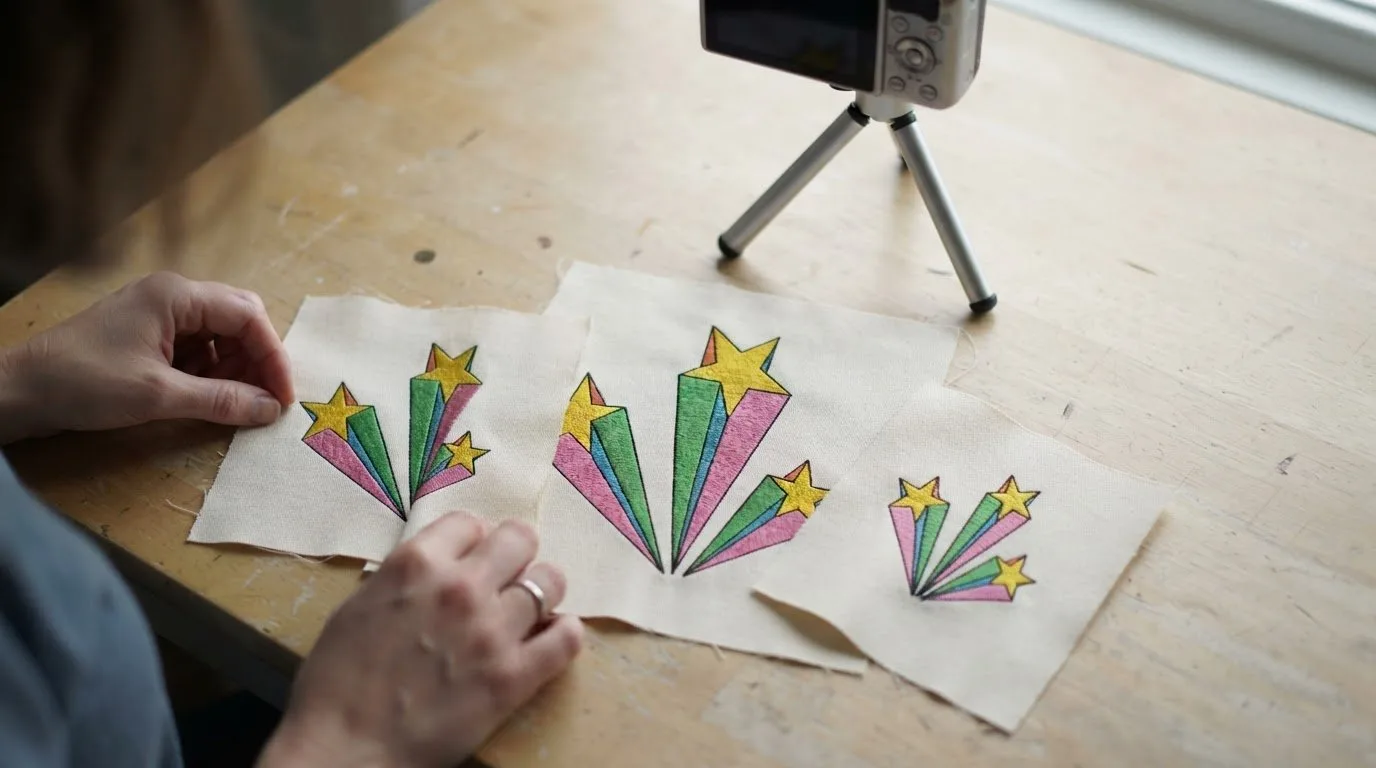
A beautiful embroidery design can catch the eye, but useful, inspiring Pins give people a reason to save it and explore further. Promoting your embroidery designs on Pinterest works best when each image connects a clear design idea with practical project inspiration.
If you’re deciding what to post, you need more than attractive pictures: the right niche and useful descriptions can help your Pins reach crafters looking for ideas and bring interested visitors to your site or blog. This guide explains which embroidery content to share, how to choose a niche with commercial potential, and how to organize Pins to support discovery. You’ll also learn how Shoppable Pins can connect product inspiration with a shopping path, so you can build a Pinterest presence that is both creative and purposeful. If you're new to the platform, our step-by-step guide on how to pin and link embroidery designs on Pinterest covers the basics first.
Key Takeaways
- Choose a focused embroidery niche and browse visual themes with clear project appeal; Americana-inspired styling is a notable 2026 trend.
- Explore design images and descriptions to find digital embroidery patterns that fit your project theme and creative plans.
- Compare up to 20 design ideas as you browse the collection, then select digital patterns that suit your project.
- Explore digital designs by theme, from college and sports styles to machine embroidery patterns, to find inspiration suited to your next project.
1. Choosing embroidery designs by theme
Start with a recognizable theme and the project you have in mind. Narrow broad embroidery topics to floral motifs, varsity looks, or pet portraits. Pinterest’s 2026 trend forecast highlights Americana-inspired styling, including sailor stripes, varsity influences, and sun-faded heritage looks. Use that trend as inspiration, then browse related motifs and styles, such as our USA embroidery designs, to find designs that fit your project. Our overview of popular embroidery designs in the US for 2026 is a good place to spot themes worth pinning.
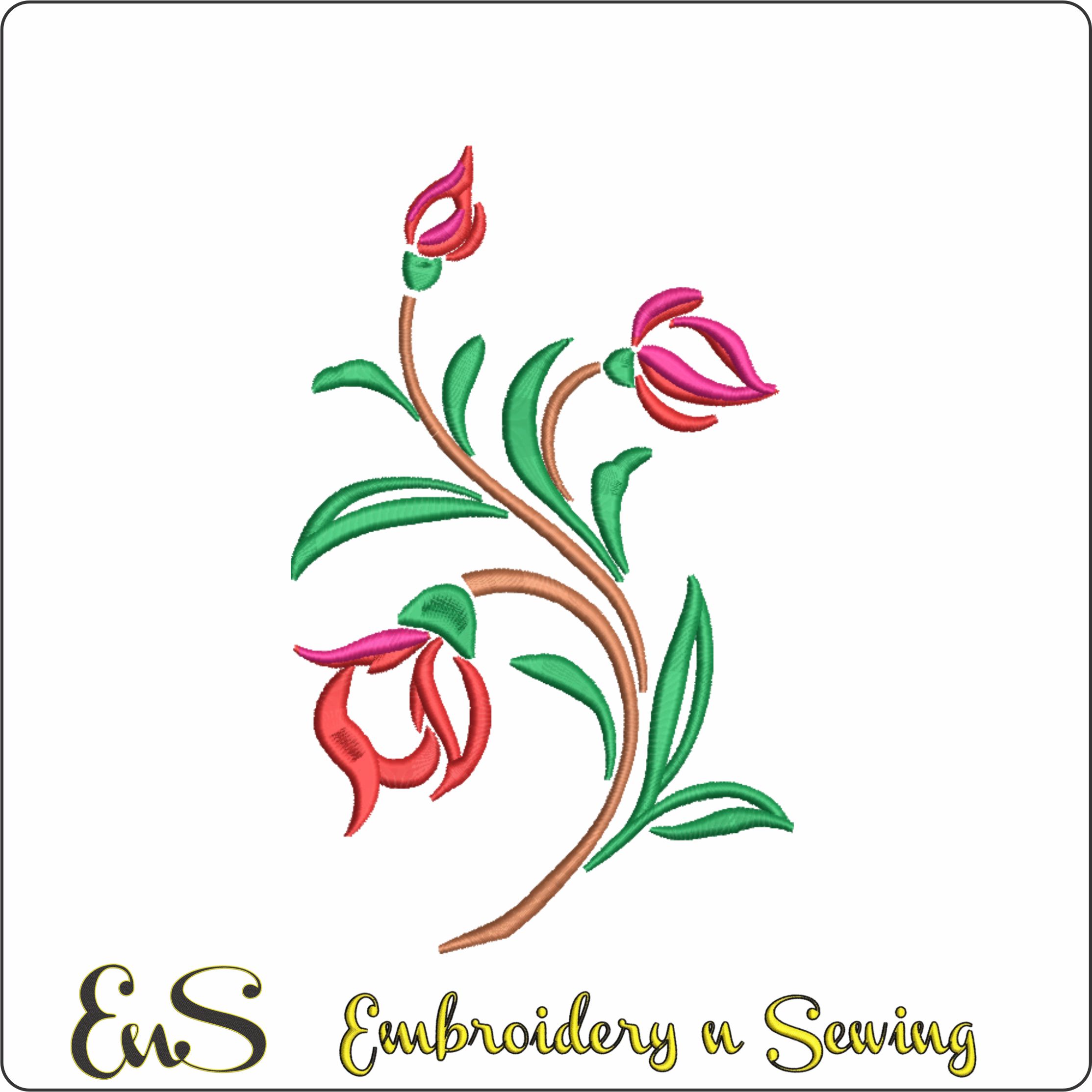
For floral embroidery, compare designs by motif, scale, and level of detail to find a style that suits your project. Browse the flower embroidery designs collection by theme, then check each design’s details before choosing. This makes it easier to find a design that matches the look you want. For more on choosing blooms, see flower embroidery designs: the essential guide to floral machine patterns.
Explore specific themes such as floral embroidery or varsity designs to browse related options in one place. If you’re choosing for a particular project, start with its subject and style, then compare designs within that theme. This helps you find a fitting option without sorting through unrelated ideas.
Use descriptive theme names to narrow your search, such as “floral machine embroidery design” or “varsity embroidery.” Look for details that distinguish similar designs, including the motif and overall style. A clean motif like the Line Art Flowers embroidery design photographs well in close-up Pins. Choose the option that best matches your project and the look you have in mind.
Once you’ve chosen a theme, compare a range of designs within it. Explore close-up details, finished project ideas, and seasonal color variations to find inspiration and decide which design suits your next project.
Check copyright and licensing details before choosing any design featuring a logo or character artwork. Look for original work or imagery you’re authorized to use, and don’t assume a brand or creator endorses a design without permission.
2. Finding embroidery designs and project inspiration
Find embroidery designs on Pinterest by searching for a specific theme or project. Try phrases such as “floral embroidery pattern” or “varsity jacket embroidery” to discover relevant options. Save Pins to focused boards, such as machine embroidery ideas, to keep designs organized and easy to revisit.
Explore Pins by theme, design style, or project type to find options that fit your plans. Compare the details and save your favorites so you can choose the right design for your next project. Browse related Pins for more ideas and inspiration.
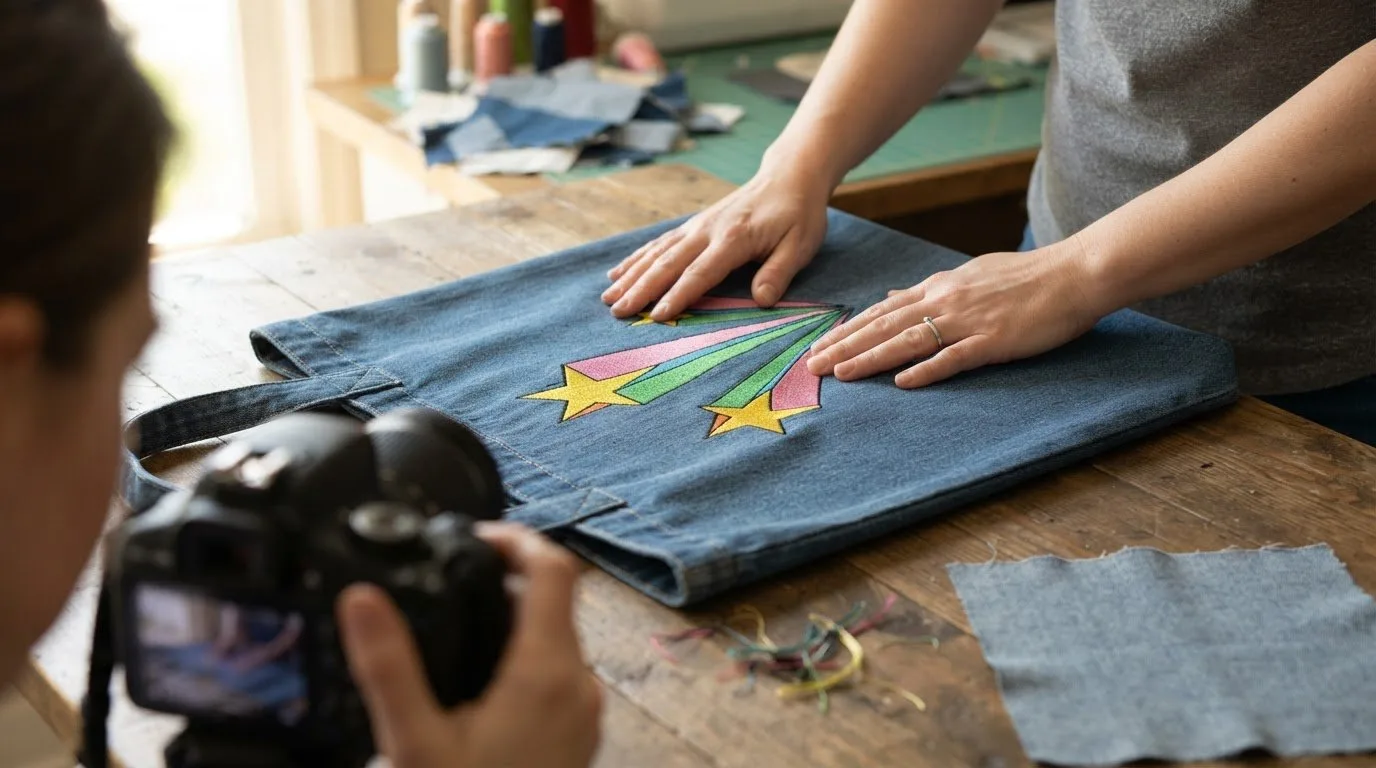
Choose Pins that link to the featured design or a relevant project guide. For example, a Pin about floral stitching should lead to that design or a guide for using it, while a Pin about tote bag embroidery should help you find designs and project ideas for a tote. A clear match makes it easier to find what you need.
As you explore embroidery designs on Pinterest, follow related themes to discover more options. If a close-up inspires you, look for the linked design and project details. If a tutorial gives you an idea, browse related content for the next step. Save useful Pins by topic and board so you can return to your favorites and get started. Pinterest also works well alongside other channels; see our tips on Facebook and Instagram marketing for embroidery businesses.
3. Shoppable Pins
Shoppable Pins connect an embroidery design’s visual appeal with a product discovery path. Pinterest allows users to tag up to 20 products directly inside a Pin image. For a Pin showing several stitched motifs, product tags can help viewers identify the designs that match each detail.
When promoting your embroidery designs on Pinterest with Shoppable Pins, keep the image focused and place each tag beside the relevant design. If a Pin features floral and varsity motifs, make each item easy to distinguish. Match product names and descriptions to the linked items so viewers know what they’re seeing before they click.
Follow Pinterest’s rules for selling and promoting embroidery designs, both in the Pin and on its destination page. Present products accurately, use images you’re authorized to share, and ensure the linked page describes the item shown. Avoid misleading claims or visuals that suggest a product includes something it doesn’t.
Before publishing, check that each product tag opens the intended page and works on mobile. Make sure the Pin’s wording, image, and destination all describe the same design. For example, a Pin showing a stitched flower should link to that flower design, not an unrelated category.
Promoting your embroidery designs on Pinterest is easier to evaluate when you review engagement and outbound clicks. Compare which tagged designs attract attention, then refine image composition and product placement in future Pins. An effective Shoppable Pin keeps the design recognizable and makes the shopping step clear.
Embroidery n Sewing
After planning Pins around a clear theme, choose digital designs that fit the project you want to create. Embroidery n Sewing offers Digital Embroidery Designs and Machine embroidery designs, giving machine embroiderers design options for personal projects. Browse by the idea you have in mind, such as a school-inspired piece or a sports-themed creation, and use that theme to guide your Pinterest content.
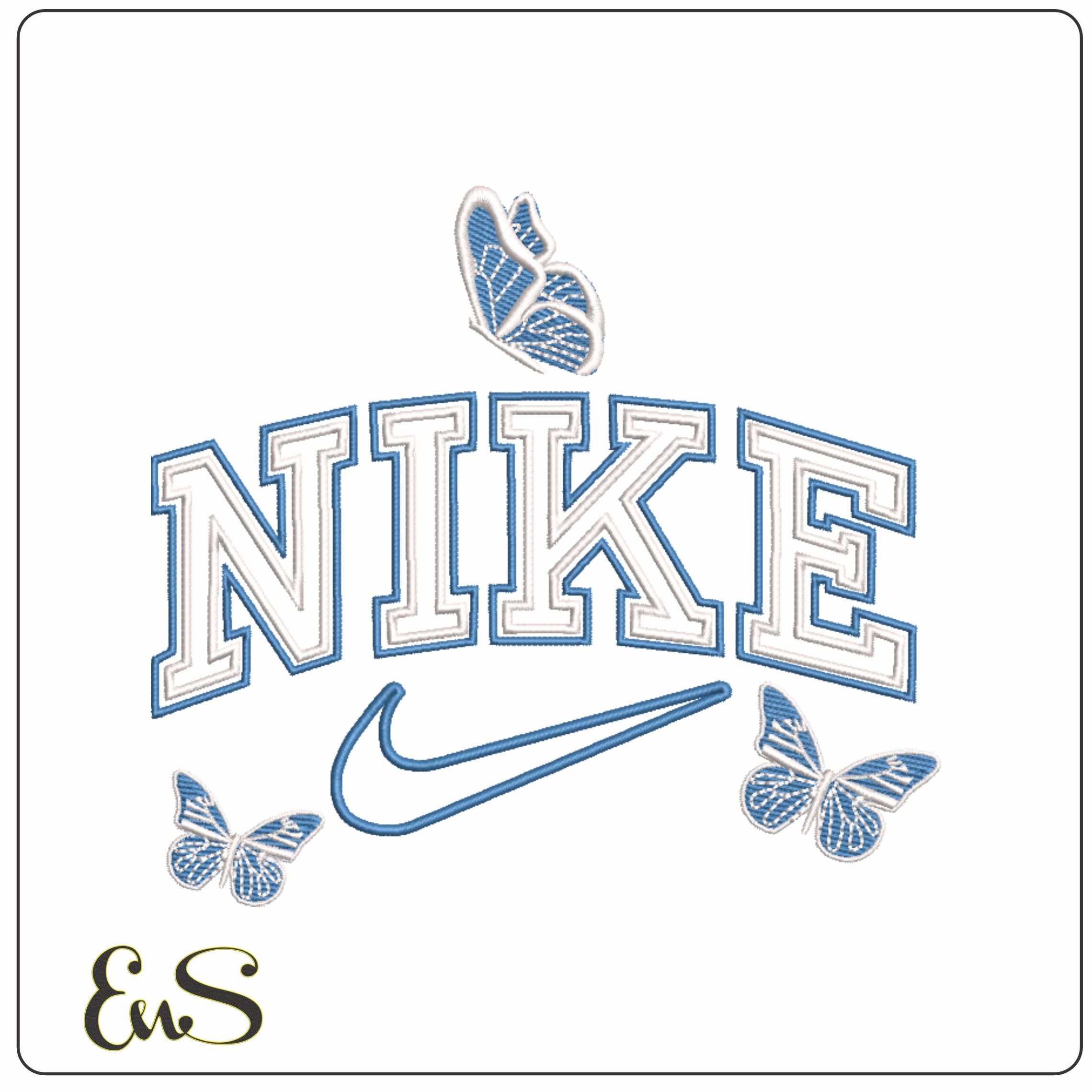
For campus colors and school spirit, browse college embroidery designs, and read where to find college sport logos for embroidery projects. For a sportswear-inspired look, Nike embroidery designs such as the Nike Swoosh Butterflies design in a frame may fit your theme. Focused categories help you connect a particular design interest with Pins for the right audience, rather than promoting a broad, unrelated mix.
Browse the catalog when you have a project concept but need a fitting digital design, or when a Pinterest theme suggests a particular style. A college-themed Pin, for example, can lead to college designs; a machine embroidery project can begin with designs intended for machine embroidery. Keep the design theme aligned with the Pin description.
Embroidery n Sewing offers digital designs for themed projects. Explore the available categories for ideas, whether you’re planning a school-spirit project or a recognizable sportswear-inspired look. Then build your Pins around the design direction you’ve chosen.
For help finding a design theme for your project, contact Embroidery n Sewing.
Frequently Asked Questions
How do I choose an embroidery design theme?
Start with the project you have in mind, such as a baby gift, denim jacket, or tote. Browse themes that match the recipient, occasion, or item, then compare motifs and styles to find a design that fits your idea. Seasonal themes and gift inspiration can also help you choose what to stitch next.
How do I find digital embroidery designs for my project?
Look for a clear theme, such as embroidery for baby gifts or designs for denim jackets. Check the design details to see whether the motif suits your project, and browse related designs to find matching inspiration. Choose a design that fits the fabric and finished item you have in mind.
How can I use digital embroidery designs in projects?
Use a design to add stitched details to a garment, gift, or other fabric project. Consider how the motif will look on the fabric, and choose thread colors that stand out. You can plan the placement before stitching and use close-up details to guide your finished look.
How can I find fresh embroidery project ideas?
Browse different themes for ideas you can use in your next project, and explore related designs for more inspiration. Try a new motif or project type rather than choosing several nearly identical designs at once.