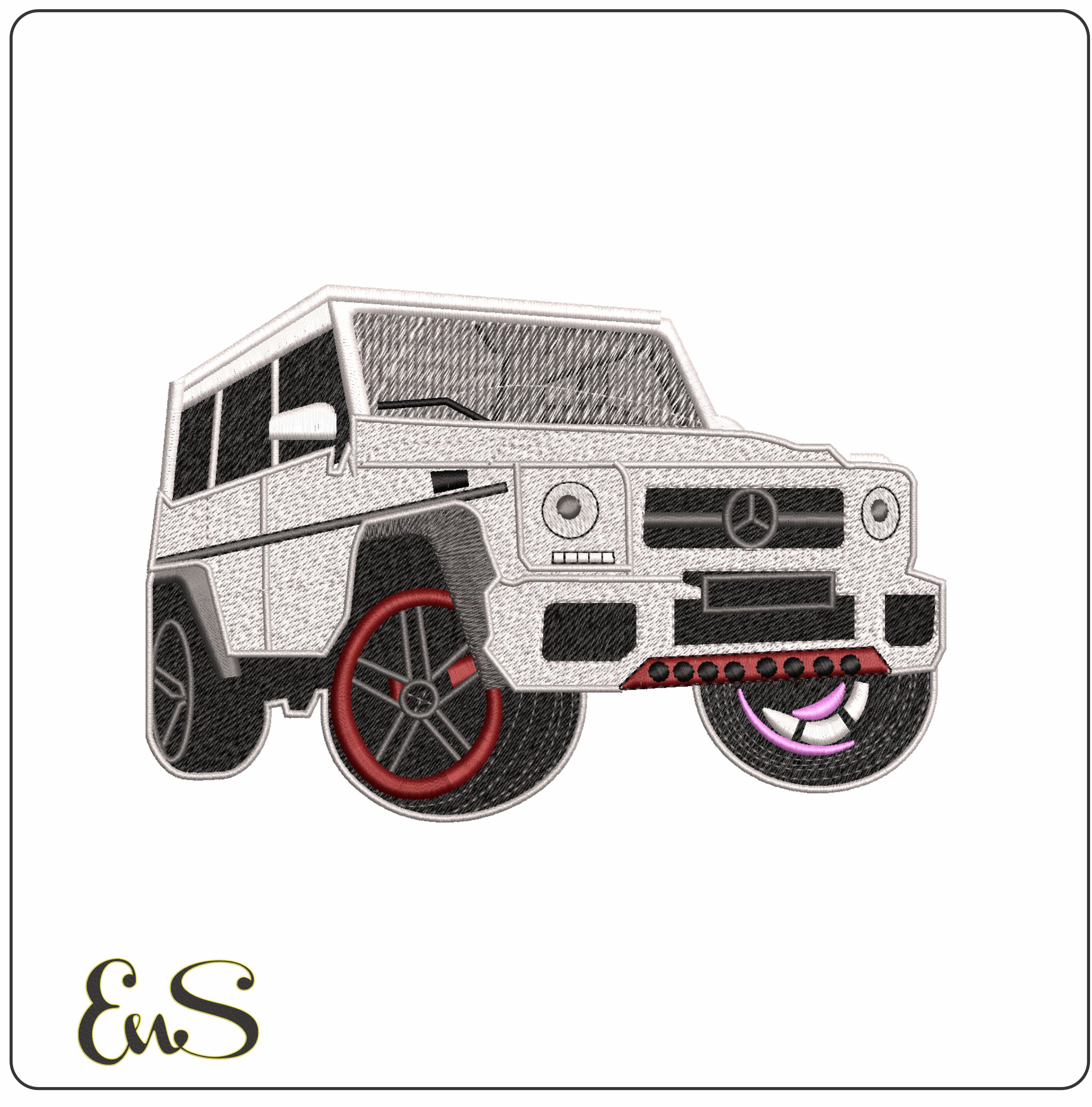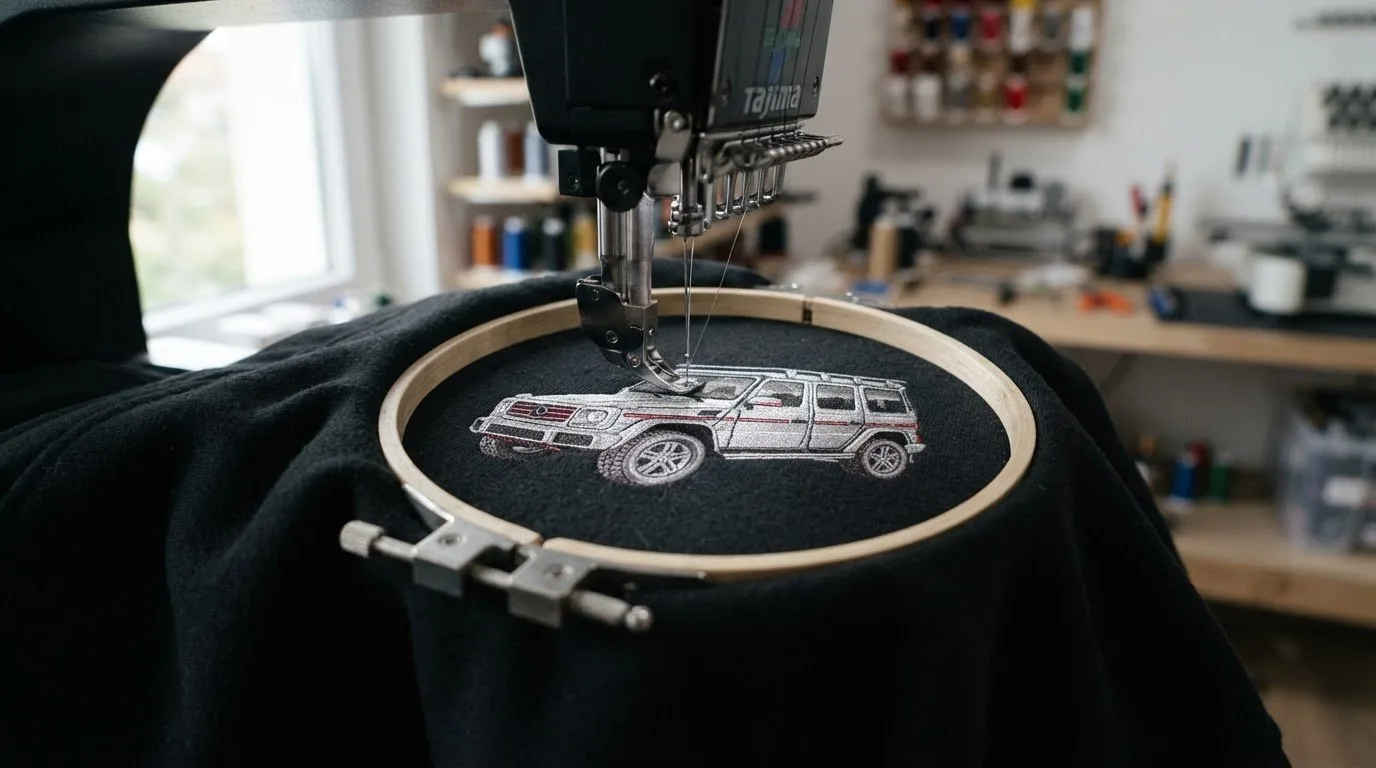
Brabus Embroidery Design: Find the Right File for Your Project
The Brabus embroidery design you choose should suit your machine, hoop, and project, not just look appealing on screen. Start by checking file compatibility and design dimensions, then consider the artwork and where you want to stitch it. These practical checks can help you narrow your options and choose a file that fits your plan.
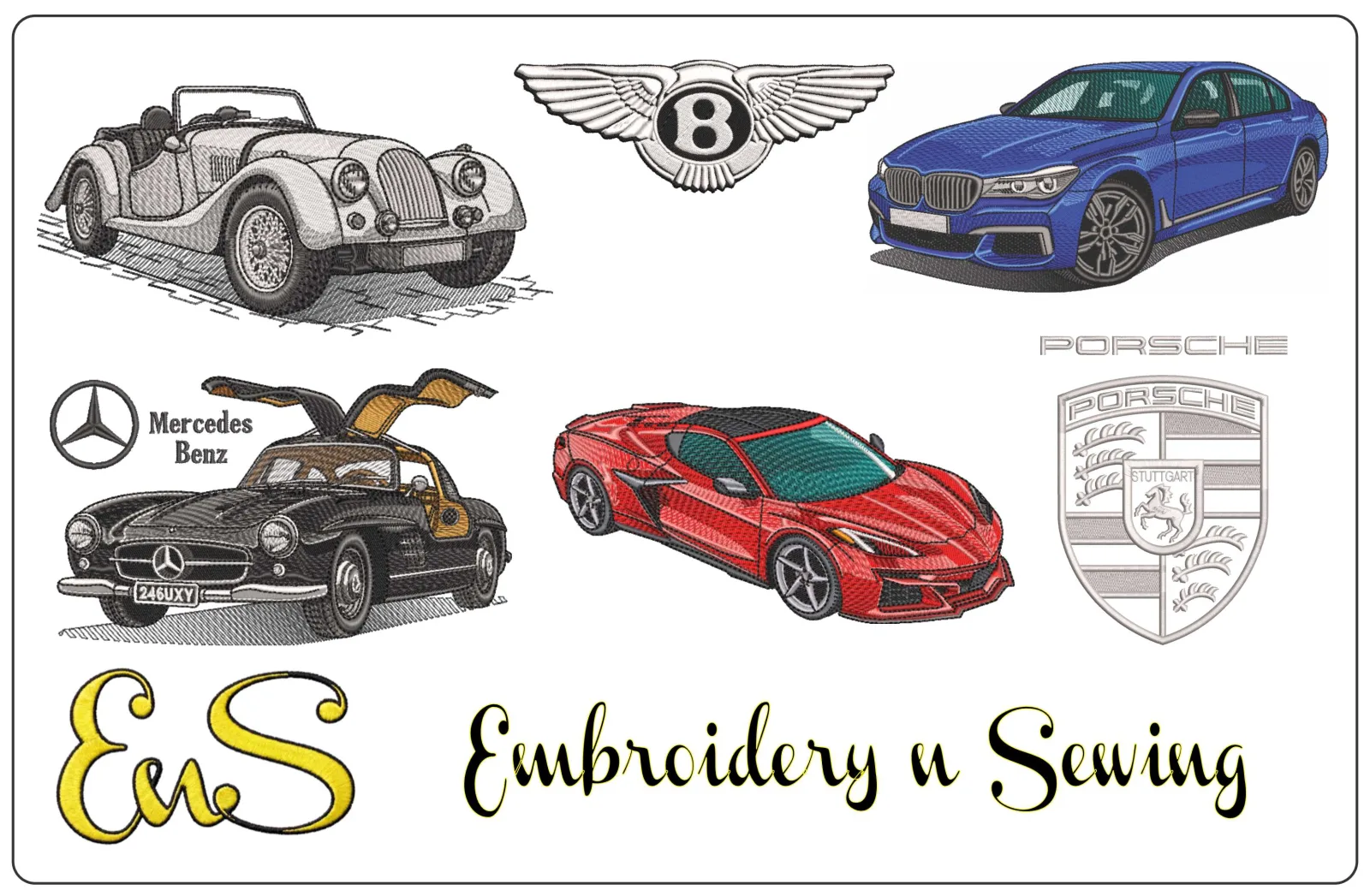
If you’re aiming for a performance-car look, think about the item you want to personalize and the kind of automotive motif that will work on it. This guide explains how to compare formats such as DST and PES with your machine’s requirements, match design scale to your hoop, and plan placement on apparel, gifts, or crafts. Embroidery n Sewing offers a searchable collection of downloadable designs, including automotive themes, so you can explore ideas and get started without commissioning custom digitizing.
Key Takeaways

Table of Contents
-
Brabus Embroidery Design: What to Check Before Choosing a File
-
Choose a Brabus-Themed Design for Your Hoop, Garment, and Use
-
Find and Prepare a Brabus Embroidery Design for Your Next Project
A digital embroidery design is a machine-readable file that guides stitches; it isn’t a finished embroidered item. Before choosing a brabus embroidery design, make sure the file suits your machine and project. “Brabus-inspired” describes the performance-car look you’re seeking. For background, Brabus is associated with high-performance luxury vehicles, a useful reference point as you browse car and logo embroidery designs.
Check file format and hoop fit first: your machine needs to read the file, and the design needs to fit within the usable stitching area. A file in an unsupported format or a design that exceeds your hoop’s embroidery area may not work for your planned stitchout. Confirm both details before you choose.
How do you match an embroidery file to your machine?
Compare the format listed for a design with the formats your machine accepts. DST and PES are examples of embroidery file formats, but don’t assume every design comes in both. Review the listing for its file details, then consult your machine’s documentation to confirm compatibility. For a broader explanation of downloadable designs and file types, explore this digital embroidery design guide.
Next, check the hoop you’ll use and the space available on the garment or project. A design may appeal to you but still be too large for the area you plan to embroider. Compare the listing’s dimensions with your hoop and intended placement to narrow your choices to files that suit your setup.
Choose a Brabus-Themed Design for Your Hoop, Garment, and Use
Once you have a design direction, match it to the item you want to personalize. Use this quick process to narrow your options:
-
Identify the project: Decide whether you’re embroidering apparel, making a personalized gift, or decorating a craft project.
-
Check hoop fit: Compare the design’s dimensions with the usable stitching area of your hoop.
-
Match the file format: Make sure the listed format works with your machine.
-
Plan placement: Choose a clear area that can accommodate the design without crowding seams or other details.
Check compatibility and hoop fit before downloading a design. The garment’s available space and your hoop’s stitching area both affect the size you can use. For example, a small chest panel usually calls for a more compact motif than a larger, open project area. Measure the intended placement, then compare it with the design dimensions to make a practical choice.
Where can an automotive embroidery motif work well?
A car-inspired motif can personalize apparel, gifts, and craft projects. Look for a flat, accessible area with enough space for the design, and avoid placing it so close to seams or nearby details that the finished layout feels crowded. Visualize the design on the item before settling on a size. For preparation context, read this machine embroidery how-to guide.
With your project, hoop, format, and placement in mind, browse automotive-inspired embroidery designs for a performance-car look that suits your plans. A brabus embroidery design is one part of the decision: choosing a motif that fits your setup and the space you have makes the project easier to plan.
![Brabus embroidery design]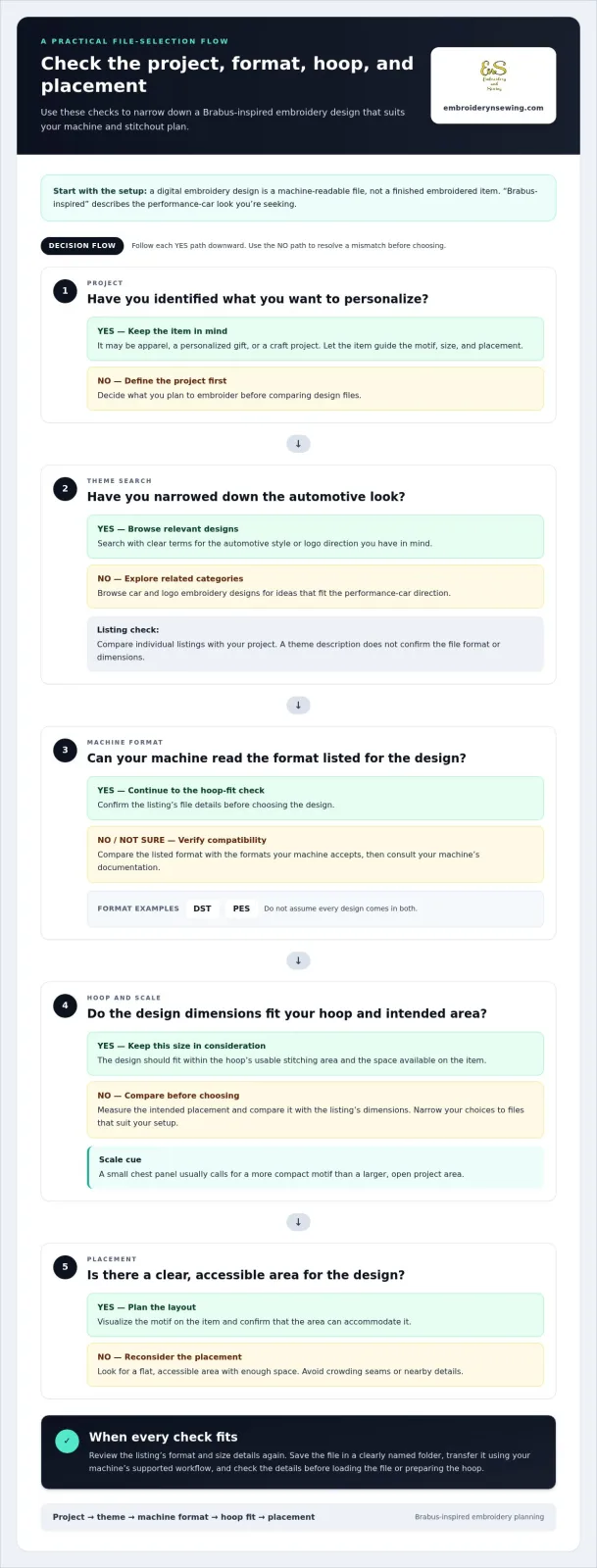
Find and Prepare a Brabus Embroidery Design for Your Next Project
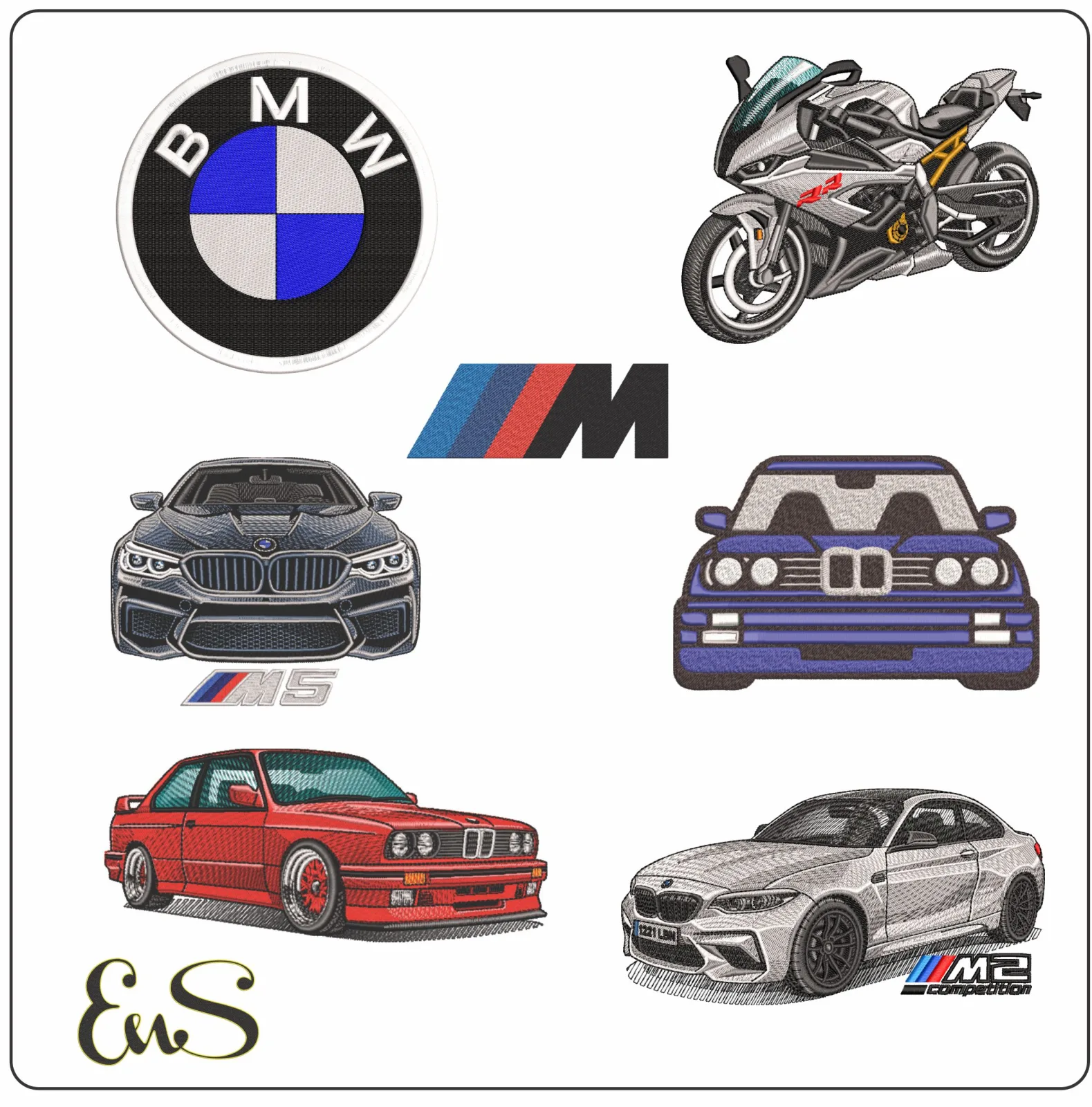
A focused search makes a broad catalog easier to navigate. Start with the automotive look you want, then browse related car or logo embroidery categories. Embroidery n Sewing’s searchable, category-rich catalog brings a wide range of design themes together, including automotive-inspired options. Compare individual listings with your project rather than assuming a theme description tells you the file format or dimensions.
-
Describe the theme: Search using clear terms for the automotive style or logo direction you have in mind.
-
Browse related categories: Explore car and logo embroidery designs to find relevant ideas.
-
Inspect the listing: Review the available format and size details before choosing a file.
What should you do after downloading a design?
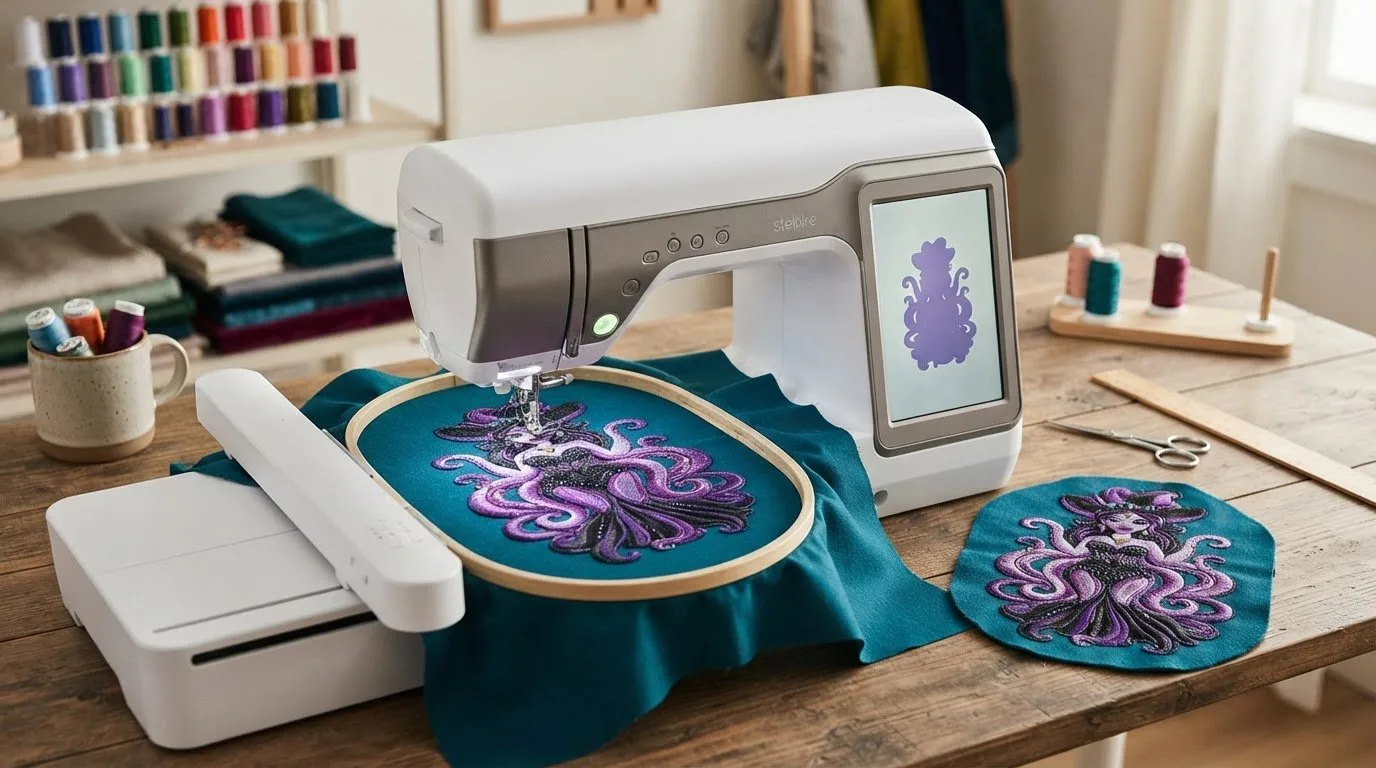
Save the file in a clearly named folder so it’s easy to find when you’re ready to stitch. Transfer it using the workflow supported by your machine, then check the selected listing’s format and size details again before loading the file or preparing the hoop. Keeping the download, machine setup, and project plan aligned helps you avoid a mismatch. For more inspiration beyond automotive motifs, explore embroidery patterns and project ideas.
Once you’ve chosen a theme and reviewed the file details, you can plan an apparel, gift, or craft project around it. Browse the embroidery design categories to explore available themes and find inspiration for your next brabus embroidery design project.
Get Your Next Automotive Embroidery Project Moving
Choosing a brabus embroidery design is more straightforward when you start with the project, confirm the file format works with your machine, and check that the design fits your hoop. Review the listing details before preparing your garment or craft, and plan placement around the usable embroidery area. These steps help you narrow your options and move from inspiration to a project you’re ready to start.
Explore a searchable catalog of downloadable designs, with automotive themes alongside options for apparel, gifts, and crafts. Browse by category to find ideas, then use the details in each listing to choose a file that suits your setup. Ready to plan your next personalized project? Browse downloadable embroidery designs and find a theme to stitch.