A good embroidery machine can save you hours of trial and error - or create them. That is why the right purchase usually comes down to one practical question: what do you actually want to make this week, this season, and six months from now? If your projects include team shirts, baby gifts, boutique sweatshirts, monogrammed towels, or fandom-inspired apparel, the machine you choose needs to match both your stitching goals and the design files you plan to run. For most home embroiderers, the buying decision is not about finding the fanciest model on the market. It is about finding a machine that handles your preferred file formats, hoop sizes, and design complexity without slowing down your workflow. That matters even more if you like instant-download embroidery files and want to move from checkout to stitching right away.
## [What an embroidery machine really needs to do]
At a basic level, an embroidery machine reads a digitized file and stitches it onto fabric inside a hoop. But in real use, there is a big difference between a machine that can technically embroider and one that feels easy to live with. If you mostly stitch left chest logos, names, kids' motifs, and simple gift items, a compact machine with a modest embroidery field may be enough. If you want jacket backs, larger sports-style designs, dense applique, or multi-element compositions, your needs change fast. More embroidery area means fewer rehoopings, and fewer rehoopings usually means cleaner placement and less frustration. Screen size, editing features, thread handling, and file transfer also shape the experience. Some users are comfortable moving files with a USB stick and doing all layout work on a computer. Others want to resize, rotate, combine, and preview right on the machine. Neither approach is wrong. It depends on how often you customize designs and how much time you want to spend at the machine itself.
## [How to choose an embroidery machine for your projects]
The smartest way to shop is to start with project type, not brand loyalty. A machine that works beautifully for monograms may feel limiting for sports apparel or design-heavy gifts.
### [Hoop size affects more than people expect]
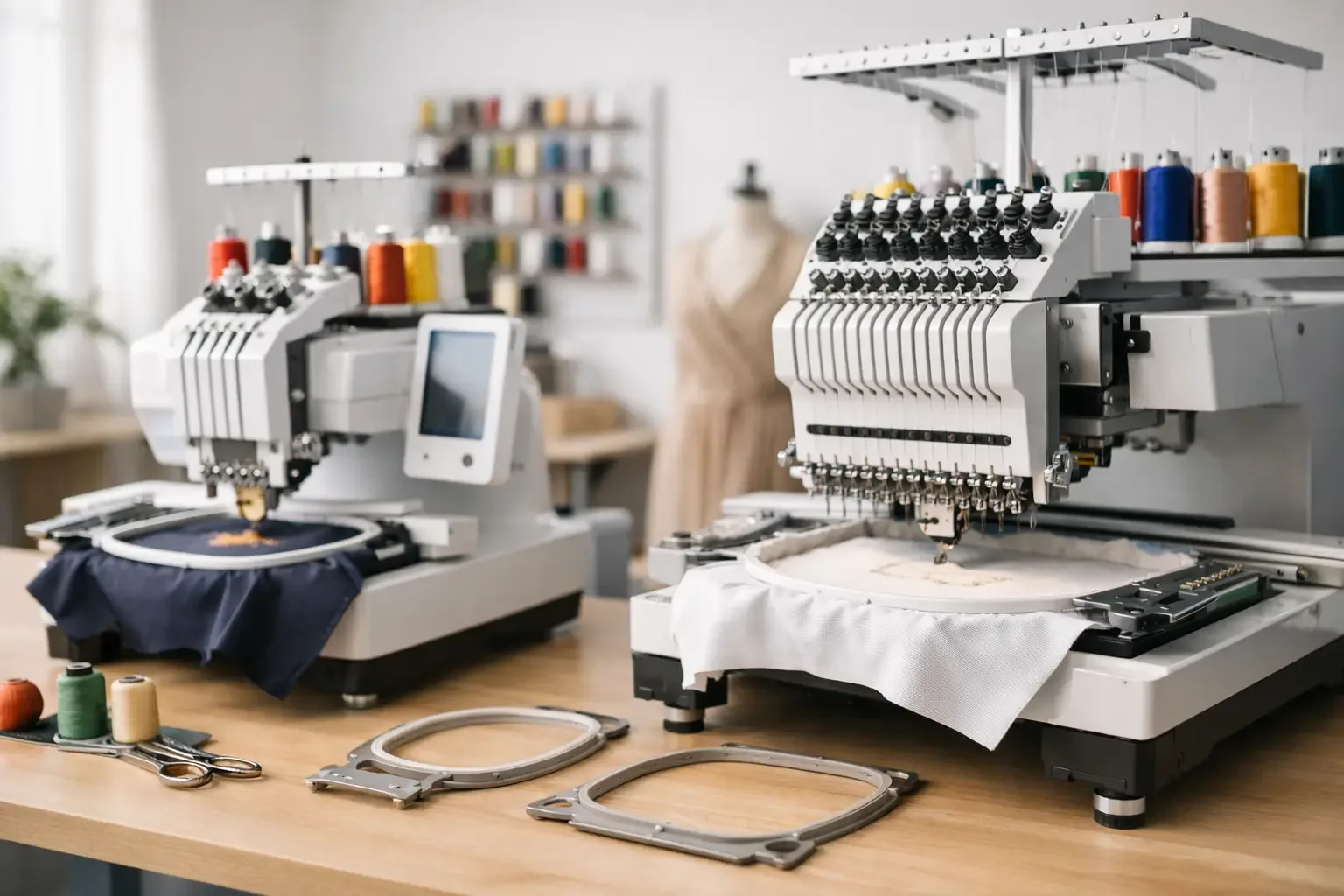
Hoop size is often the first limitation buyers run into. Many beginners think they can work around a small hoop forever, then realize their favorite designs need more room. If your plan includes names under motifs, larger character art, school-spirit items, or decorative panels, a bigger hoop can make a major difference. Smaller hoops are fine for hats in specific setups, sleeve accents, pockets, bibs, and compact left-chest work. They also tend to keep the machine cost lower. The trade-off is flexibility. Once you start shopping for design files, especially in sports, cartoon, or statement-piece categories, you may find more options that look best in larger fields.
This is where new buyers often get tripped up. Your embroidery machine does not use every file format, and not every design download includes the exact version you need. Before you buy a machine, check which file types it accepts and how it reads them. If you already have a growing library of files, compatibility should shape your decision. If you are starting from zero, choose a machine that lines up with the kinds of marketplaces and design categories you plan to shop most. Instant-download convenience only feels convenient when the file drops into your workflow without extra conversion steps.
[Built-in designs are nice, but not the main event]
[Manufacturers love to advertise built-in floral patterns, alphabets, and decorative motifs. Those can be useful for day one, but most active embroiderers outgrow them quickly. If you like seasonal projects, sports-inspired looks, kids' designs, fandom themes, or boutique-style personalization, you will probably rely much more on downloadable files than on the machine's built-in library.] That is why importing outside designs should feel simple. The less friction there is between finding a file and getting it onto your machine, the more likely you are to use your machine often.
[Embroidery machine features worth paying for]
Not every upgrade is worth the money. Some features sound impressive on a product page but do not change much in day-to-day stitching. Others make a real difference from the first week. A clear touchscreen is worth it if you frequently preview placement or combine text with design elements. Automatic thread trimming can save time on multi-color files. Good on-screen editing helps when you want to add names, shift placement, or mirror a design without opening extra software. Needle threading assistance is another feature that sounds small until you are changing colors constantly. The same goes for a machine with stable tension performance. Fancy branding does not matter much if you spend half your session fixing thread breaks. If your projects lean commercial, even at a home-business scale, look hard at reliability over extras. A dependable machine that reads files cleanly and stitches consistently is more valuable than a long list of features you rarely use.
Matching your embroidery machine to the designs you buy
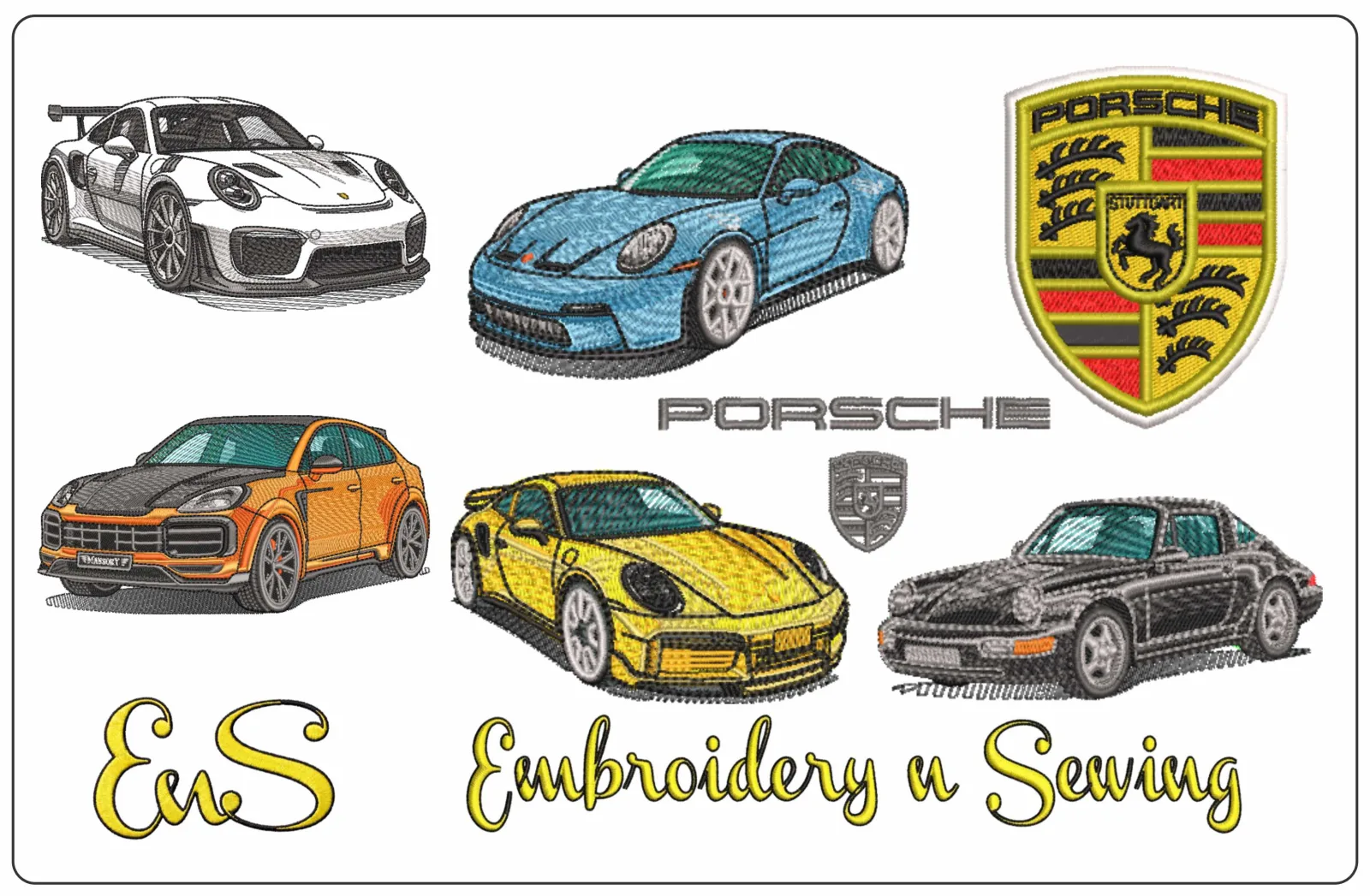
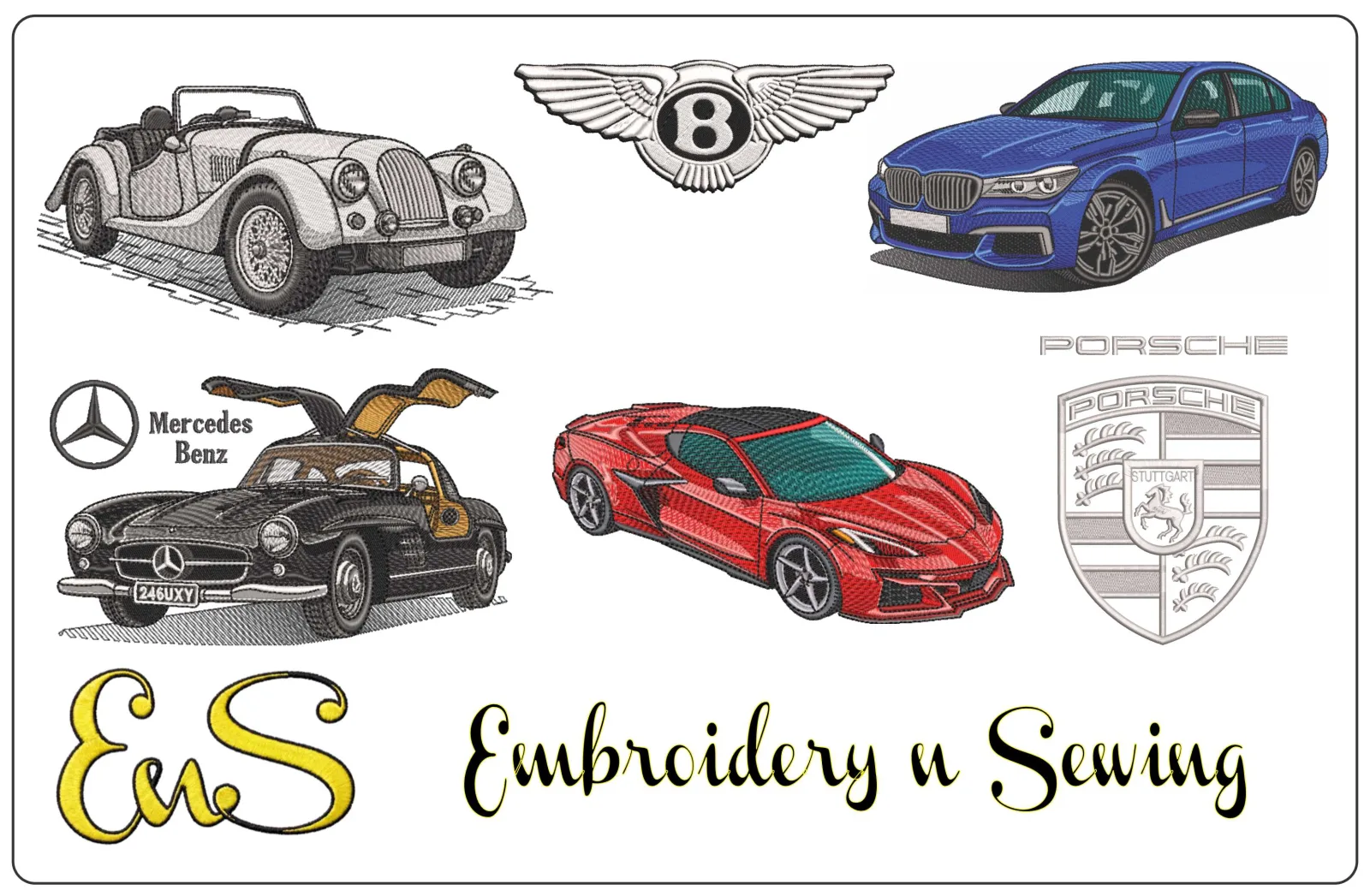
This is where project planning becomes practical. Different design categories place different demands on a machine. Simple name files and basic monograms are usually forgiving. They run well on many entry-level models and do not require a huge embroidery field. Character-style artwork, sports-inspired motifs, dense logos, and layered applique can demand more precise stabilization, cleaner thread handling, and sometimes a larger hoop. If you sell finished items, consistency matters even more than creative range. Customers ordering team apparel, school gifts, or personalized baby items expect the second item to look like the first. Your machine should support repeatable results, especially if you are stitching multiple copies from popular instant-download designs. A wide marketplace library becomes much more useful when your machine can keep up with the variety you want to stitch. That is one reason many embroiderers eventually upgrade. They do not always need more machine. They need more freedom to use the files they actually want.
[Beginner, hobby, or side-business setup?]
Your best embroidery machine depends on where embroidery fits in your life. If you are a beginner, ease of use matters more than maximum capability. You want a machine that gets you stitching quickly, with straightforward file transfer and enough hoop space for common projects. Starting simple is not a bad move, especially if you are still learning stabilizers, thread choices, and placement. If embroidery is already a steady hobby, you may be ready for more flexibility. At that point, larger design areas, better editing controls, and smoother handling of frequent color changes become more valuable. Hobby users often benefit most from mid-range machines because they stitch often enough to feel the limitations of entry-level models. If you run an Etsy-style shop, decorate boutique apparel, or make team and event items for customers, downtime becomes expensive. Speed, durability, and file workflow matter more. You may also need to think beyond the machine itself and consider how quickly you can load designs, repeat jobs, and keep production moving during busy seasons.
Common buying mistakes to avoid
The biggest mistake is buying for a fantasy version of your craft life. If you mostly make gifts, do not overspend on industrial-level capacity you may never use. If you already know you want larger themed designs and repeat customer work, do not buy a machine that you will outgrow in a month. Another mistake is focusing only on machine price. The full setup includes hoops, stabilizers, needles, thread, software in some cases, and of course the design files you will actually stitch. A lower-priced machine can become limiting if it restricts the designs you want most. It is also easy to underestimate how important file access is. A machine is only as exciting as the designs you can run on it. If your style includes sports, seasonal motifs, cartoons, [anime-inspired looks], florals, kids' themes, or quick-turn gift items, make sure your machine supports the format and size range those projects need.
The best embroidery machine is the one that keeps you making
The best choice is rarely the most expensive or the most talked about. It is the embroidery machine that fits your actual projects, works with the file formats you buy, and makes it easy to go from idea to finished item without a long learning curve every time. For many embroiderers, that means thinking less about showroom features and more about everyday use. Can it handle the size of designs you want? Can it import files without hassle? Can it keep up when you are stitching gifts, restocking best-sellers, or testing a new category from a [large design library] like Embroidery n Sewing? When the answer is yes, the machine stops feeling like equipment and starts feeling like momentum. Choose the one that helps you stitch more of what people actually want to wear, gift, and buy.