# Audi Embroidery Design: Choose the Right File for Your Project
What makes an Audi-themed stitch-out look clear and recognizable on a cap, jacket, or gift? The right Audi embroidery design should suit both the available stitching area and your machine, not just look appealing on screen. A motif with too much detail for its placement may lose clarity, while an incompatible file can stop your project before stitching begins.
Before downloading an automotive motif, compare its appearance, dimensions, intended placement, and file details. This guide explains what to look for in a listing, how to match a design to your project and machine, and how to plan a stitch-out. You’ll also find ideas for apparel, accessories, and gifts, plus ways to explore car and car-logo designs alongside other themes in a broad digital catalog.
Key Takeaways
- Choose an audi embroidery design based on the look you want, from logo-style motifs to vehicle-inspired imagery.
Table of Contents
What Makes an Audi Embroidery Design Work for Your Project?
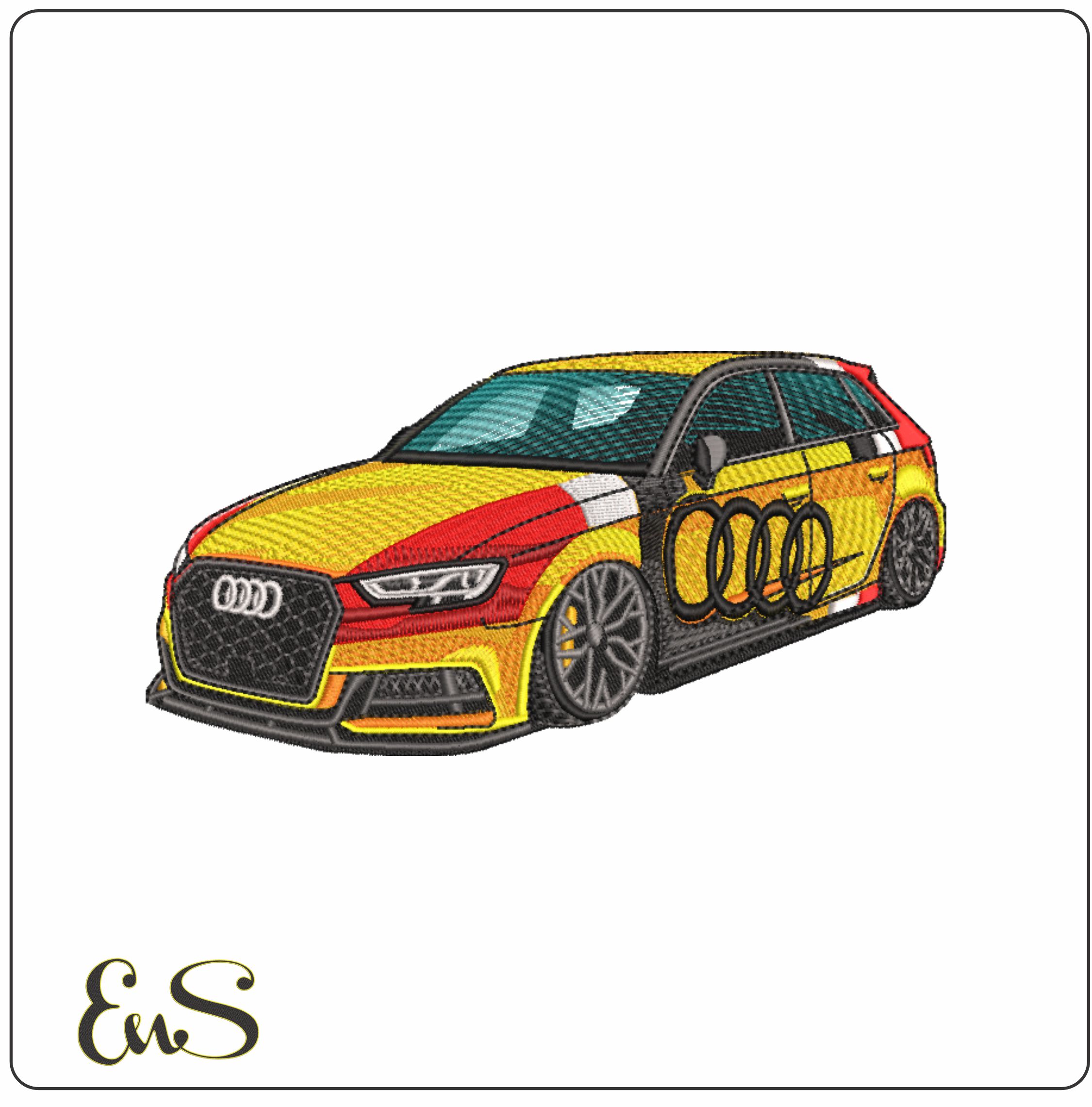
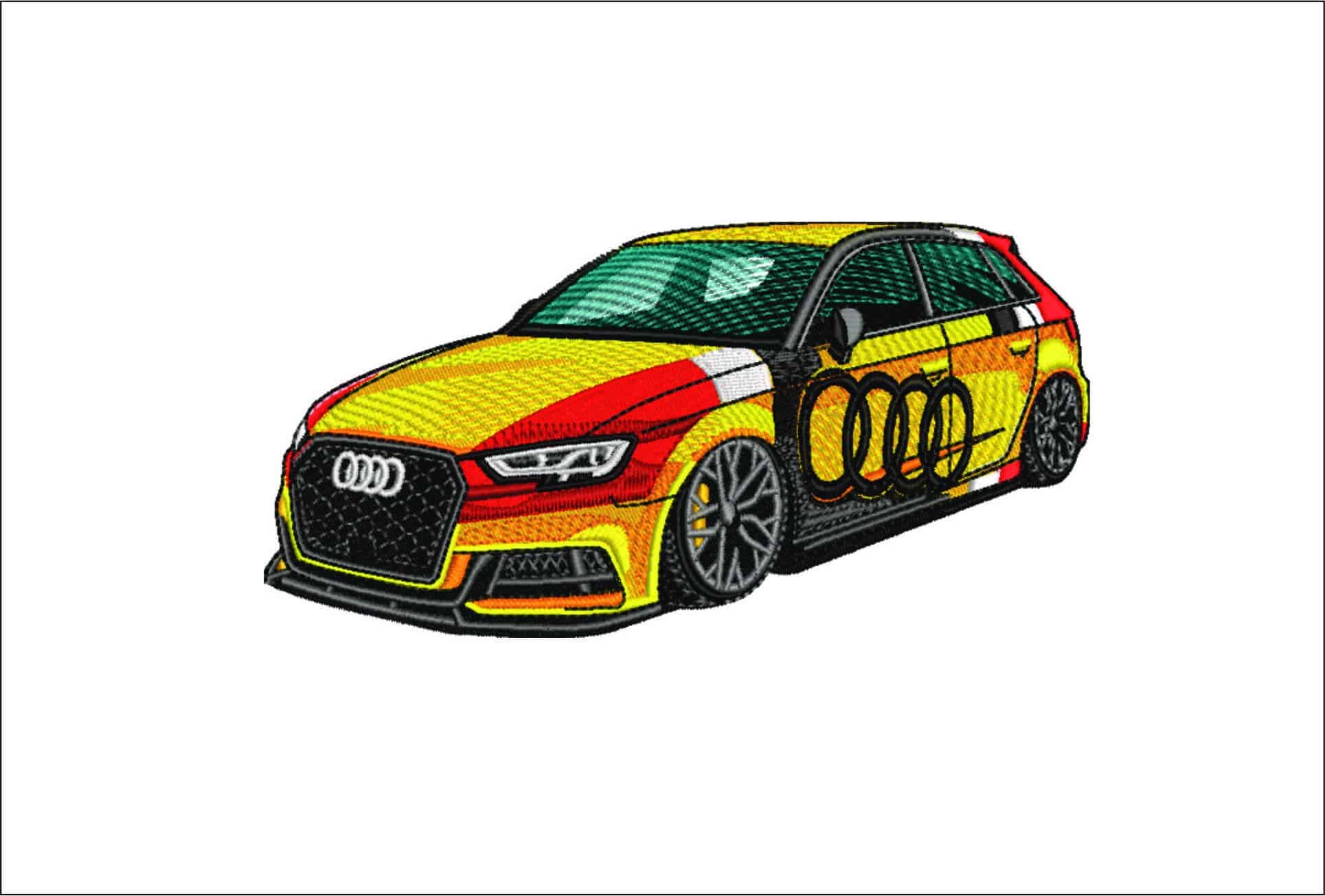
An Audi embroidery design is a digital motif prepared for machine stitching, not a finished embroidered item. It can help you personalize apparel, gifts, accessories, or décor with an automotive theme. The visual style matters, but so does whether the design’s detail will read clearly in the area you plan to stitch.
Logo-style imagery can create a clean, recognizable look, while a vehicle silhouette puts more emphasis on the car itself. Broader automotive-inspired graphics can suggest a motorsport or road-trip theme. Audi’s History of Audi offers context on the marque’s origins and evolution, which may help you decide what kind of automotive look suits your project.
The right motif balances recognizability, stitch area, and placement. A design that looks clear on a screen can feel crowded when reduced to fit a small space. Measure the item’s usable area before deciding how much detail it can accommodate.
A simple emblem-style motif may suit a compact placement on apparel or a small gift, where a clear outline can make a strong impression. A detailed vehicle silhouette generally needs more room to show its shape. A bag or décor item may offer space for a larger image, while a smaller accessory is often easier to plan around a simpler motif. Match the visual complexity to the stitching area, not just the overall size of the item.
Explore the broader embroidery designs selection to compare automotive themes with other project ideas. This digital embroidery design guide can also help you consider how a motif’s style and placement work together before choosing a file.
How to Choose an Audi Embroidery Design for Your Machine
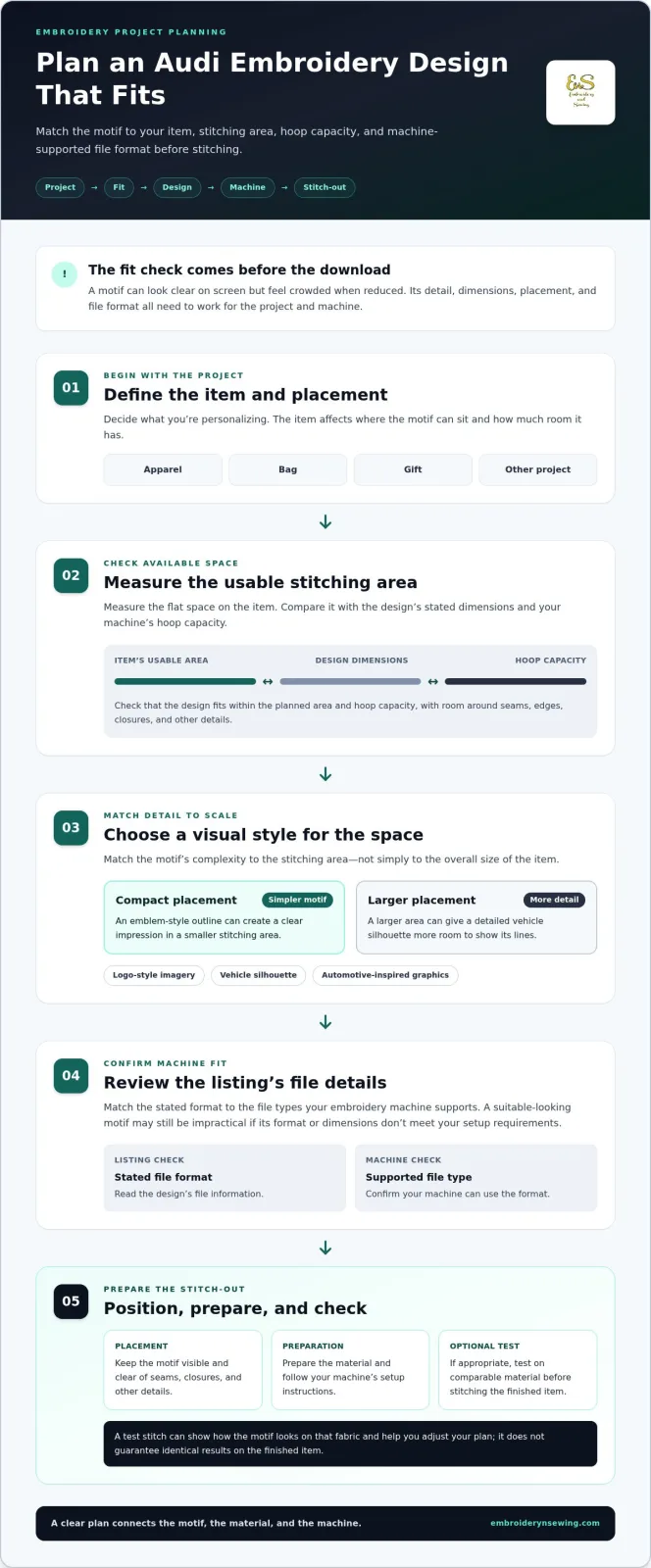
Start with the project, then narrow down the design. Use these steps to assess an Audi embroidery design for its placement and your machine:
-
Define the item. Decide whether you’re personalizing apparel, a bag, a gift, or another project. The item affects where the motif can sit and how much room it has.
-
Measure the usable area. Check the flat space available for stitching, then compare it with the design’s stated dimensions and your machine’s hoop capacity.
-
Choose the level of detail. A compact area may suit a simpler image, while a larger placement can give a more detailed automotive motif room to show its lines.
-
Review the file details. Read the listing and match its stated format to the file types your embroidery machine supports.
Machine compatibility depends on matching the design file to a format your machine supports. Don’t choose based on the motif alone. A visually suitable design may still be impractical if its dimensions exceed the usable stitching area or its format doesn’t meet your machine’s requirements.
Check placement, scale, and file compatibility before stitching
Compare the design’s dimensions with the area you measured, and check that it fits within your hoop capacity. Allow enough room for the motif to sit without crowding seams, edges, closures, or other details. Then review the listing’s file information and select a format your machine supports. Audi’s emphasis on engineering and technology, described in its Audi Innovation and Engineering overview, may also inspire the sleek, technical look you want from an automotive motif.
Once you know the placement and file requirements, browse car embroidery designs to explore automotive themes alongside other project ideas.
![Audi embroidery design]
From Audi Embroidery Design to a Finished Personalized Project
Once you’ve chosen an automotive motif that suits the item and your machine, plan the project around its placement. An Audi embroidery design can inspire a personalized jacket, bag, gift, or item for a small-shop project. Consider the fabric and usable stitching area, then position the motif where it will be visible without interfering with seams, closures, or other details.
Plan a clean stitch-out and find your next design
Before stitching on the finished item, prepare the material and follow your machine’s setup instructions. If appropriate, test the design on comparable material first. This gives you a chance to see how the motif looks on that fabric and adjust your project plan before working on the final piece. A test is a useful check, not a guarantee of identical results on the finished item.
Keep the listing’s file details handy as you prepare, and confirm that the selected file and planned placement suit your machine setup. Whether you’re making a personal accessory or developing a small-shop project, browsing creative machine embroidery patterns can help you compare automotive themes with other designs and find ideas for future projects.
Ready to explore more themes? Browse embroidery design categories for car, sports, entertainment, seasonal, and other digital design ideas.
Choose Your Design and Start Planning
Choose an Audi embroidery design by starting with the project: decide where the motif will go, measure the usable area, and select a visual style that suits the space. Before downloading, review the listing’s dimensions and file details to make sure the design fits your machine’s supported format and hoop capacity.
With those details in hand, move from inspiration to a well-planned personalization project. Prepare the item according to your machine’s setup instructions, and consider a test stitch on comparable material before working on the finished piece. These steps help you approach apparel, gifts, and accessories with greater confidence.
Ready to explore automotive themes and other creative options? Browse digital embroidery designs and find a motif that inspires your next project. Choose a look you love, plan its placement, and get started on your next embroidery project.