# BX Fonts Guide: Simplify Your Machine Embroidery Projects
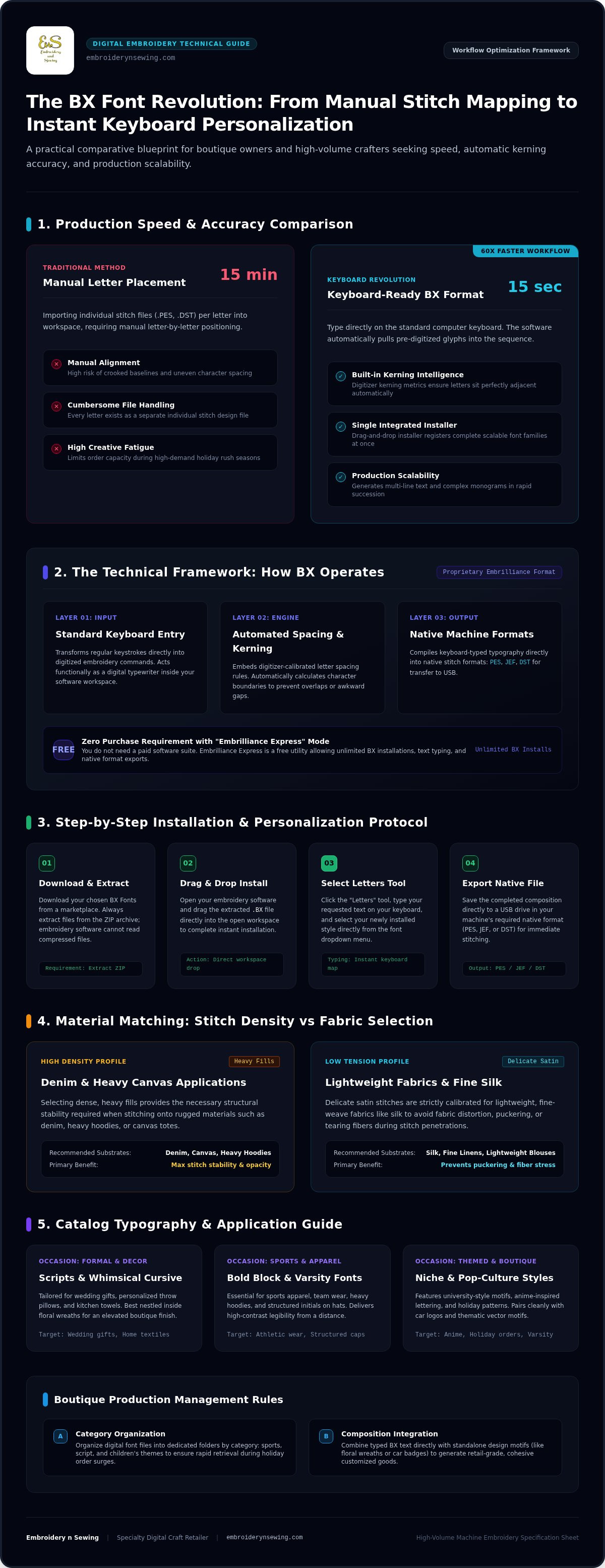
What if you could stop treating every letter in a monogram as a separate file and start typing your embroidery designs as easily as a text message? Most crafters know the frustration of manually importing, aligning, and spacing individual stitch files just to personalize a single gift. It's a tedious process that often leads to alignment errors and takes up valuable creative time. Using BX Fonts changes everything by allowing you to type text directly on your keyboard within your software, turning a 15-minute mapping task into a 15-second one.
We'll show you how to revolutionize your workflow and access a massive variety of scalable styles for any project. This guide covers how to install these files, utilize free tools like Embrilliance Express, and transform your production speed. You'll soon be ready to explore our extensive catalog and bring any personalized vision to life with professional efficiency.
Key Takeaways
- Learn to eliminate the tedious task of manual letter alignment by utilizing keyboard-ready embroidery files.
-
Master the quick installation process for BX Fonts to start personalizing gifts and orders in seconds rather than minutes.
-
Browse an abundant collection of digital designs to find the perfect match for specific themes like athletic logos or holiday patterns.
- Gain practical insights on matching specific font densities to different materials for professional-grade results on every machine.
Table of Contents
Understanding BX Fonts: The Keyboard Revolution in Machine Embroidery
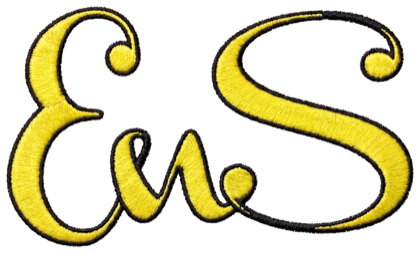
BX Fonts represent a specialized digital file format that transforms your standard computer keyboard into a powerful embroidery tool. Unlike traditional alphabet files where you must drag and drop individual letters like .PES or .DST files into your workspace, these fonts act as an integrated installer. Once you load a BX file, you simply type your desired text. The software handles the complex task of assigning pre-digitized glyphs to your keystrokes instantly, effectively turning your embroidery machine into a digital typewriter.
One of the most significant advantages is the built-in intelligence regarding kerning and spacing. Professional digitizers include specific data within the file so that letters sit perfectly next to each other without manual adjustment. While this proprietary format was created for the Embrilliance platform, you don't need to purchase a full software suite to benefit from it. The "Embrilliance Express" mode is a free utility that allows you to install unlimited BX Fonts, type your text, and save the design in your machine's native format for immediate stitching.
Why BX is the Standard for Modern Personalization
Efficiency is the primary driver for boutique owners and high-volume crafters who manage a large catalog of machine embroidery designs. Manually aligning letters for a single name can take up to 15 minutes, but these keyboard-ready fonts reduce that time to seconds. This speed is vital when fulfilling custom orders for sports apparel or personalized gifts. By removing the need for manual placement, you eliminate the risk of crooked text or inconsistent spacing. It ensures a professional finish every time, allowing you to scale your production without sacrificing quality.
How to Install and Use BX Fonts for Your Creative Projects
Setting up your digital workspace for rapid personalization requires just a few straightforward steps. This process ensures your new designs are ready for stitching immediately.
-
Step 1: Browse and download your chosen BX Fonts from a reputable marketplace like Embroidery n Sewing. Always extract the files from the ZIP folder first, as software can't read compressed archives.
-
Step 2: Open your embroidery software and drag the .BX file directly into the workspace to complete the installation.
-
Step 3: Select the "Letters" tool, type your text on the keyboard, and choose your new style from the dropdown menu.
-
Step 4: Save the final design in your machine's native format, such as PES, JEF, or DST, to a USB drive.
Optimizing Your Workflow with Keyboard Fonts
Managing an abundant library of BX Fonts is easier when you organize files by category, such as sports, script, or children's themes. This structure helps you find specific designs quickly during peak holiday seasons. These keyboard-ready files also allow you to generate multi-line text and complex monograms in seconds, which is a significant advantage for boutique owners. For comprehensive details on preparing your machine and stabilizer, refer to our How to Embroider guide. If you're ready to expand your options, explore our latest machine embroidery designs to find fresh inspiration for your next project.
Exploring the Breadth of BX Font Styles for Every Occasion
The variety of available styles allows you to match the personality of any project perfectly. For instance, elegant scripts are ideal for wedding gifts, while bold block fonts are essential for sports apparel. Selecting the right font weight for your specific material is essential for a high-quality finish. Heavy fills provide the necessary stability for denim or canvas. Conversely, delicate satin stitches are better suited for lightweight fabrics like silk. Our catalog features specialized options for every niche, from anime-inspired lettering to traditional varsity styles. You can find an incredible range of niche themes, including university-style motifs, by browsing the Embroidery n Sewing categories.
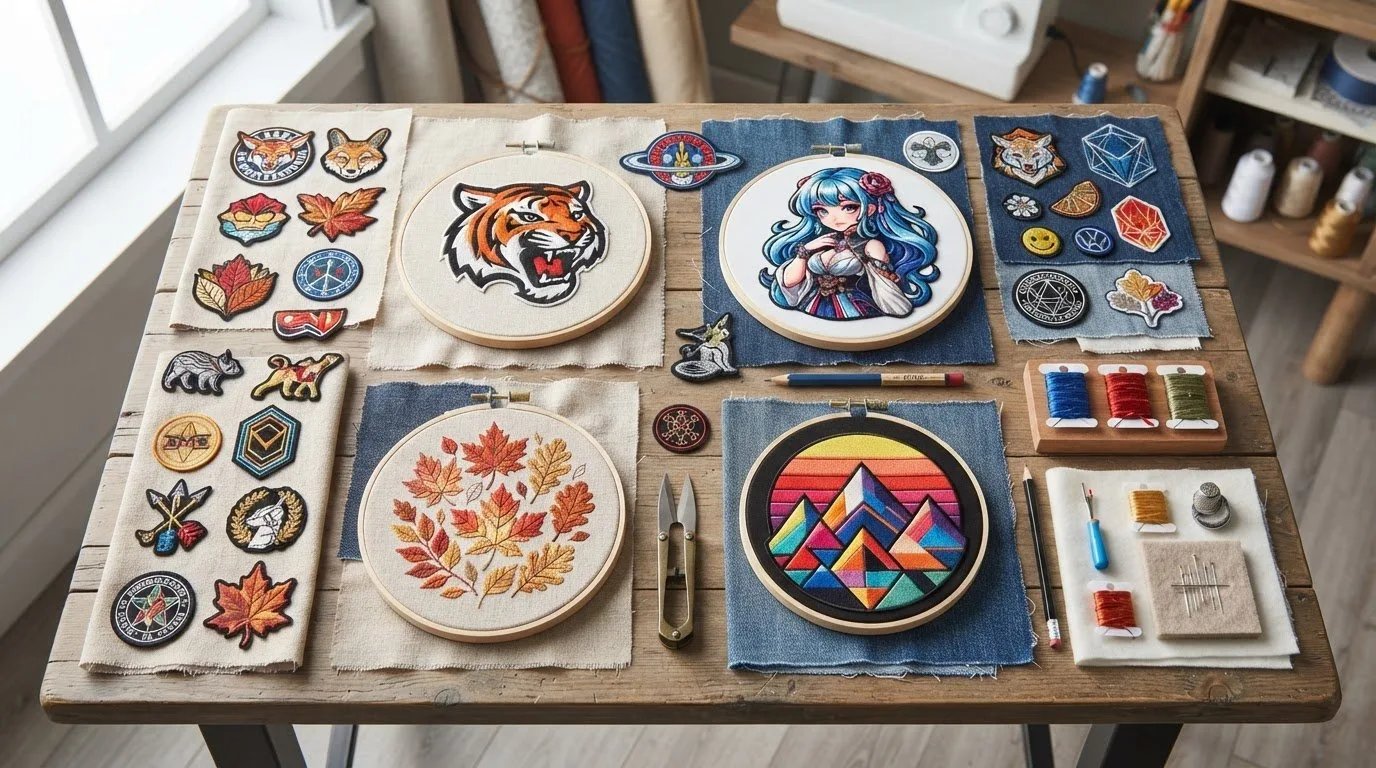
Combining these keyboard-ready BX Fonts with high-quality digital embroidery designs creates a unique, custom look that stands out. Instead of a plain name, you can nestle text within a floral wreath or place it beneath a car logo. This integration transforms a basic garment into a professional-grade retail product. When you pair the right typography with a complementary motif, the result is a balanced composition that looks like it came from a high-end boutique.
Customizing Garments and Gifts with Professional Designs
Personalization extends far beyond simple shirts. Think about using BX Fonts to add structured initials to hats or bold team names to heavy hoodies. For home décor, try pairing whimsical cursive with floral motifs on throw pillows or kitchen towels. This cohesive approach helps you build a distinct brand identity for your boutique. Whether you're creating gifts for friends or fulfilling high-volume orders, having access to an abundant catalog ensures you never run out of creative combinations. The right pairing of text and imagery makes every piece feel intentional and expertly crafted.
Start Your Next Personalization Project Today
Embrace the efficiency of keyboard-ready typography to reclaim your creative time. By using BX Fonts, you eliminate the frustration of manual alignment and focus on what truly matters: crafting beautiful, professional-grade items. You've learned how easy it is to install these files and pair them with diverse themes like sports or university motifs for a cohesive look. Our marketplace provides an affordable alternative to custom digitizing with an extensive library of sports and fandom designs. Every selection is available for instant digital download, so you can begin stitching without delay. Whether you're building a brand identity for a boutique or creating unique gifts for loved ones, the right tools make all the difference. Browse our extensive collection of high-quality BX fonts and designs to find exactly what you need for your next masterpiece. Happy stitching!
Frequently Asked Questions
Do I need expensive software to use BX fonts?
You don't need to purchase high-end digitizing software to use these files. Embrilliance Express is a free utility mode that lets you install and type with these fonts without a subscription or activation fee. It's a cost-effective way to access professional lettering. You simply download the installer and leave the serial number blank to begin personalizing your projects immediately.
Are BX fonts compatible with my Brother or Janome embroidery machine?
Yes, these fonts are compatible with all major machine brands, including Brother and Janome. While the embroidery machine itself can't read a BX file directly from a USB stick, the software converts your typed text into the required format. You can export your designs as .PES, .JEF, .DST, or other native extensions. This flexibility ensures your personalized designs work on any machine.
Can I resize BX fonts without losing stitch quality?
BX Fonts maintain excellent stitch quality because they're professionally digitized specifically for needle and thread. Most sets include multiple sizes to ensure density remains consistent across different project scales. While you can make minor adjustments in your software, choosing the size closest to your target ensures the best results. This prevents issues like thin satin columns or excessive bulk on your final garment.
What is the difference between a BX font and a regular embroidery font file?
The main difference lies in how you interact with the letters. A regular embroidery font consists of dozens of individual stitch files that you must drag, drop, and align manually for every word. In contrast, BX Fonts function as keyboard fonts. Once installed, you simply type your text on your computer keyboard. The software automatically handles the spacing and alignment, saving you significant time.