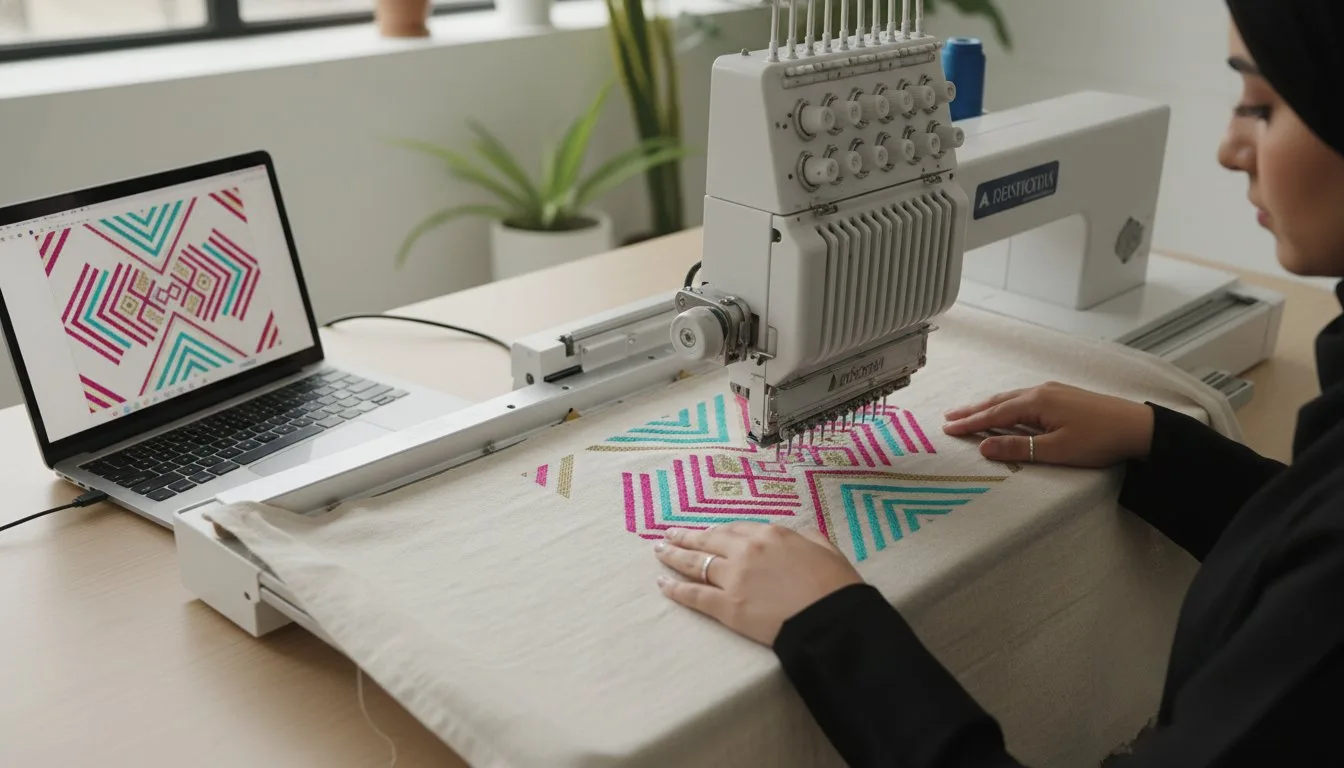
Does the thought of venturing beyond your machine's built-in designs feel both exciting and a little daunting? You see gorgeous, intricate projects online, but when you start searching, you're hit with a tidal wave of websites, mysterious file formats like .PES, .JEF, and .DST, and the nagging worry: are these free patterns even any good? If that sounds familiar, you're in the right place. The world of digital embroidery patterns online is a treasure trove of creativity just waiting to be unlocked, and it's far easier to navigate than you might think.
This ultimate beginner's guide is designed to cut through the confusion and empower you. We'll show you exactly where to find trustworthy, high-quality designs (both free and paid!). You will learn the simple steps to choose the correct file format for your specific machine, confidently download it, and transfer it for stitching. Get ready to leave creative limitations behind and bring thousands of incredible new designs to life, one perfect stitch at a time. [
What Are Digital Embroidery Patterns? The Basics Explained](https://embroiderynsewing.com/articles)
Unlike a printable PDF for hand sewing, a digital embroidery pattern is a coded file containing a precise set of instructions for an automated embroidery machine. Think of it not as a picture, but as a digital blueprint that tells your machine exactly where to place each stitch, what thread color to use, and when to trim the thread. This technology has evolved significantly over the years; the history of machine embroidery shows a fascinating journey from complex mechanical looms to the sophisticated digital files we use today. This coded language allows for incredible detail and consistency that is difficult to achieve by hand. When you purchase digital embroidery patterns online, you are buying a file that enables you to create intricate, perfectly repeatable, and professional-grade results on everything from tea towels to denim jackets. These designs are created by a specialist, known as a digitizer, who uses sophisticated software to translate a visual design into a stitch-by-stitch sequence that an embroidery machine can understand and execute flawlessly.
Why Go Digital? The Advantages Over Built-in Designs
While most embroidery machines come with a set of pre-loaded designs, venturing online opens up a world of creative possibilities. You gain access to a virtually infinite library of styles, themes, and artistic expressions. This allows you to find niche designs, from specific pop culture characters to custom business logos, that you'd never find on your machine. Furthermore, patterns from independent artists are often more detailed and of higher quality than standard built-in options, and purchasing them is a great way to support the creative community.
The Key Components of a Digital Pattern File
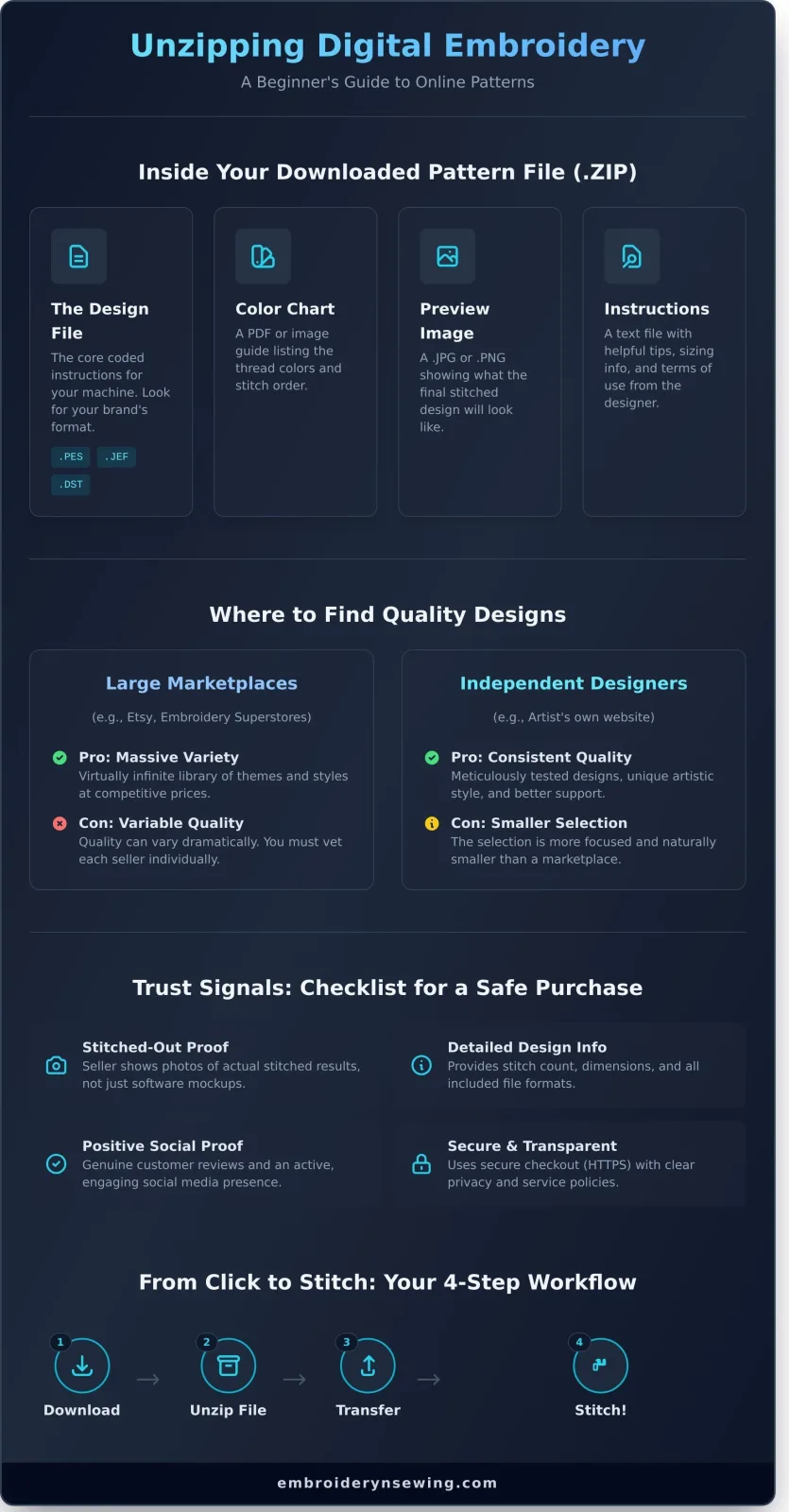
When you download a digital embroidery pattern, you typically receive a compressed (ZIP) folder containing several key files. Understanding these components is essential for a smooth stitching experience:
- The Design File: This is the core pattern file your machine reads. It will have a specific extension, such as .PES (Brother/Babylock), .JEF (Janome), or .DST (Tajima), corresponding to your machine's brand.
- A Color Chart: Usually a PDF or JPG, this guide lists the recommended thread colors in the order they should be stitched. It often includes brand-specific thread codes (e.g., Madeira, Isacord).
- A Preview Image: A simple image file (like a .JPG or .PNG) that shows what the finished, stitched-out design should look like.
- Instructions or Terms of Use: A text or PDF file from the designer may include helpful tips, sizing information, or licensing details for personal versus commercial use.
Where to Find Quality Digital Embroidery Patterns Online
The internet is a treasure trove for machine embroiderers, but knowing where to look is key to avoiding frustration. When you start your search for digital embroidery patterns online, you'll encounter two main types of sources: vast marketplaces and specialized independent designer stores. Understanding the difference is the first step toward building a collection of designs that stitch out beautifully every single time.
Before purchasing, always check for community feedback and reviews. A quick search on social media or in embroidery forums can reveal a seller's reputation. It's also critical to avoid websites offering massive collections of "free" copyrighted designs. These sites often distribute files illegally, and the patterns are typically low-quality, leading to thread breaks, poor results, and even potential malware risks.
Platforms like Etsy and large embroidery-specific superstores host thousands of designs from countless different sellers. The primary benefit is the sheer volume and variety; you can find almost any theme imaginable at competitive prices. However, the quality can vary dramatically from one seller to the next. It’s essential to vet each shop individually by carefully reading reviews and examining their sample images before you buy.
Independent Designer Websites
These online stores are run by the digitizers and artists themselves. While their selection is naturally smaller and more focused, the major advantage is consistent quality and a unique artistic style. You are buying directly from the creator, which often means better customer support and access to meticulously tested designs. For example, you can explore our curated collections of sports logos and cartoon designs to see the difference a dedicated artist makes.
Signs of a Trustworthy Online Store
Whether you're on a large marketplace or a designer's personal site, look for these hallmarks of a quality vendor:
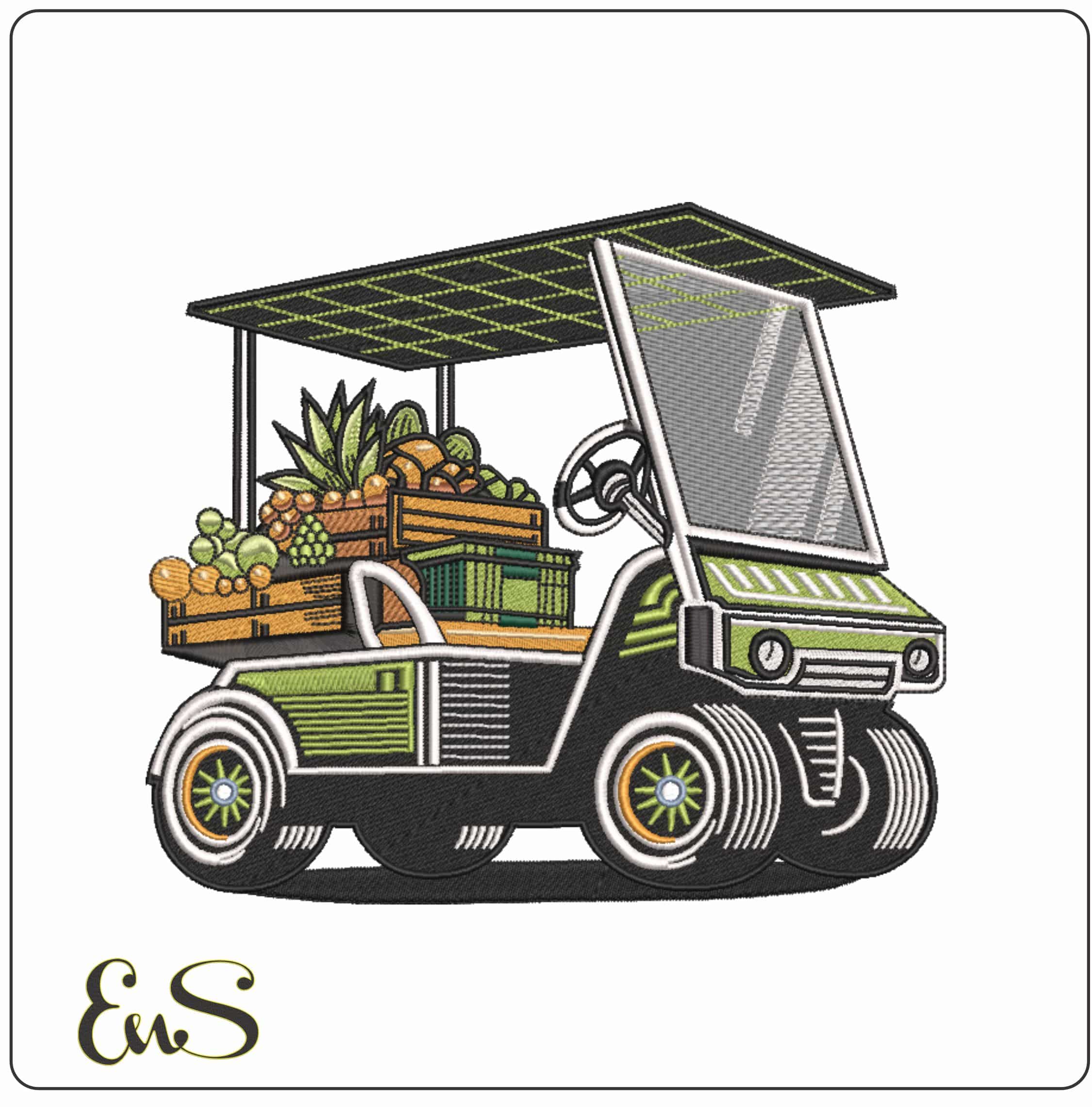
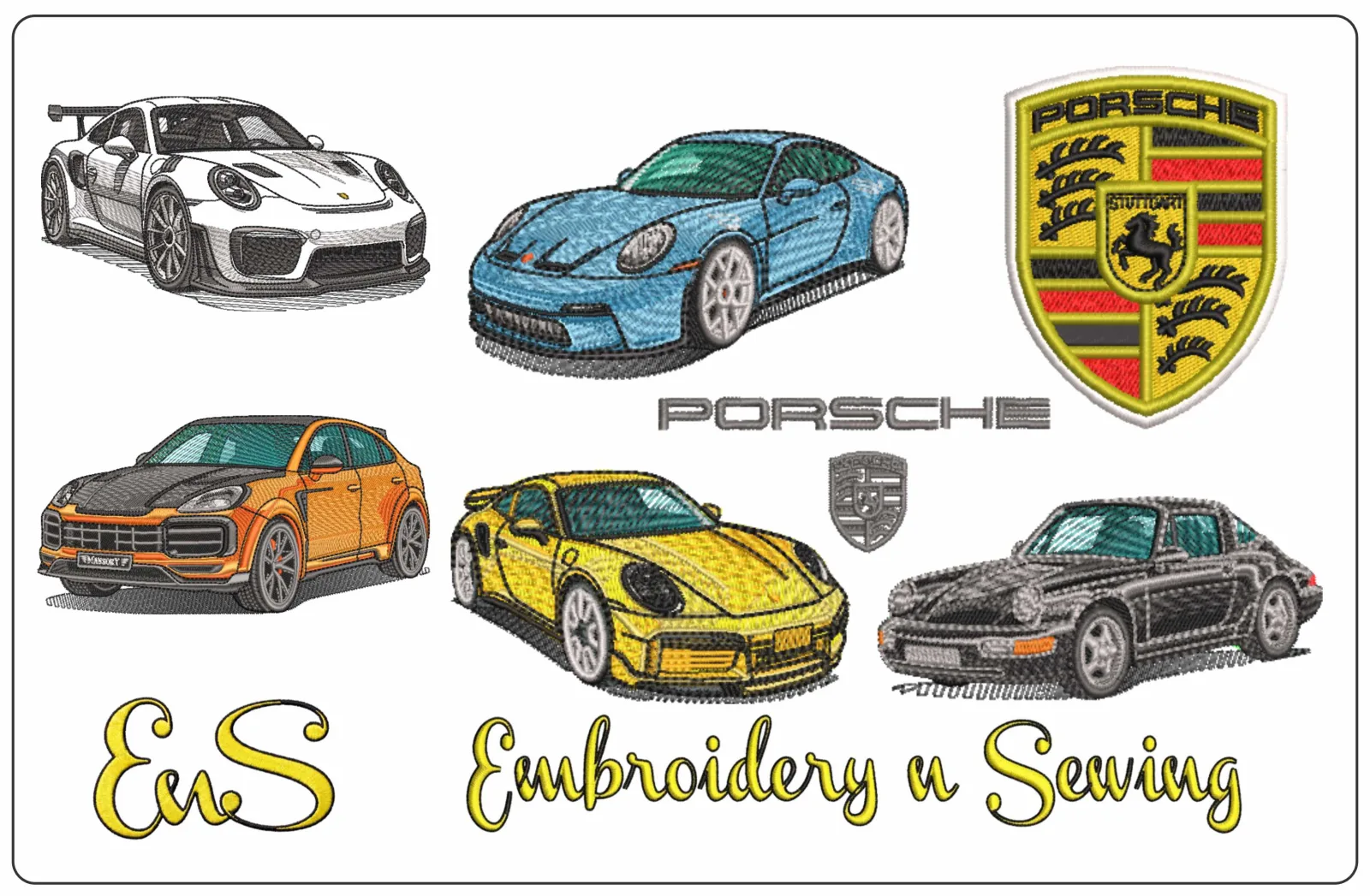
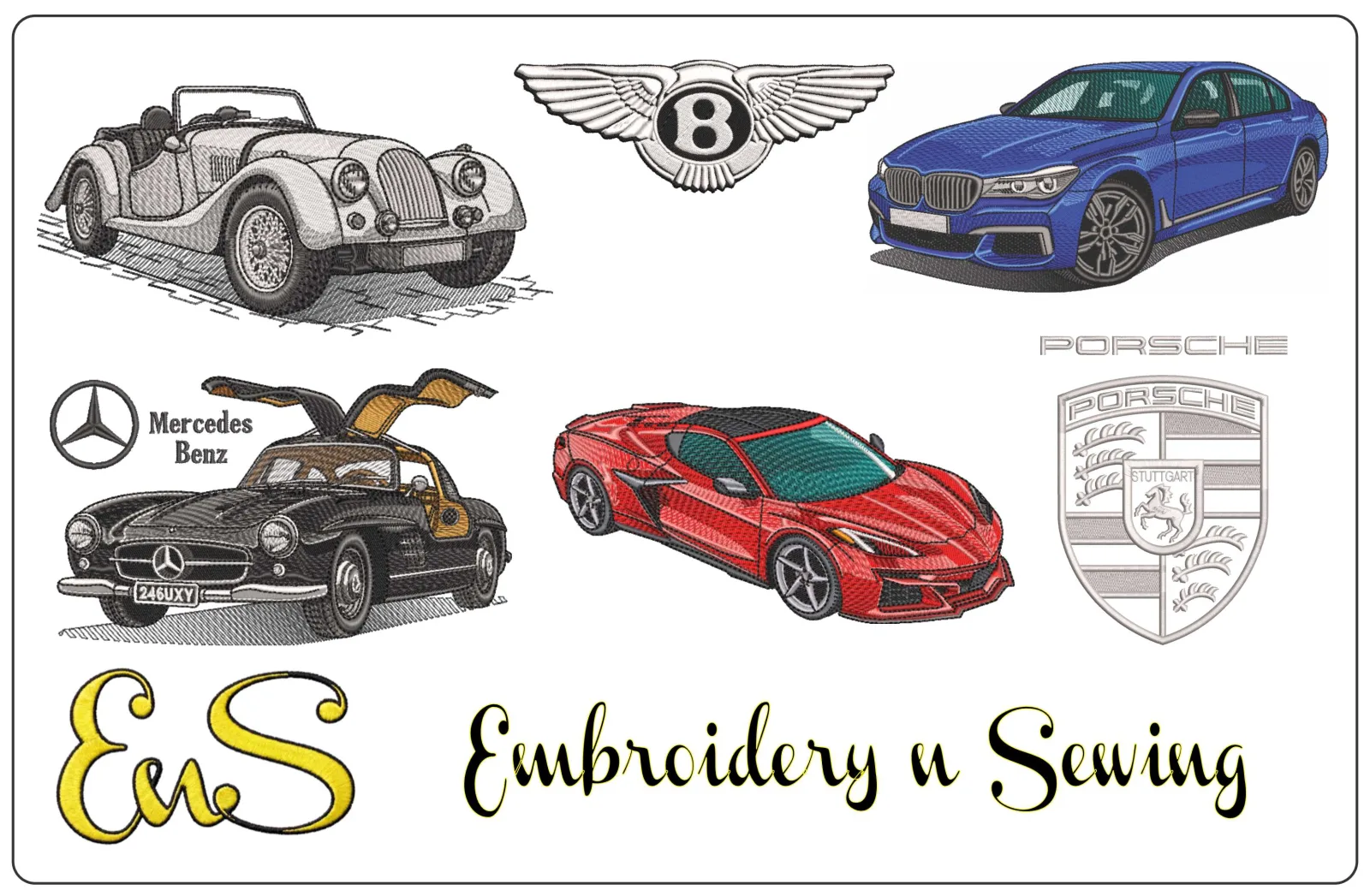
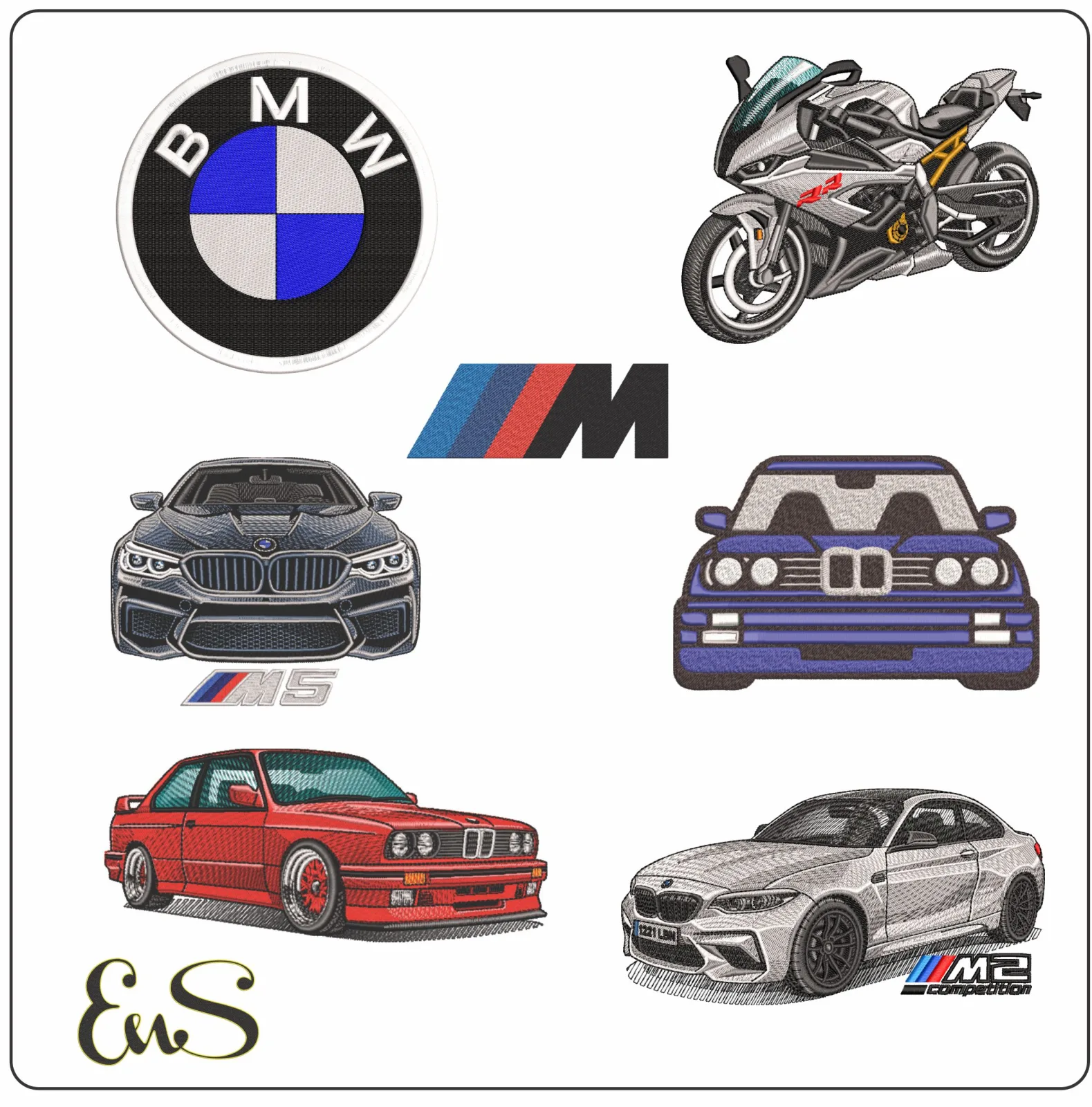
- Stitched-Out Proof: The seller displays clear, high-resolution photos of the actual stitched-out embroidery, not just a digital software mockup. This proves the design has been tested.
- Detailed Design Information: A reputable store provides essential data like the exact dimensions, stitch count, and color stops. They should also list all included file formats (e.g., PES, DST, JEF, EXP). The diversity of formats reflects the ongoing Technological Advances in Embroidery, ensuring compatibility across different machine brands.
- Positive Social Proof: Look for genuine customer reviews on the website and an active social media presence where they engage with their community and showcase finished projects.
- Secure and Transparent Policies: The website should use a secure checkout process (the URL will begin with HTTPS) and have a clear, easy-to-find privacy policy and terms of service.
From Purchase to First Stitch: A Step-by-Step Guide
Diving into the world of machine embroidery can feel intimidating, but the process of using digital embroidery patterns online is surprisingly simple. Once you find a design you love, you are only a few clicks away from bringing it to life. This guide breaks down the entire process, from checkout to your machine, reassuring you that you can do this in minutes.
Step 1: Buying and Downloading Your Pattern
The purchasing process is just like any other online shopping experience. You'll add the pattern to your cart, proceed to checkout, and complete your payment. Immediately after, you will get access to your files. Most often, you will receive an email with a secure download link. Alternatively, you can log into your account on the seller's website and find the download available in your purchase history. The file you download will almost always be a compressed folder, typically with a .ZIP extension.
Step 2: Unzipping the File Folder
A .ZIP file is simply a container that holds multiple files together in a compressed format to make downloading faster. Before you can use the patterns, you need to "unzip" or "extract" this folder. Don't worry, your computer has this capability built-in.
- On Windows: Right-click the .ZIP file and choose "Extract All..." Follow the on-screen prompts to save the new, unzipped folder.
- On a Mac: Simply double-click the .ZIP file. A new, regular folder with the same name will appear next to it automatically.
Inside the new folder, you'll typically find the embroidery design in several different machine formats (e.g., .PES, .DST, .JEF, .XXX), a PDF guide with thread colors, and a JPG image of the finished design.
Step 3: Transferring the Design to Your Machine
The most common way to get the design from your computer to your embroidery machine is with a USB flash drive. First, consult your machine's manual to confirm its required file format (for example, Brother machines often use .PES, while Janome uses .JEF). Some advanced users who design their own patterns with tools like the free Ink/Stitch open-source embroidery software are already familiar with saving their work in the correct format for their specific machine. From the unzipped folder, find the file that matches your machine's format and copy it to your USB drive. It's best to copy only the single design file you need, not the entire folder.
While some newer machines support transfer via a direct cable connection or WiFi, the USB method is nearly universal. Once the file is on your drive, safely eject it from your computer, plug it into the USB port on your embroidery machine, and you're ready to select your design and start your first stitch!
Free vs. Paid Patterns: Making the Right Choice
When you first start your embroidery journey, the sheer volume of free patterns available can feel like a goldmine. While they certainly have their place, the old saying "you get what you pay for" often holds true in the world of digital embroidery. The right choice between free and paid isn't about cost alone-it’s about quality, your time, and the intended use of your final stitched piece.
The Pros and Cons of Free Patterns
Free designs are excellent tools for learning and experimentation. They offer a no-risk way to get comfortable with your machine and software without a financial commitment. However, it's crucial to be aware of the potential downsides.
- Best For: Practicing on scrap fabric, testing your machine’s tension, or trying a new technique like appliqué for the first time.
- Potential Cons: Free patterns are often digitized by hobbyists, which can result in poor stitch quality, excessive jump stitches, and dense areas that cause thread nests and needle breaks. They rarely come with customer support, may have restrictive "personal use only" licensing, and can even carry malware risks if downloaded from untrustworthy sites.
Why Investing in Paid Patterns is Worth It
Investing a few dollars in a professionally designed pattern is an investment in a successful, stress-free project. Professional digitizers spend hours meticulously planning stitch paths, minimizing jumps, and optimizing the design to sew out smoothly and beautifully. This attention to detail saves you time, thread, and frustration.
When you purchase high-quality digital embroidery patterns online, you receive more than just a file:
- Professional Quality: Designs are expertly tested to ensure a clean, efficient stitch-out.
- Designer Support: Reputable sellers offer help if you run into any issues with the pattern file.
- Clear Licensing: You’ll know exactly how you can use the design, with many artists offering licenses for small commercial use-perfect for your Etsy shop.
- Supporting Artists: Your purchase directly supports the creators who design the patterns you love, enabling them to continue their craft.
Ultimately, free patterns are perfect for practice, but for gifts, items you intend to sell, or any project where quality matters, a paid pattern delivers the reliable, beautiful results you're looking for.
Decoding File Formats & Sizing: Don't Ruin Your Project
You've found the perfect design, but the technical details are what separate a beautiful finished piece from a tangled, frustrating mess. Before you transfer any file to your machine, you must confirm two critical things: the file format and the size. Getting these wrong can stop your project before it even starts.
Common File Formats by Machine Brand
Think of a file format as the specific language your embroidery machine understands. Trying to load the wrong one is like trying to play a Blu-ray disc in a CD player-it simply won't work. While most sellers of digital embroidery patterns online provide a bundle of common formats in a single download, you still need to know which one to use.
- Brother: .PES, .PEC
- Janome: .JEF, .SEW
- Husqvarna/Viking: .VP3, .HUS
- Singer: .XXX, .CSD
- Bernina: .ART, .EXP
- Tajima: .DST
- Melco: .EXP
Pro Tip: This list is a general guide. Always double-check your machine's manual for the exact file format it requires.
The Dangers of Resizing a Pattern
It’s tempting to shrink or enlarge a design to fit your project, but a stitch file is not a regular image like a JPEG. It’s a precise map of needle points, thread tensions, and stitch types. Altering it by more than 10-20% can destroy its integrity, leading to disastrous results:
- Gaps: When you enlarge a design too much, gaps can appear between stitched areas.
- Puckering: Shrinking a pattern makes stitches too dense, causing the fabric to bunch up and pucker.
- Poor Quality: The stitch pattern can become distorted, losing all its fine detail.
For best results, always purchase a pattern that has been professionally digitized for the size you need.
Matching the Pattern to Your Hoop Size
Every embroidery machine has a maximum sewing field, determined by its hoop size. Every digital pattern also has specific dimensions, which should be clearly listed on the product page (e.g., 3.9" x 3.8"). Before you buy, you must ensure the pattern's dimensions are smaller than your hoop's internal stitching area. A 5" x 7" design will not physically fit in a 4" x 4" hoop. This simple check is the final step to guaranteeing your project will stitch out perfectly.
Your Creative Stitching Journey Begins Now
You've now unlocked the fundamentals of modern embroidery. From understanding what digital patterns are to decoding file formats and choosing between free and paid options, you're well-equipped for success. Sourcing high-quality digital embroidery patterns online is no longer a daunting hurdle, but an exciting first step toward bringing your creative visions to life on fabric.
Ready to move from guide to creator? We make it easy. Discover thousands of unique designs, from sports to cartoons, all professionally tested to ensure a perfect stitch-out. With instant downloads available for all major machine formats, your next masterpiece is just moments away. The only limit is your imagination, so pick a design and let your machine do the magic.
Start your next project today! Browse our collection of high-quality digital patterns. Happy stitching!
Frequently Asked Questions
What software do I need to use digital embroidery patterns?
You don't always need special software to use a pattern, as your embroidery machine is the primary tool. To transfer the file from your computer, you'll typically use a USB drive. However, if you want to view, resize, or combine designs before stitching, you will need embroidery software.
Many machines include basic software, and free viewers are available. For advanced editing, programs like Embrilliance, Hatch, or SewWhat-Pro are popular choices for managing your collection of patterns.
Can I use an iPad or phone to download and manage my embroidery files?
Yes, you can download and unzip embroidery files on most modern smartphones and tablets using their built-in file management apps. The main challenge is transferring the file to your embroidery machine. You will likely need an adapter (like a USB-C or Lightning to USB-A adapter) to connect a USB drive to your device.
Once the file is on the USB drive, you can plug it into your machine as usual. Direct wireless transfer is less common and depends on your specific machine's capabilities.
Is it legal to sell t-shirts I make using a purchased embroidery pattern?
This depends entirely on the designer's licensing terms. Most independent designers allow for "small commercial use," which means you can sell a limited number of physical items (e.g., 50-200 shirts) that you create. However, you are almost never permitted to resell or share the digital file itself.
Always check for a "Terms of Use" or "Angel Policy" on the designer's website before purchasing a pattern for commercial purposes. Mass production typically requires a separate, more expensive license.
How do I organize all the digital patterns I've downloaded?
A clear folder system is your best friend. On your computer, create a main folder called "Embroidery Designs." Inside, create sub-folders organized by designer or theme (like "Holidays," "Animals," "Fonts"). This makes finding the perfect design much faster when you have many digital embroidery patterns online.
For each design, keep the original .ZIP file, the unzipped folder containing all machine formats, and a screenshot of the finished look. This visual reference saves you from having to open files to see what they are.
What's the difference between a fill stitch and a satin stitch in a pattern?
Think of a fill stitch as coloring in a large area. It uses rows of running stitches to cover space, creating texture and color blocks. It’s ideal for filling in the main body of a design, like the petals of a flower or the fur on an animal. The density of these stitches can be adjusted for different effects.
A satin stitch, on the other hand, is used for outlines, borders, and lettering. It consists of close, parallel stitches that create a smooth, raised, and shiny line, providing a clean and defined edge.
Why does my downloaded pattern look like a blank icon on my computer?
This is very common and doesn't mean the file is broken. It simply means your computer's operating system (like Windows or macOS) doesn't have a default program assigned to that specific embroidery file type (e.g., .PES, .DST, .JEF). Your computer doesn’t know how to generate a preview thumbnail for it.
The file will still work perfectly. You can either open it with your embroidery software or load it directly onto your USB drive for your machine. Your embroidery machine is designed to read the file and will recognize it without issue.