# Mercedes Embroidery Design: Choose a File for Your Next Project
Choosing a Mercedes embroidery design is about more than finding a logo or automotive motif you like. The file also needs to suit your embroidery machine, hoop, fabric, and finished item. Checking those details before you start helps you avoid choosing a design that is too large for the placement or incompatible with your machine.
Use this guide to compare design details with your project, narrow your options by style and intended use, and plan for the fabric you’ll stitch. Downloadable machine embroidery designs give you a practical way to personalize garments, gifts, and craft projects without waiting for custom digitizing.
Key Takeaways
- A mercedes embroidery design is a digital machine file, not a finished patch or garment.
- Narrow automotive design options by theme, intended use, and the file details provided.
Table of Contents
What Makes a Mercedes Embroidery Design Work for Your Project?
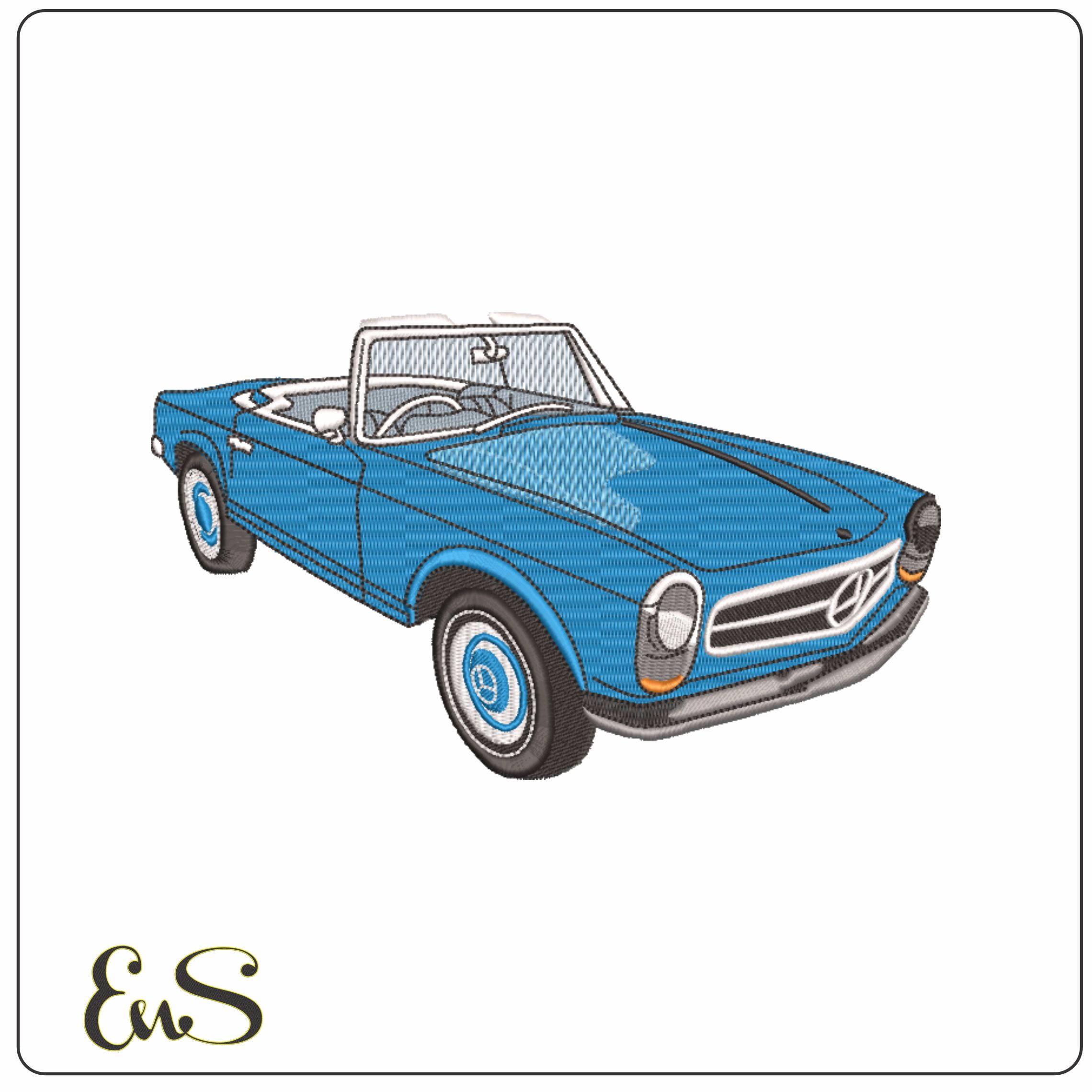
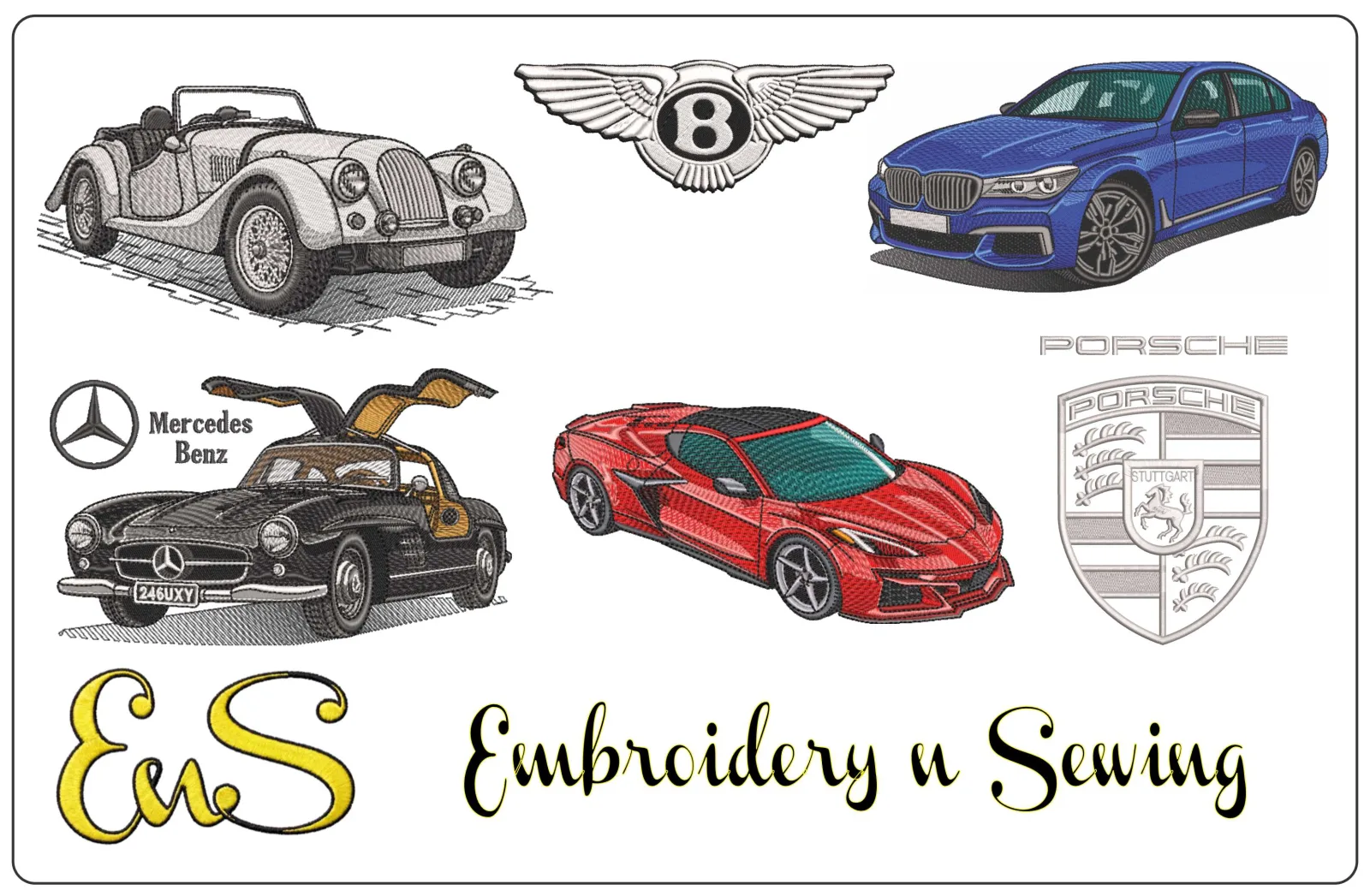
A Mercedes embroidery design is a digital machine file that directs an embroidery machine to stitch a Mercedes-themed vehicle or logo-style motif onto fabric. It is not a finished patch, garment, or other embroidered item.
The file is the starting point for your project. The finished result depends in part on how well the motif fits the item, fabric, and stitching area. A compact logo-style design can work as a small focal point, while a larger vehicle illustration may suit a placement with more room. Consider the visual effect you want as well as the space available.
For background on the three-pointed star and the brand’s visual identity, explore this overview of the history of the Mercedes-Benz brand. It may help you identify the details you want in a design, but a digital motif should not be taken to imply official affiliation with or endorsement by the brand.
Which Mercedes-themed project are you planning?
Begin with the item you want to personalize and decide where the embroidery will go. Measure the available area, including space around seams, pockets, and other features that could affect placement. A design for apparel may need a different scale from one for a gift or craft project. Then choose between a compact logo-style motif and broader automotive imagery based on the look you want.
Browsing by theme and intended use helps make a large catalog easier to navigate. Compare automotive motifs with other digital embroidery designs if you are still deciding on a direction. When a design catches your eye, use its listed dimensions and file details to see whether it fits your plan.
How to Choose a Mercedes Embroidery Design for Your Machine
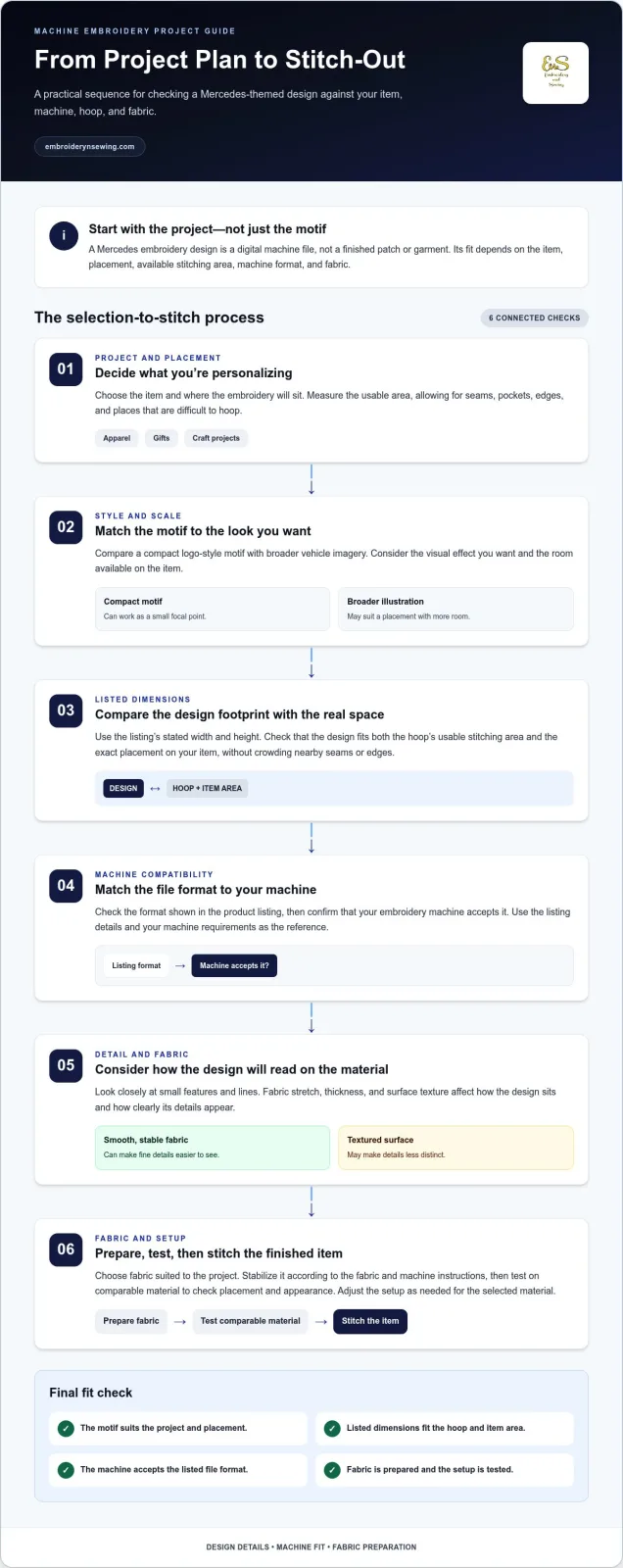
Check your project before settling on a motif. Use this order to narrow your options:
-
Identify the project. Decide what you’re personalizing and where the design will sit. Note the usable space, avoiding seams and areas that are difficult to hoop.
-
Check the design dimensions. Compare the listed width and height with both the available space and your hoop’s usable stitching area.
-
Match the file format. Compare the format shown in the listing with the formats your embroidery machine accepts.
-
Assess the detail. Look at the design’s small features and lines, then consider how they will read on your chosen fabric and at the listed size.
A mercedes embroidery design can look different on different fabrics. Stretch, thickness, and surface texture all affect how the design sits and how its details appear. A smooth, stable fabric can make fine details easier to see, while a textured surface may make them less distinct. Check the placement as well as the size: the design must fit the hoop and the garment area without crowding nearby seams or edges.
Check file fit, hoop size, and placement before downloading
Use the product listing’s stated format and dimensions as your reference. First, confirm that your machine accepts the listed format. Then compare the design footprint with your hoop’s usable area and the exact placement on your item. If you’re learning the basics, explore these machine embroidery articles alongside this introduction to embroidery file formats from EduTech Wiki at the University of Geneva.
Once you know your machine’s format and hoop limits, browse the machine embroidery design categories to explore automotive themes and compare designs for your project.
![Mercedes embroidery design]
From Mercedes Design Discovery to a Ready-to-Stitch Project
Turn browsing into a project plan by narrowing your choices in order. Start with the automotive style you want, such as a logo-style motif or a broader vehicle illustration. Next, consider the item, purpose, and placement. A design for a personal gift may call for a different scale or look from one planned for apparel. Finally, compare the listing’s format and dimensions with your machine, hoop, and available fabric area.
This process helps you choose a mercedes embroidery design for the item you plan to stitch, rather than relying on appearance alone. Explore broader digital embroidery designs for inspiration beyond automotive motifs, then use your project details to guide the final choice.
Prepare the fabric and machine for a clean stitch-out
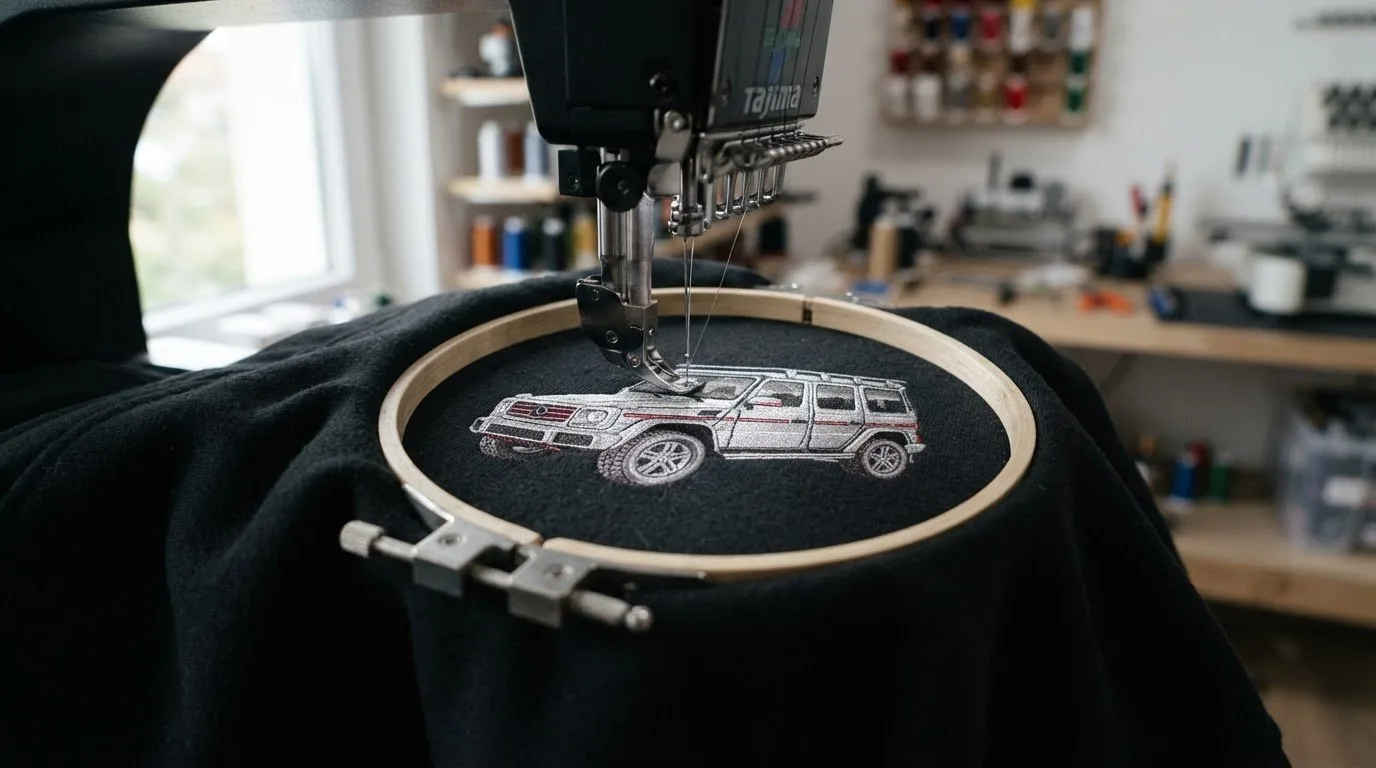
Choose fabric suited to your project and stabilize it according to the fabric and machine instructions. Before stitching the finished garment or gift, test the design on comparable material. This lets you check placement and appearance using a fabric with a similar texture and stretch. Follow the guidance for your machine and stabilizer, and adjust the setup as needed for the selected material.
When your project plan is ready, browse the embroidery design categories for automotive motifs and other themes. Match the file details to your equipment, prepare the fabric, and you’ll have a more considered setup for your stitch-out.
Choose Your Design and Start Creating
A successful Mercedes-themed stitch-out starts with a design that suits the project, not just a motif that catches your eye. Before stitching, compare the listed file format and dimensions with your machine, hoop, and intended placement. Prepare the fabric and test your setup on comparable material before working on the finished item.
With those decisions made, finding a mercedes embroidery design becomes a practical step toward personalizing apparel, gifts, or other craft projects. Explore a broad, searchable catalog of digital embroidery themes and get immediate access to downloadable machine embroidery designs for your next idea.
Browse digital embroidery design categories to find a theme for your project. Choose a file that fits your machine and placement, prepare your fabric, and start creating.