# Porsche Embroidery Design: Choose a Machine-Ready File for Your Project
The best porsche embroidery design is one that suits your machine, fits the project area, and stays clear at the size you plan to stitch. Before you choose a motif, decide what you want to personalize and how much space you have. That simple starting point helps you narrow the options and avoid files that are too large or too detailed for the finished item.
Next, compare the design’s format and dimensions with your machine and hoop. Then consider how the motif will look on the garment, gift, accessory, or décor piece you have in mind. These checks make it easier to find a car-inspired design that fits your setup and personal style. Here’s what to look for, from machine compatibility to placement and scale.
Key Takeaways
- Match the automotive motif to the item you want to personalize, its visible area, and the level of detail that will read clearly.
-
Plan placement around seams, closures, and the area you want the design to occupy before stitching.
-
Consider how fabric, stabilization, and hooping can affect the finished look, then browse the design options that fit your project.
Table of Contents
[- Porsche Embroidery Design Ideas: Match the Motif to Your Project](/designs/porsche-logo-swoosh-nike-car-embroidery-design-instant-download)
-
How to Choose a Porsche Embroidery Design That Fits Your Machine
-
Prepare Your Porsche-Themed Embroidery Project for a Clean Finish
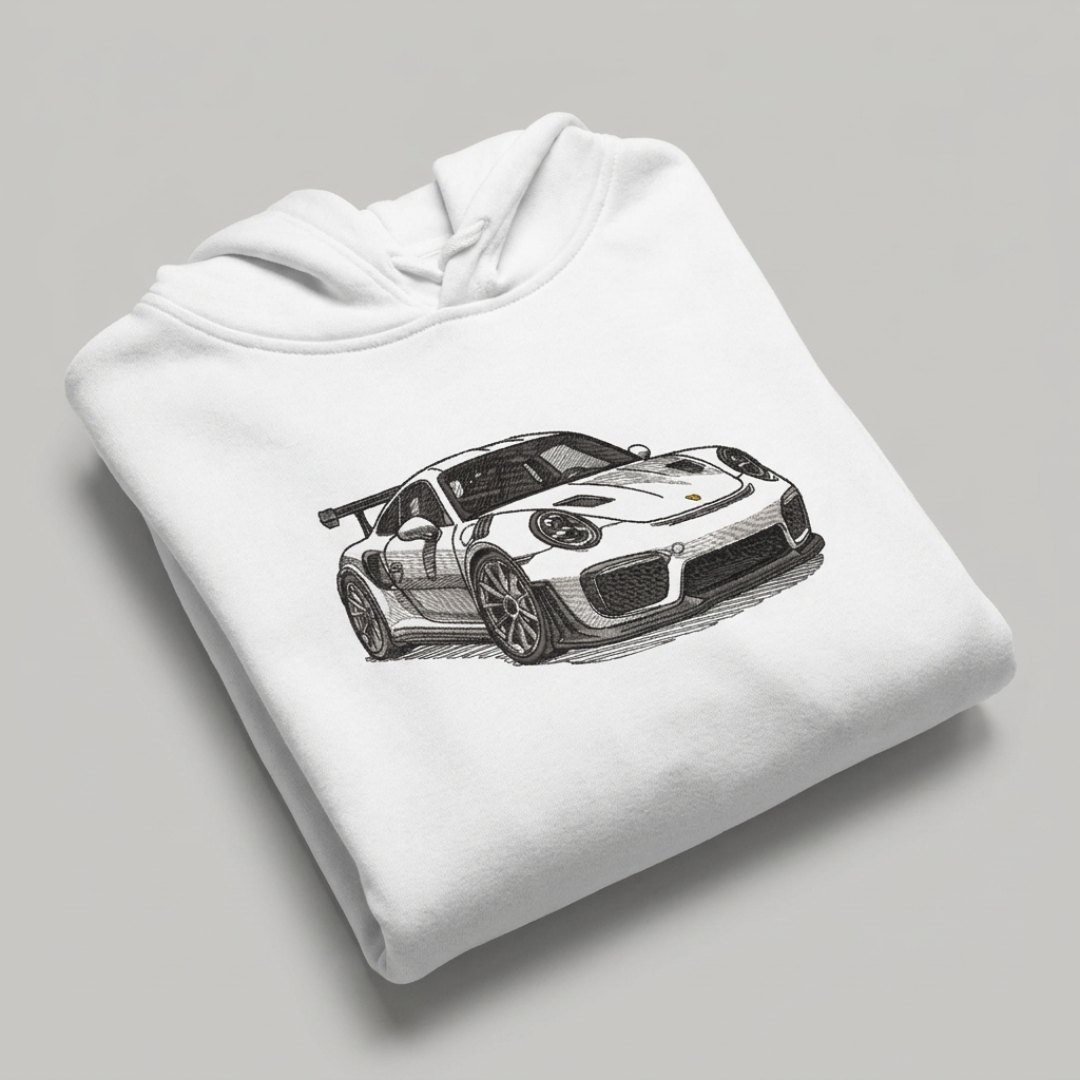
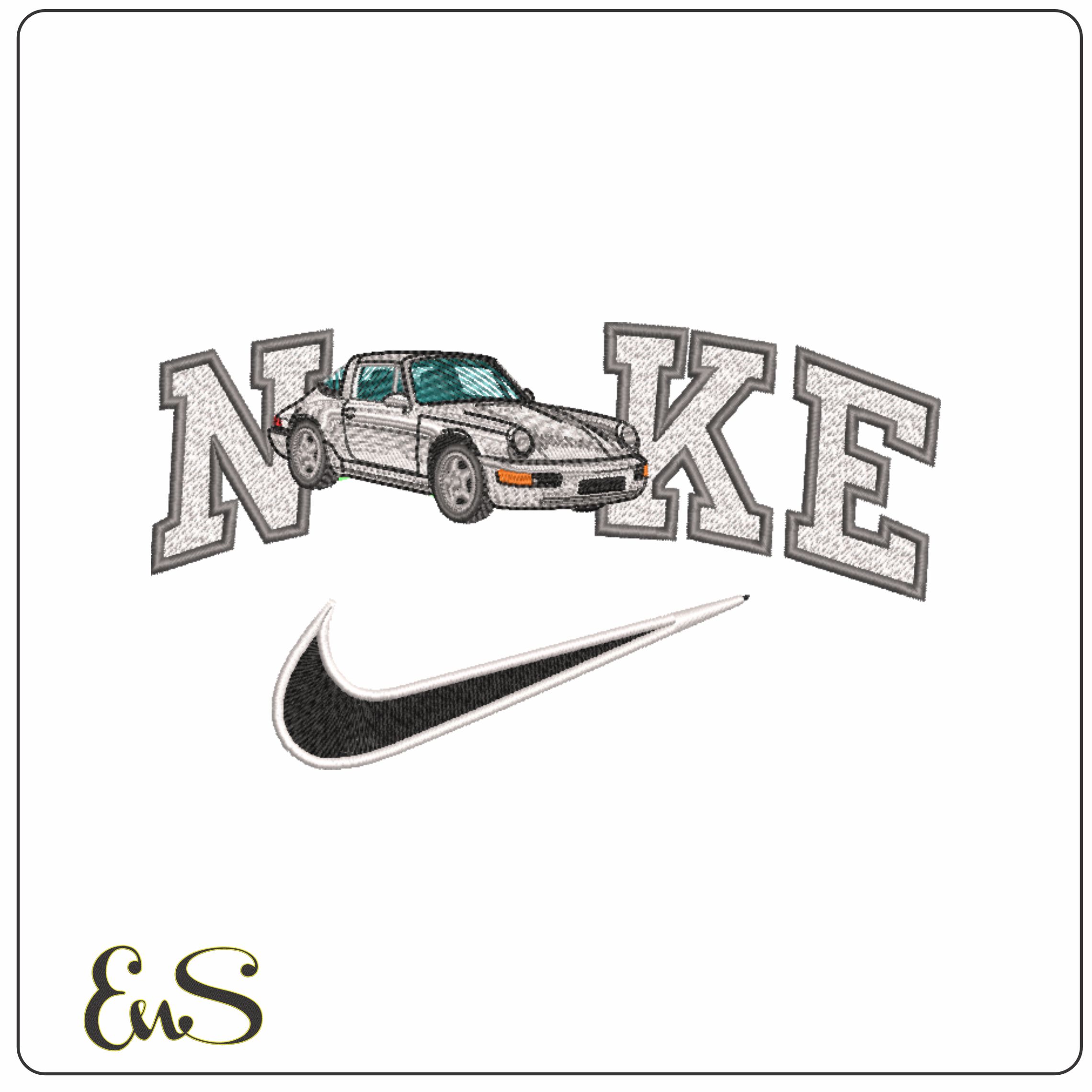
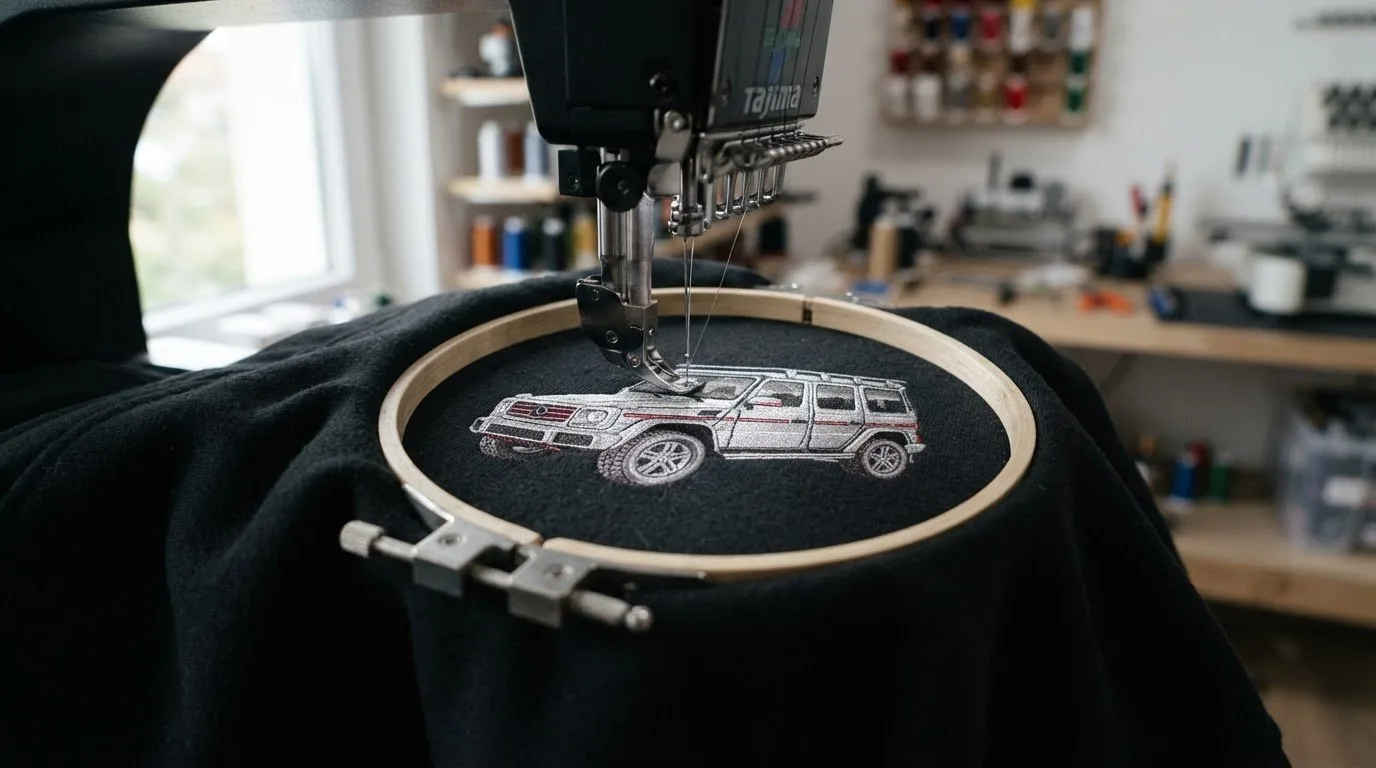
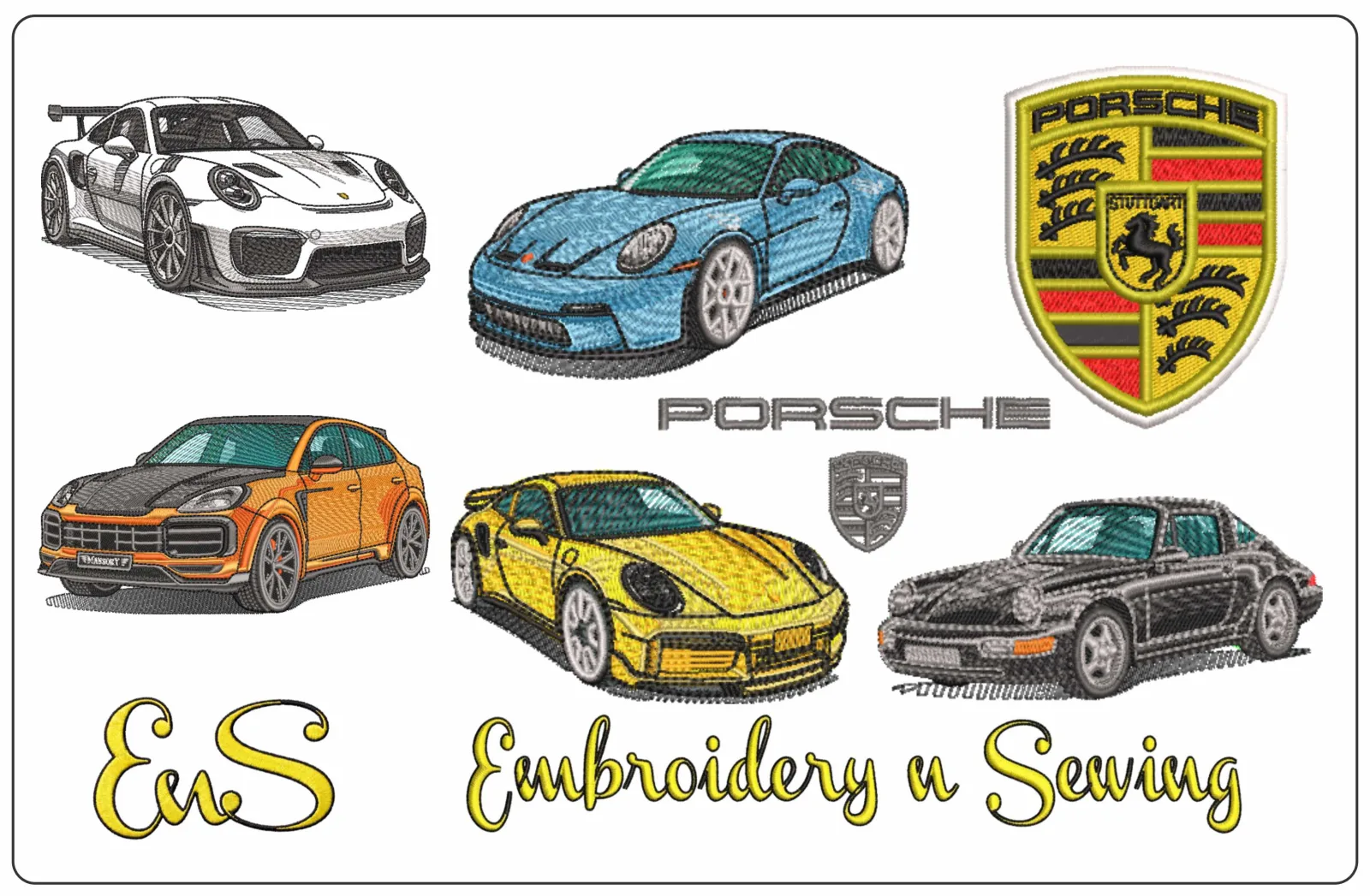
An automotive motif can personalize a jacket, cap, gift, bag, or piece of décor. To choose a porsche embroidery design, think beyond the subject: consider where it will go, how much space is available, and whether its details will remain clear at the finished size.
A machine embroidery design is a digital file containing stitch instructions that an embroidery machine reads to create a stitched motif.
### Choose a Porsche-themed design for apparel, gifts, or décor
For apparel, consider how the motif will look when worn and whether its placement works with the garment’s shape. For a gift, choose a style that reflects the recipient’s interest in cars. On décor, consider the item’s display area and whether the design will complement its surroundings.
Scale and detail go together. On a smaller item, clean outlines and distinct shapes are often easier to see than fine elements crowded into a limited space. Measure the usable embroidery area before choosing a motif, then consider how its main features will appear at that size. If you want inspiration for the subject’s visual character, explore automotive design principles and choose a style that suits your project.
Explore the digital embroidery pattern guide for ideas across embroidery themes. Keeping the item, available space, and desired level of detail in mind helps you narrow your choices while leaving room for your personal style.
How to Choose a Porsche Embroidery Design That Fits Your Machine
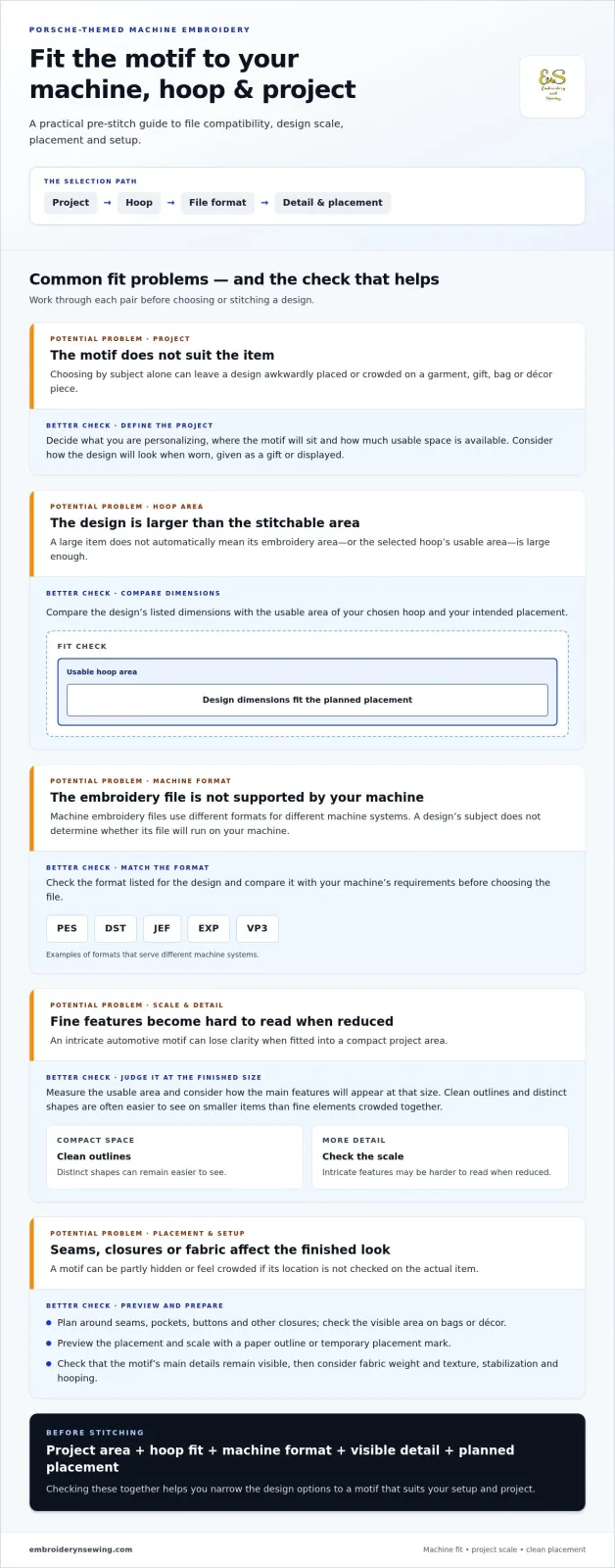
Start with the project, then find a motif to match. Before choosing a porsche embroidery design, work through these checks to make sure the file suits the item, hoop, and machine you plan to use.
-
Define the project. Decide what you’re personalizing and where the motif will sit. This gives you a target size and helps you choose a design that fits the item’s shape.
-
Check the usable hoop area. Compare the design’s listed dimensions with the area your chosen hoop can stitch. Allow for the planned placement, and don’t assume a design will fit just because the item itself is large.
-
Match the machine format. The file must use a format your embroidery machine supports. Formats such as PES, DST, JEF, EXP, and VP3 serve different machine systems. Review this embroidery file formats overview, then compare the listing’s format with your machine’s requirements.
-
Review the design details. Consider the design’s scale and level of detail in relation to the project area. An intricate motif may be harder to read when reduced, while a simpler design can remain clear in a compact space.
Check file format, hoop area, and design scale before downloading
Use the format and size details in the listing as your final fit check. Confirm that the format matches your machine and the dimensions fit both the hoop’s usable area and your intended placement. For more help with machine-file basics, explore our machine embroidery articles.
Once you know your project size and machine format, browse machine embroidery design categories to narrow your options, including car-themed designs that suit your plan.
![Porsche embroidery design]
Prepare Your Porsche-Themed Embroidery Project for a Clean Finish
Decide where the Porsche-themed motif will sit before you start stitching. On a shirt or jacket, account for seams, pockets, buttons, and other closures. On a bag or décor item, look at the area that will remain visible. Careful placement helps the motif look balanced instead of crowded or partly hidden.
Plan placement and setup around the item you are personalizing
Preview the placement and scale before stitching the final project. Use a paper outline or temporary placement mark to see how the design fits, and check that its main details remain visible. This step is especially useful for automotive motifs, where the silhouette and smaller features shape the overall look.
Fabric choice, stabilization, and hooping affect how the material sits during stitching and how the finished embroidery looks. Consider the fabric’s weight and texture, then prepare it to suit the material and project. For broader context on how textiles vary, see this overview of the history of modern textiles. For a practical walkthrough of the process, read our step-by-step machine embroidery guide.
With placement and preparation in mind, choose a porsche embroidery design that fits your project and machine. Browse the digital embroidery catalog for downloadable designs and inspiration for your next personalized make.
Get Your Porsche-Themed Project Ready to Stitch
A successful project starts with a motif that suits the item, its available embroidery area, and your style. Before choosing a porsche embroidery design, compare the file’s format and dimensions with your machine and hoop. Plan placement around seams and closures, and consider how the fabric, stabilization, and hooping will affect your setup.
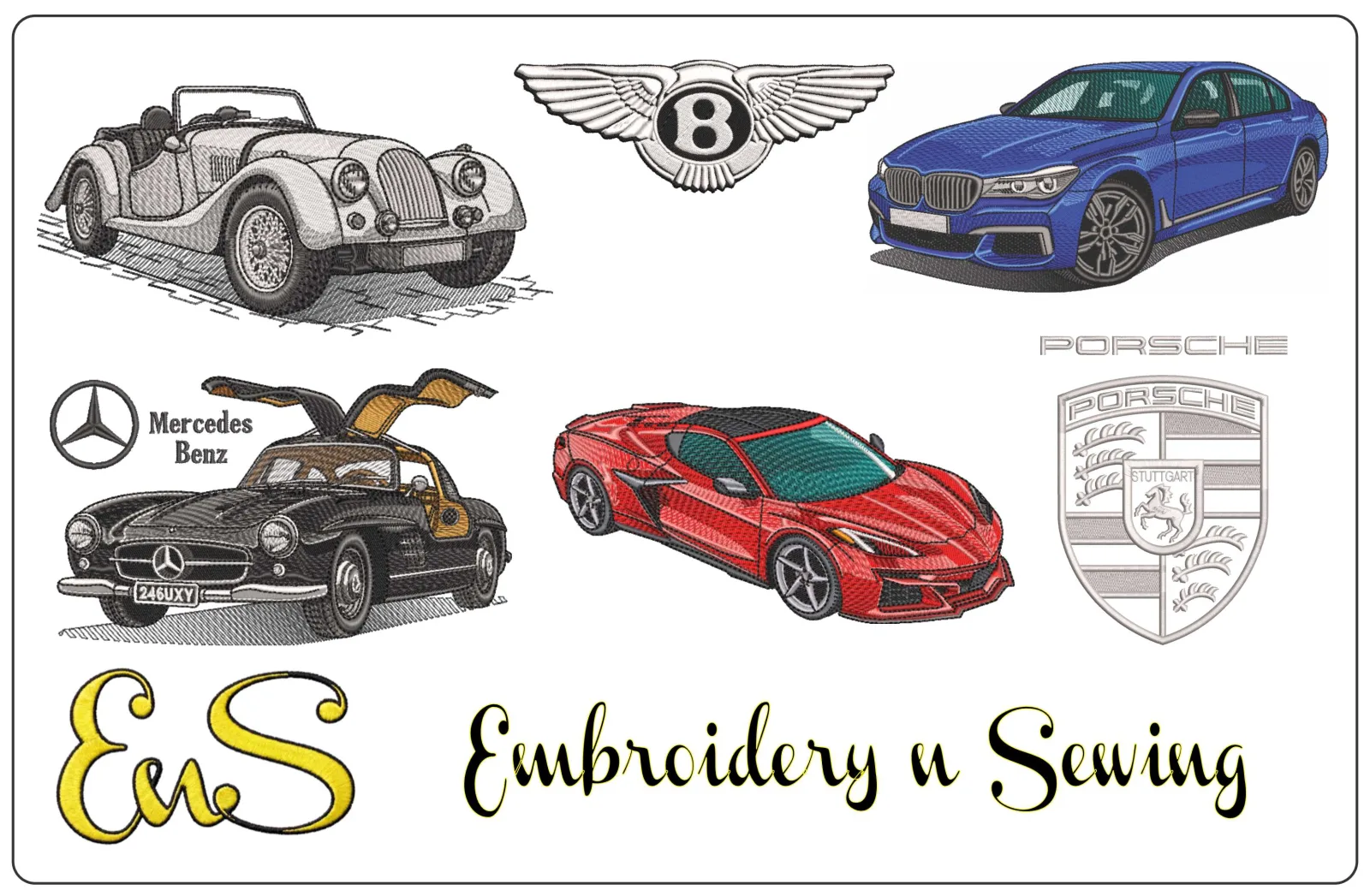
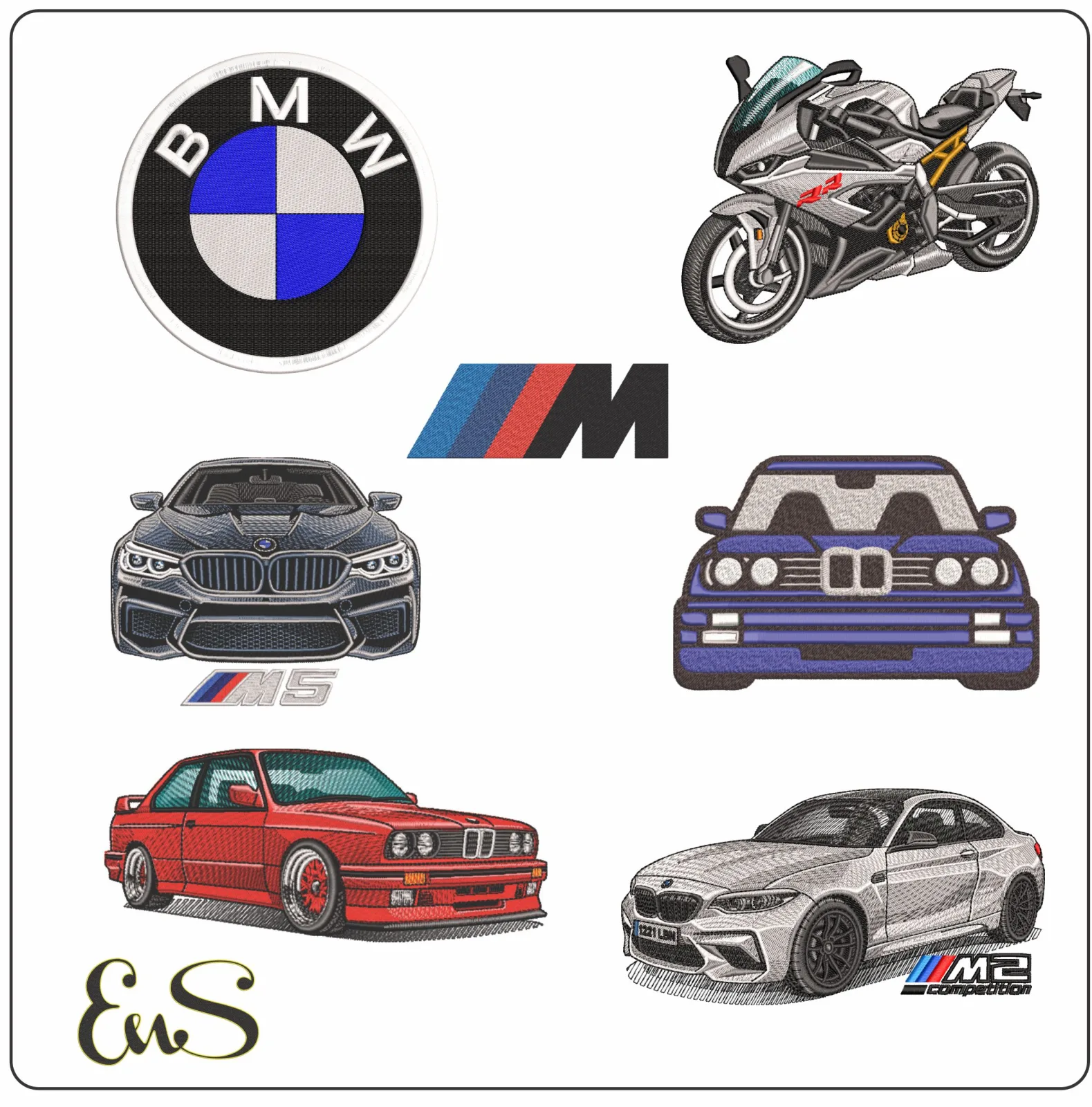
Once those details are clear, you can focus your search. Explore the searchable catalog by theme and use the design details to narrow your options. The collection includes downloadable machine embroidery designs across automotive and other niche themes, making it easier to find an idea that fits your project.
Ready to choose a motif for your next make? Browse the digital embroidery design catalog for car-inspired ideas and other designs to personalize your project.
Frequently Asked Questions
Can a Porsche embroidery design work with any embroidery machine?
No. A design file needs to use a format your embroidery machine supports. Before choosing a porsche embroidery design, compare the format shown in its listing with your machine’s requirements. Then check the dimensions against your hoop’s usable area. Reviewing both details helps you select a file that fits your setup.
How do I choose the right size for a Porsche embroidery design?
Measure the area where you want the motif, then compare it with the design dimensions and your hoop’s usable area. Leave room for seams, closures, and the intended placement. A visual layout check helps you judge whether the design will look balanced rather than oversized or crowded.
What can I personalize with a Porsche-themed embroidery design?
Consider apparel, accessories, gifts, or home décor, depending on the design and item. Choose a piece with suitable embroidery space and fabric for your project. Before stitching, preview the motif’s position and scale to make sure it works with the item’s shape and remains visible.
How do I find a Porsche embroidery design in a large catalog?
Start with the automotive theme, then narrow your search by relevant category, file format, and size. A descriptive search can help you find a design that matches the look you have in mind. Review each listing’s details to make sure the file suits your machine and project. A searchable catalog makes it easier to focus on relevant options.