That moment when you find the perfect sports logo, cartoon character, floral monogram, or kids' birthday design and want it stitched today - that is exactly where digital embroidery comes in. If you have ever asked what is digital embroidery, the short answer is this: it is embroidery created from a digital file that tells an embroidery machine exactly how to stitch a design onto fabric. Unlike hand embroidery, where you guide every stitch yourself, digital embroidery relies on embroidery-ready files made for machine use. These files are not just pictures. They contain stitch data, thread paths, sequencing, density settings, and other instructions that let your machine sew the design in the correct order. For hobbyists, small shop owners, and custom apparel makers, that means faster project turnaround, more consistent results, and instant access to a huge range of ready-to-stitch artwork.
## What Is Digital Embroidery and How Does It Work?
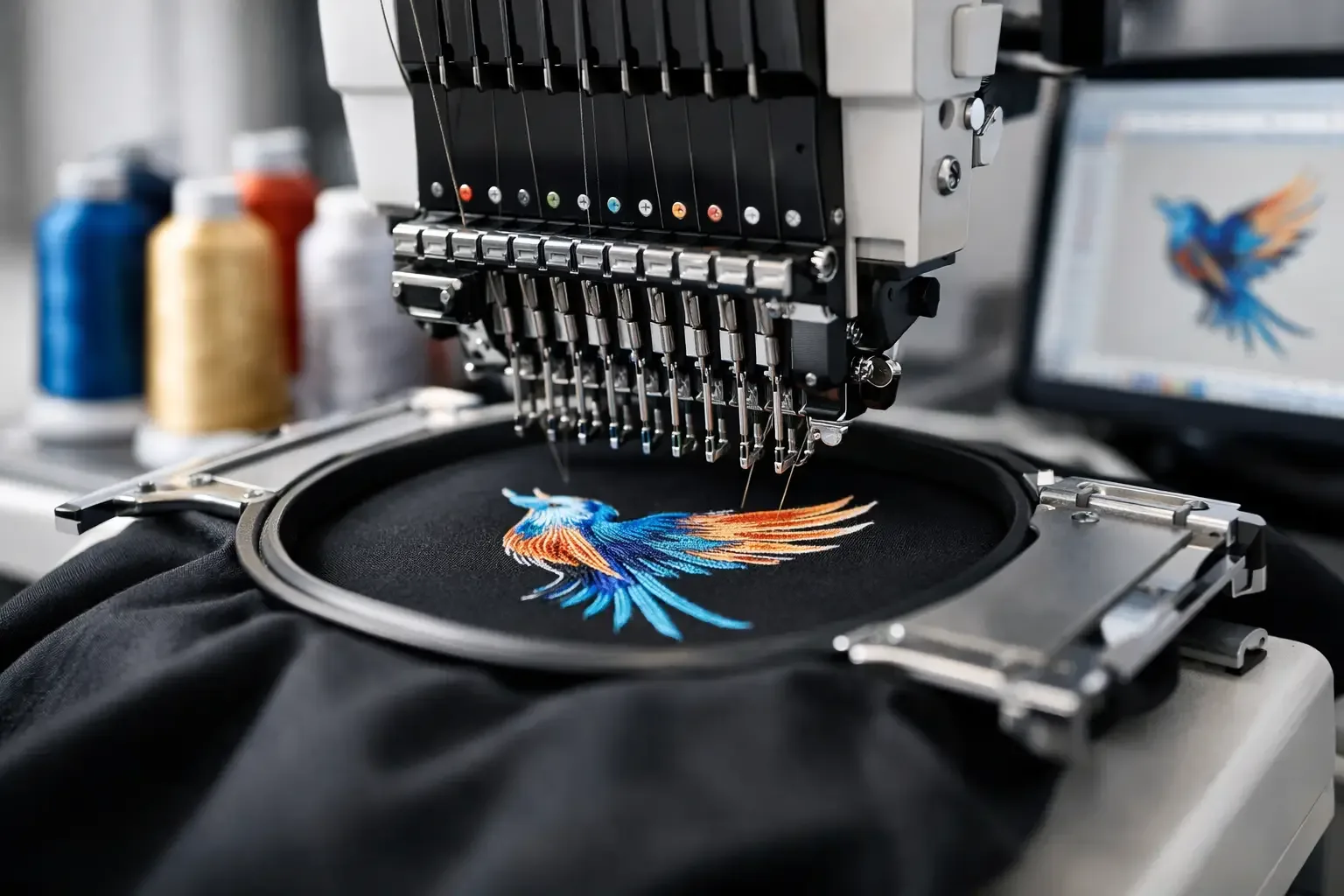
Digital embroidery starts with a design file created through a process called digitizing. In digitizing, artwork is converted into stitch instructions for an embroidery machine. The machine reads that file and stitches the design using thread, one section at a time. This is why a JPG, PNG, or screenshot from social media is not enough by itself. A regular image file may show what a design looks like, but it does not tell the machine where to place satin stitches, how dense the fill should be, where trims happen, or what order the colors should run. A true embroidery file does. When you load a design into your machine, or into What is digital embroidery? Learn how embroidery files work, how designs stitch on machines, and what to check before you download and sew.s the stitch path. It tells the machine where to start, where to stop, when to change color, and how each area should be sewn. If the file is well digitized, the design should run cleanly and look balanced on the fabric it was intended for. If it is poorly digitized, you may see thread breaks, puckering, gaps, or bulky sections. For most buyers, digital embroidery is less about the technical process and more about what it allows. You can download a file instantly, transfer it to your machine, and start personalizing shirts, hats, baby gifts, tote bags, patches, towels, and team gear without waiting for custom artwork to be built from scratch.
## The Difference Between Digital Embroidery and Regular Images
One of the biggest beginner mistakes is assuming any digital graphic can be stitched as-is. It cannot. Digital embroidery files are built for machines, not just for viewing. A standard image is made of pixels or vector shapes. An embroidery file is made of machine commands. That difference matters because thread behaves differently than ink. A shape that looks clean on a screen may need underlay, pull compensation, different stitch angles, or fewer details to sew well on fabric. This is also why two files that look similar in a product preview can perform very differently in real use. The quality is not only in the artwork. It is in the digitizing decisions behind it.
## Common Digital Embroidery File Formats
If you own an embroidery machine, you already know format compatibility matters. Different machine brands use different file types, and choosing the right one is part of getting a smooth instant-download experience. Some of the most common formats include PES, DST, EXP, JEF, VP3, HUS, and XXX. Your machine may accept one format or several. Before you buy a design, it is worth checking exactly what your model reads best. This is where category-based shopping and clear file labeling help. When you are browsing a large design library, whether you want anime-inspired files, holiday motifs, machine embroidery fonts, or sports-themed artwork, format visibility saves time and cuts down on returns or frustration. Fast access only works when the file you download actually matches your machine setup.
## What Can You Make With Digital Embroidery?
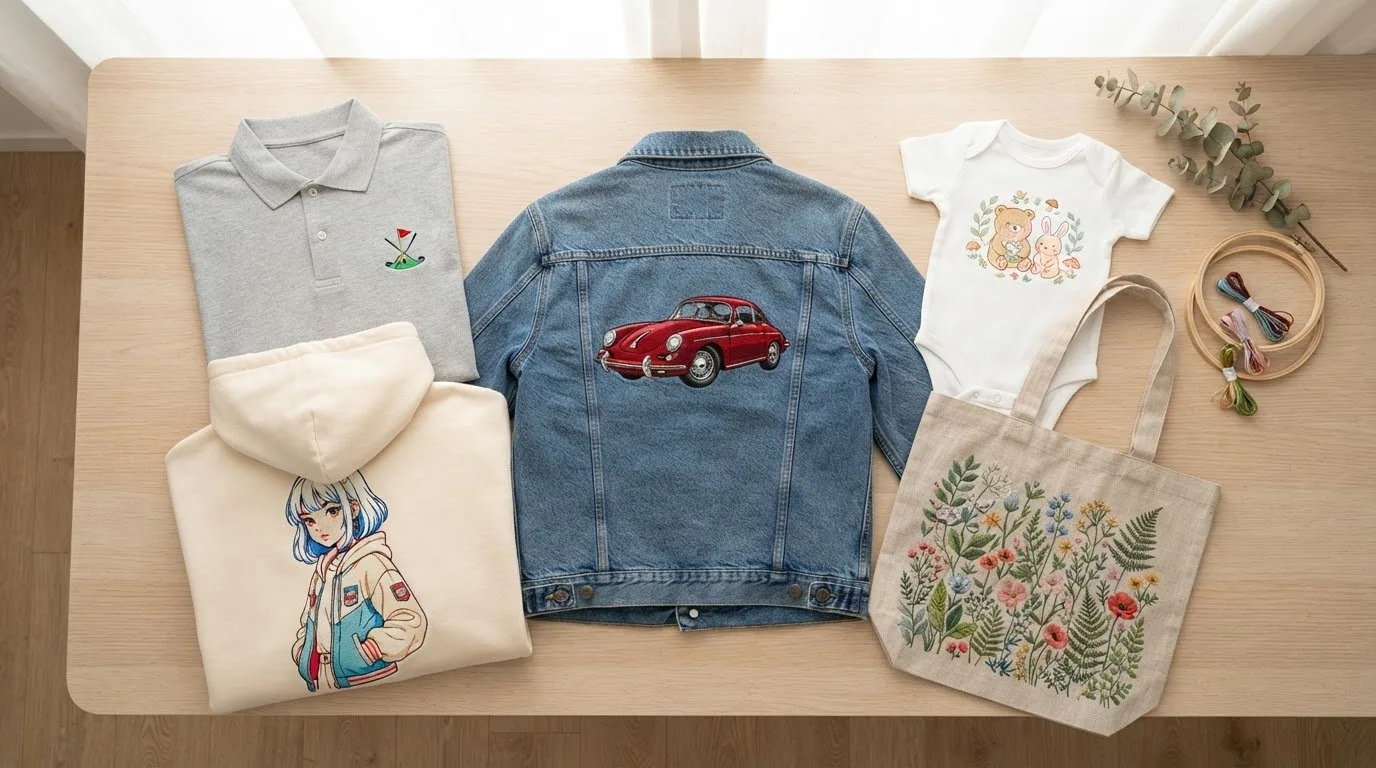
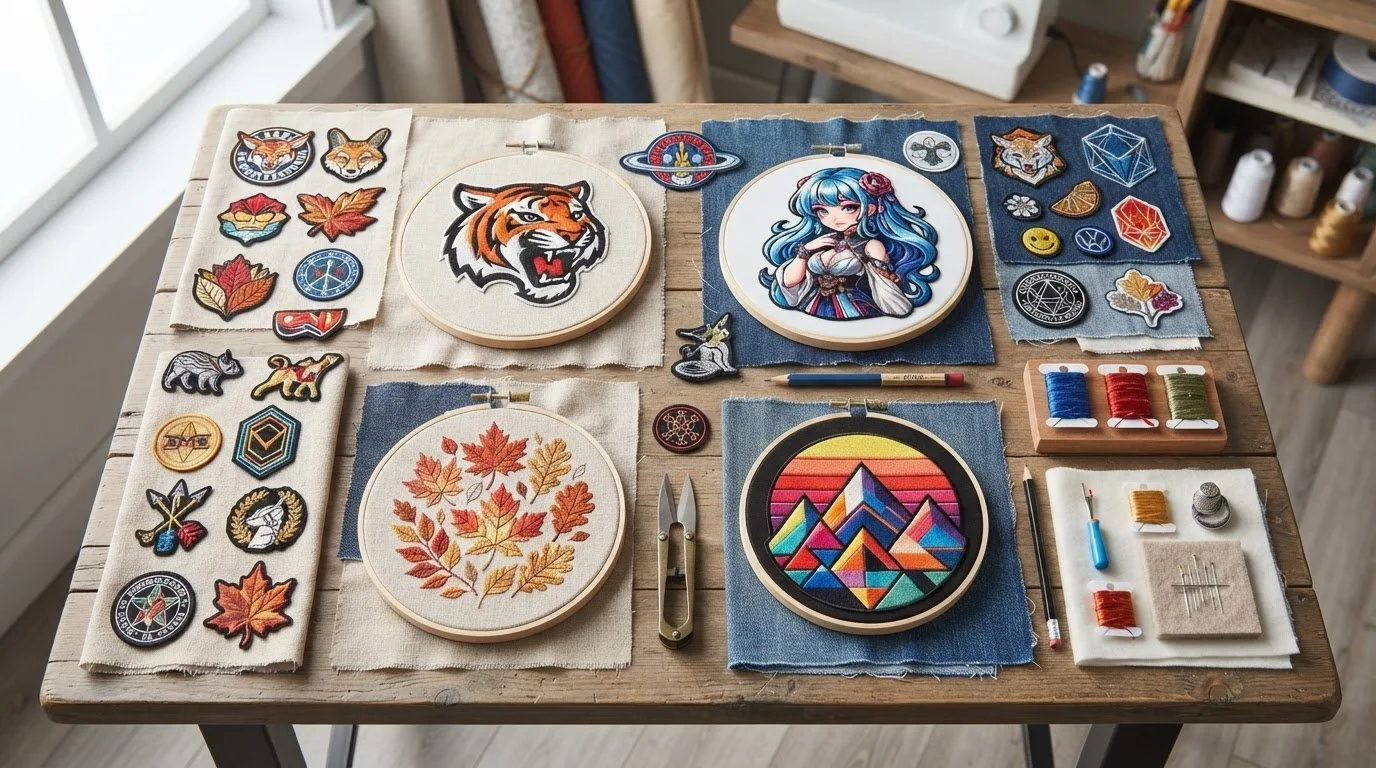
This is where digital embroidery becomes especially useful for crafters and small sellers. Because the files are ready to stitch, you can move quickly from idea to finished item. Popular uses include decorating sweatshirts, jackets, caps, backpacks, baby blankets, kitchen towels, Christmas stockings, team shirts, and personalized gifts. Boutique makers often use embroidery files to create school spirit apparel, game-day accessories, seasonal home decor, and custom kids' items. Etsy-style sellers like it because it makes repeatable production easier. Hobbyists like it because they can experiment with more themes without paying for one-off digitizing every time. The range of available design categories is part of the appeal. Instead of being limited to generic flowers or monograms, you can shop for highly specific interests - sports fandoms, flags, kids' themes, transportation, nature, holidays, cartoon-style art, and more. That variety gives makers more ways to match what customers, family, or gift recipients actually want.
## Why Digital Embroidery Is Popular
The main reason is convenience. You can buy a file, download it immediately, and stitch the same day. There is no shipping delay, and for many projects there is no need to wait on custom digitizing. Cost is another factor. Ready-made embroidery designs are usually much more affordable than hiring someone to digitize a design from scratch. If you regularly make gifts, team apparel, nursery items, or seasonal products to sell, that price difference adds up quickly. There is also a creative advantage. A large digital marketplace gives you access to more themes, more styles, and more project ideas than most local sources ever could. If one week you need a football-themed design and the next week you need a cute woodland animal or a script font for towels, digital files make that kind of variety easy to manage.
What to Check Before You Download
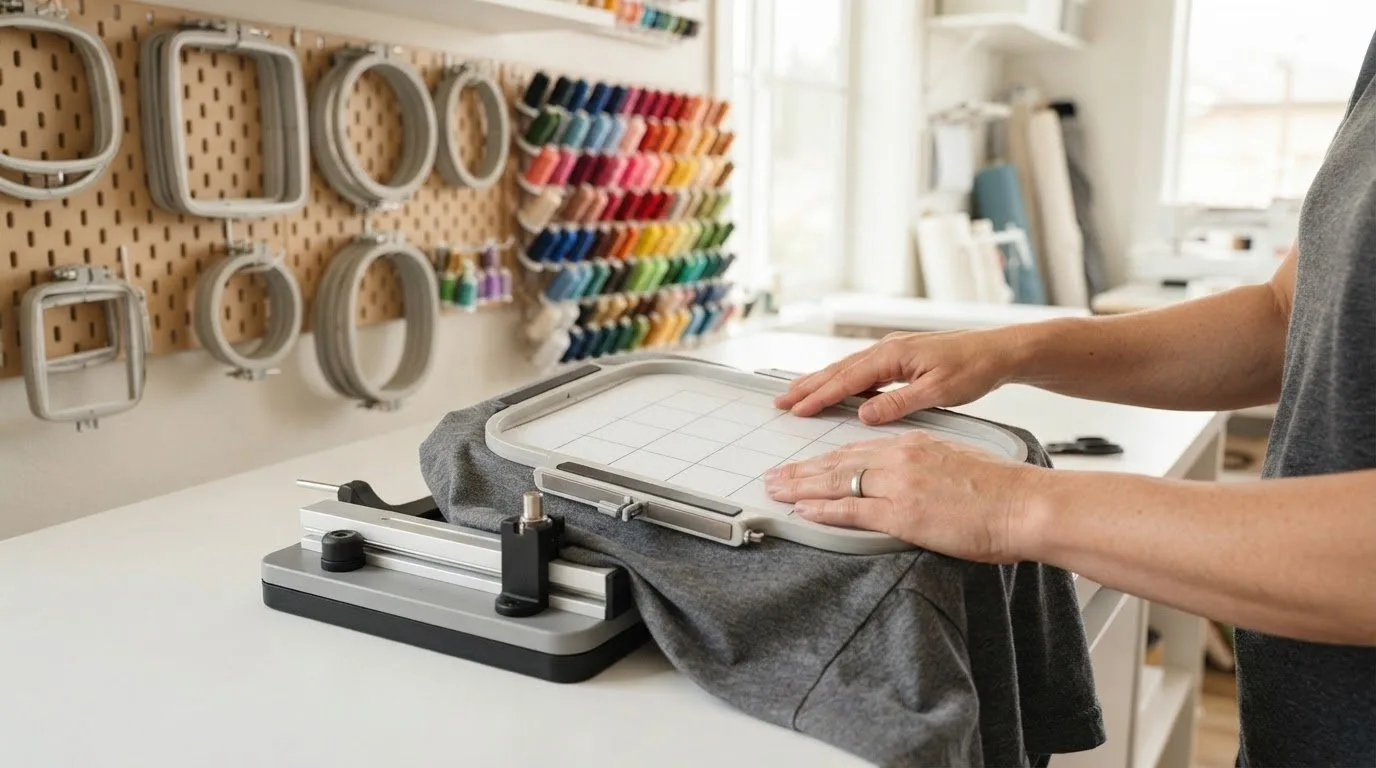
Even with the convenience, digital embroidery is not one-size-fits-all. A smart purchase depends on a few practical checks. First, confirm the file format. This sounds obvious, but it is the first thing to verify. If your machine needs PES and you download a format it cannot read, the design is not going to help you today. Next, check the design size and hoop size. A file may be beautiful, but if it is built for a 5x7 hoop and you only have a 4x4 machine setup, you may not be able to use it without resizing. And resizing embroidery is not like resizing clip art. Too much adjustment can hurt stitch quality. Also look at the stitch count and level of detail. A dense, highly detailed design may work well on a jacket back but not on a lightweight baby onesie. Small lettering, thin outlines, and tiny features can be tricky depending on your fabric, stabilizer, and machine capabilities. Finally, think about the project itself. Hats, towels, knits, fleece, and structured bags all behave differently. A design that runs beautifully on cotton may need different expectations on a stretchy sweatshirt or textured towel. Digital embroidery works best when the file, fabric, and use case line up.
## Is Digital Embroidery the Same as Digitizing?
Not exactly. They are closely related, but they are not the same thing. Digital embroidery is the broader end result - machine embroidery done from a digital file. Digitizing is the creation process behind that file. If you buy a ready-to-stitch design, someone has already done the digitizing work for you. For many customers, that distinction matters because it explains the value of pre-made files. When you buy a finished embroidery design, you are not only buying artwork. You are buying the stitch planning that makes the design usable on a machine. That is also why ready-made files can be such a practical option. Instead of commissioning custom digitizing for every project, you can browse a broad catalog and pick designs that are already built for machine embroidery. For many home embroiderers and small business sellers, that is the fastest path to getting products made.
Who Benefits Most From Digital Embroidery?
Beginners benefit because they can start stitching without learning digitizing software first. Intermediate users benefit because they can expand their project range quickly and affordably. Small apparel decorators benefit because they can test new themes and seasonal products without a large setup cost. If you make school spirit wear, fandom gifts, children’s items, holiday products, or personalized home goods, digital embroidery gives you speed and selection. A broad marketplace with instant downloads lets you go from search to stitch without overcomplicating the process. That is a big reason so many machine owners rely on design libraries instead of building every file from scratch. For shoppers who want variety, that matters just as much as quality. A World of Intricate Embroidery Awaits when you can find the right file for a mascot sweatshirt, a nursery blanket, a monogrammed tote, or a game-day gift in one place and start sewing right away. Digital embroidery is ultimately about turning ideas into finished stitched projects faster. Once you understand that the file is the real product - not just the preview image - it gets much easier to choose designs that fit your machine, your fabric, and the kind of work you want to make next.