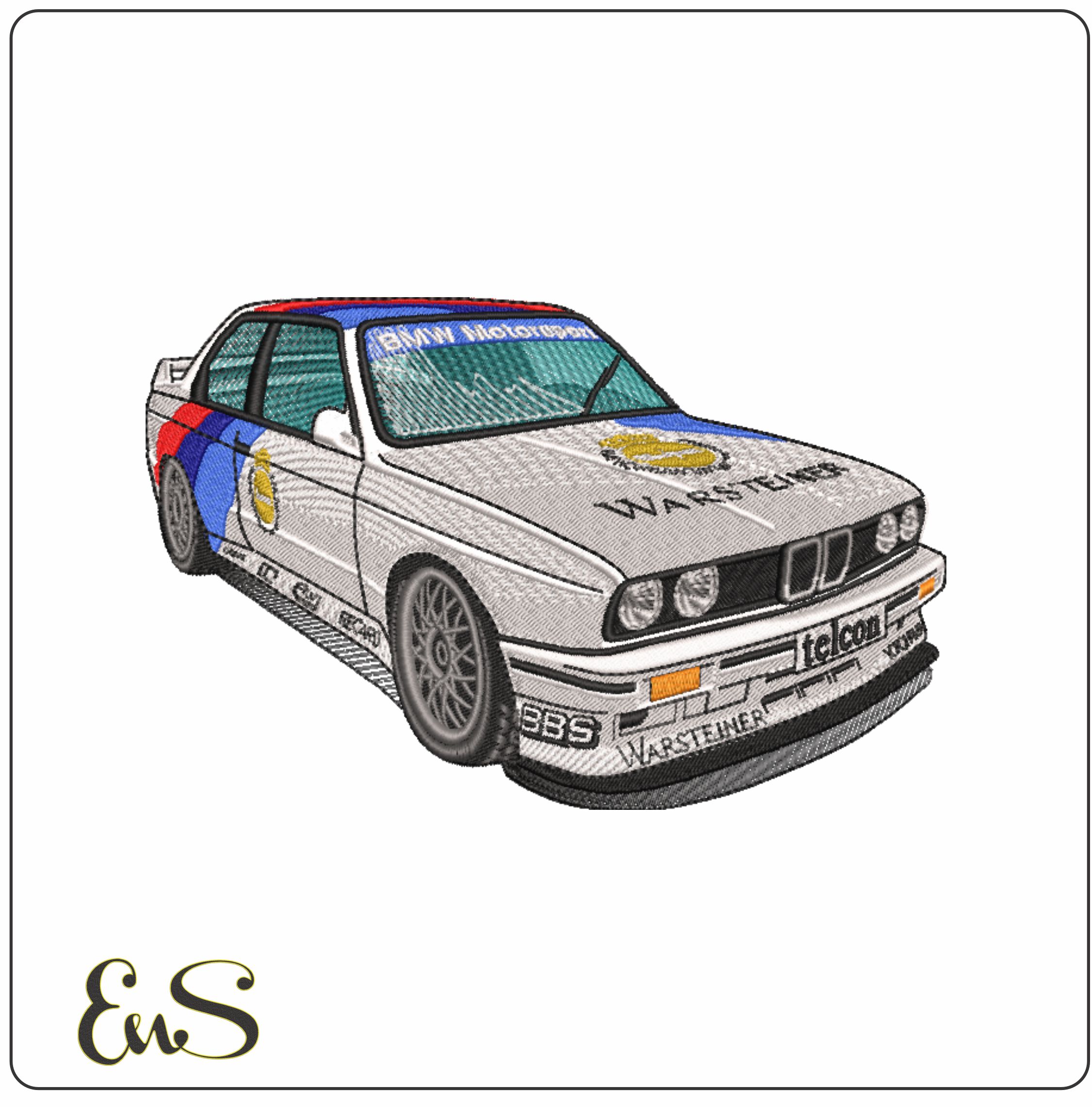
Choosing a bmw embroidery design is about more than finding a motif you like. The design also needs to suit the item, fit your hoop, and work with your machine’s file formats. Whether you’re personalizing a garment, making a gift, or adding detail to a bag or home décor, a few practical checks can help you choose confidently.
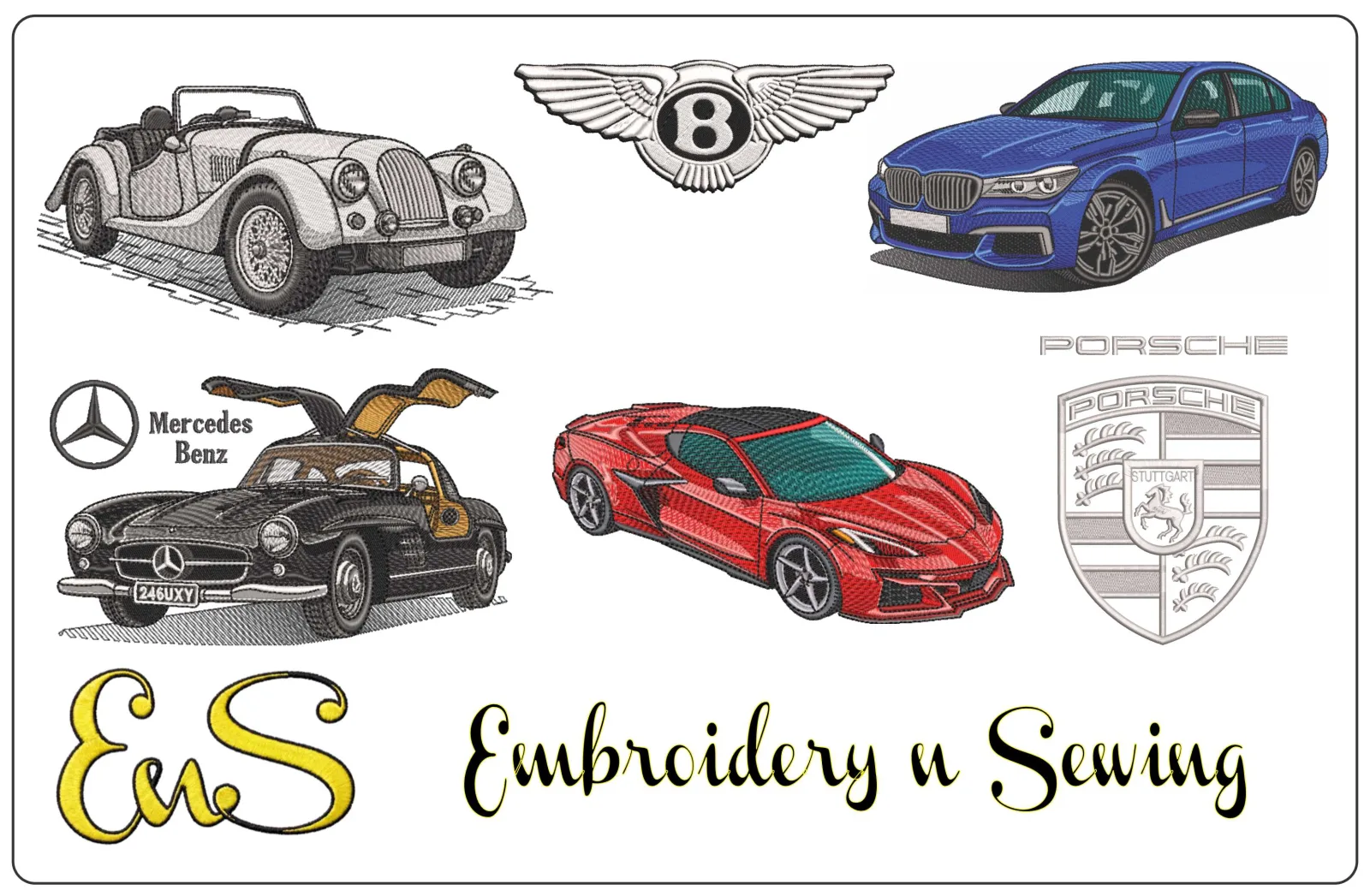
Embroidery n Sewing offers downloadable BMW-themed designs alongside a broad selection of automotive and other motifs. Review a design’s dimensions and file details before downloading, then prepare your project according to your fabric and machine guidance. This guide shows you how to narrow your options and plan the move from browsing to stitching.
Key Takeaways
- Match a bmw embroidery design to the item you’re personalizing and how prominently you want the motif to appear.
- Compare your machine’s supported file formats with the details in the design listing.
- Check the design dimensions against your hoop’s usable embroidery area.
- Choose fabric, stabilizer, and thread based on your project and your machine’s guidance.
Table of Contents
What to Look for in a BMW Embroidery Design for Your Project
Start with the item you want to personalize and the look you’re after. The best bmw embroidery design will fit the available space and remain clear at the size you plan to stitch. A motif on a jacket back has more room to read from a distance than one on a small accessory, so consider both placement and viewing distance as you browse.
Before exploring designs, note the project item, the placement area, the hoop you’ll use, and the file formats your machine supports. These details help you filter a broad automotive selection and avoid choosing a motif that is too large or too intricate for the space.
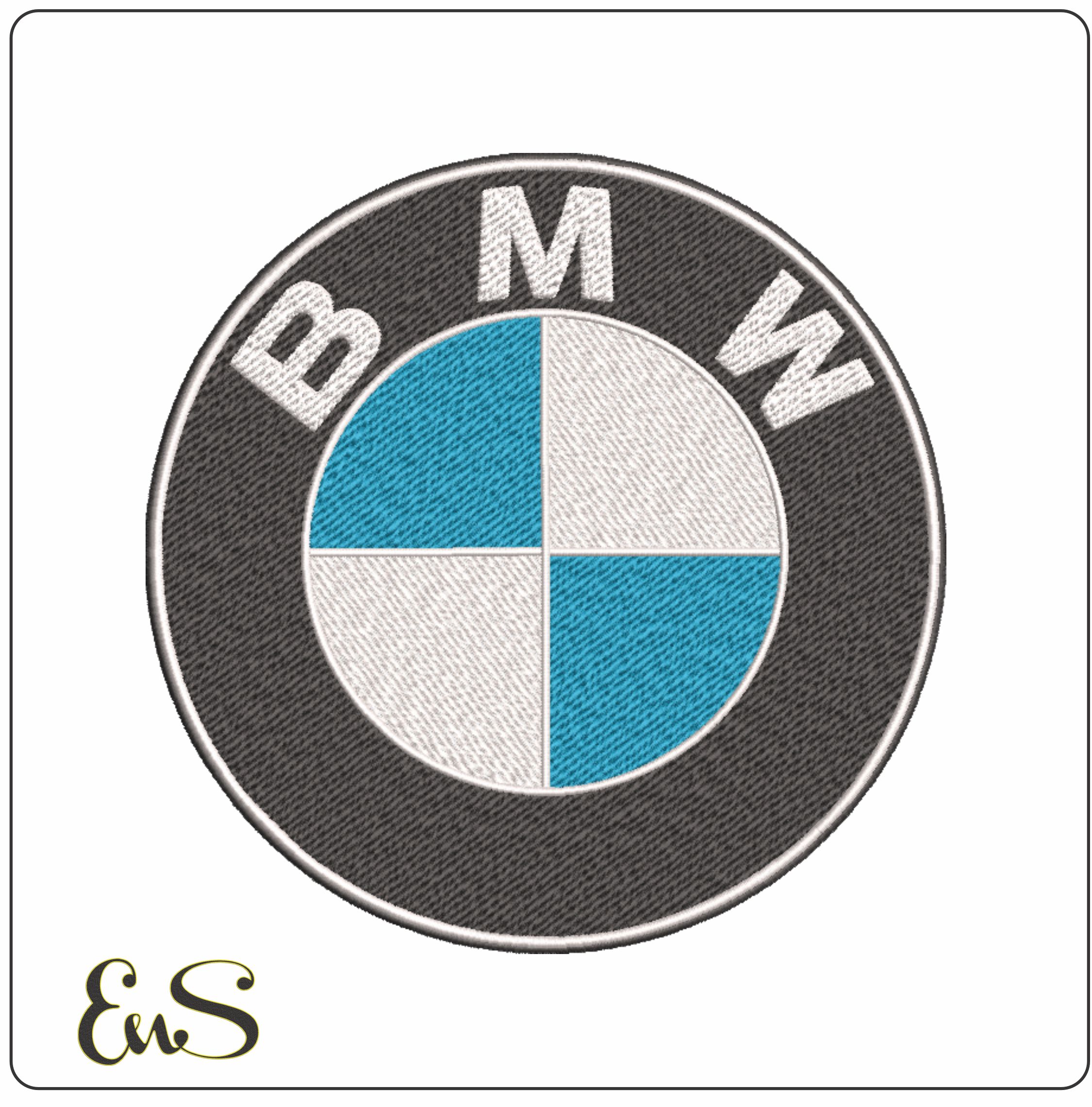 Embroidery designBMW Logo 1963-1997 embroidery designView this design →
Measure the area where you plan to stitch, then compare it with the design dimensions in the product listing. Leave room around seams, pockets, closures, and other details so the embroidery sits comfortably on the item. For a small placement, look for a motif whose key elements will remain recognizable at the intended size. Avoid shrinking a detailed design substantially, as fine elements may become harder to distinguish.
Browse the embroidery design categories to explore BMW-themed options alongside other automotive designs. If you’re new to machine embroidery, learning about the computerized embroidery process can help explain how a digital file guides the machine’s stitches.
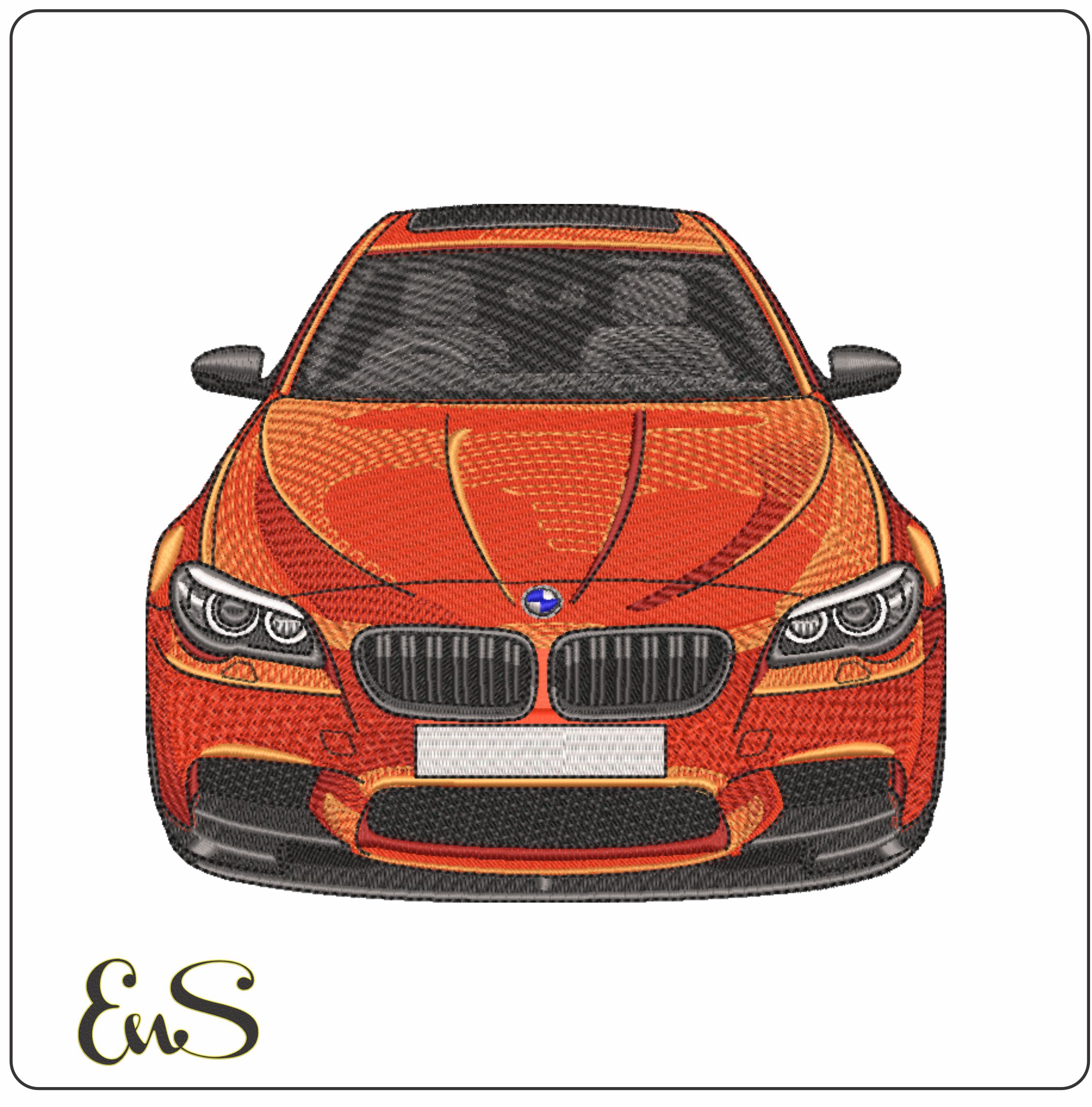 Embroidery designBmw M5 V10 Front ViewView this design →
A design can suit your project visually and still be incompatible with your setup. Check the machine’s supported file formats first, compare them with the product listing, and then make sure the design fits the usable embroidery area of your hoop. Compatibility depends on both the machine and the specific file, so review each detail before downloading.
What should you check before downloading?
-
Machine format: Check your machine documentation for its supported formats. Compare that information with the file details in the product listing rather than assuming a design will work with every machine.
-
Design details: Review the listing for the file information and dimensions you need to assess compatibility. For more on how formats differ, explore our embroidery file-format articles.
-
Hoop fit: Compare the design dimensions with the hoop’s usable embroidery area. The hoop’s outer measurements may not show the full area available for stitching, so follow your machine’s guidance.
Checking these details before downloading a bmw embroidery design can help you avoid a file that doesn’t suit your setup. If the motif includes a brand logo, the U.S. Patent and Trademark Office provides an overview of trademark law. This is general information, not a determination about a particular design or use.
Once you know your format and hoop requirements, browse our downloadable embroidery designs to find a BMW-themed option for your project.
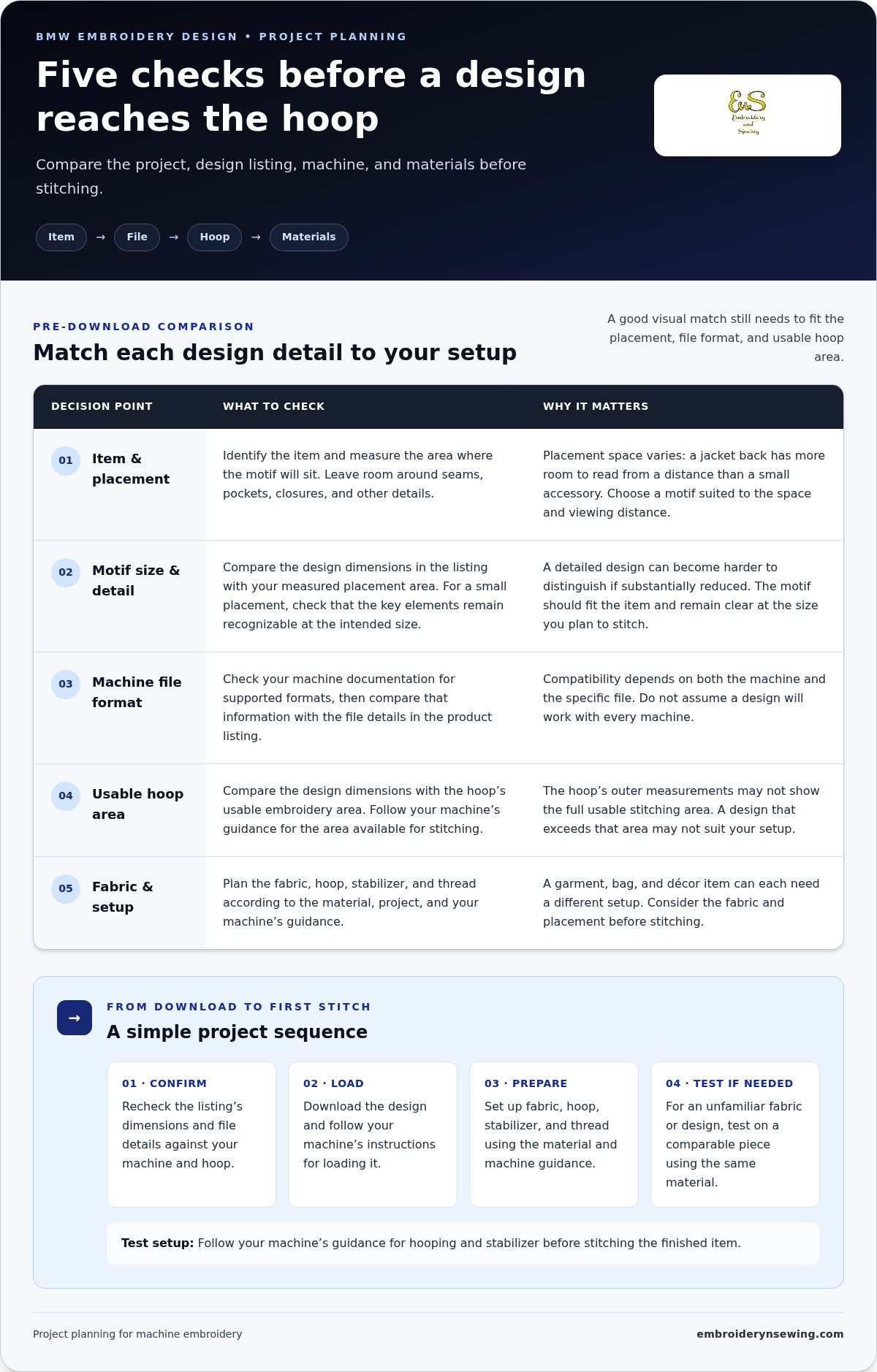
From BMW Design Download to a Finished Embroidery Project
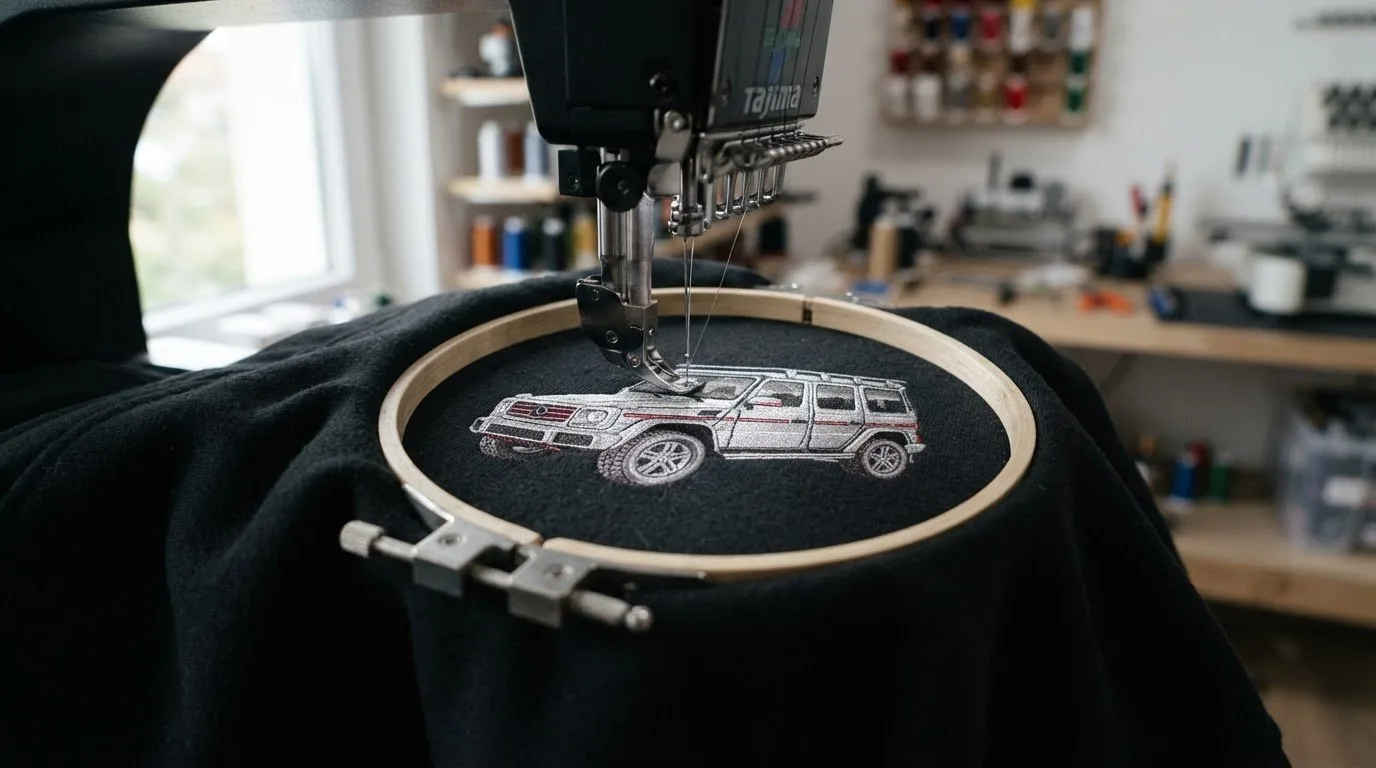
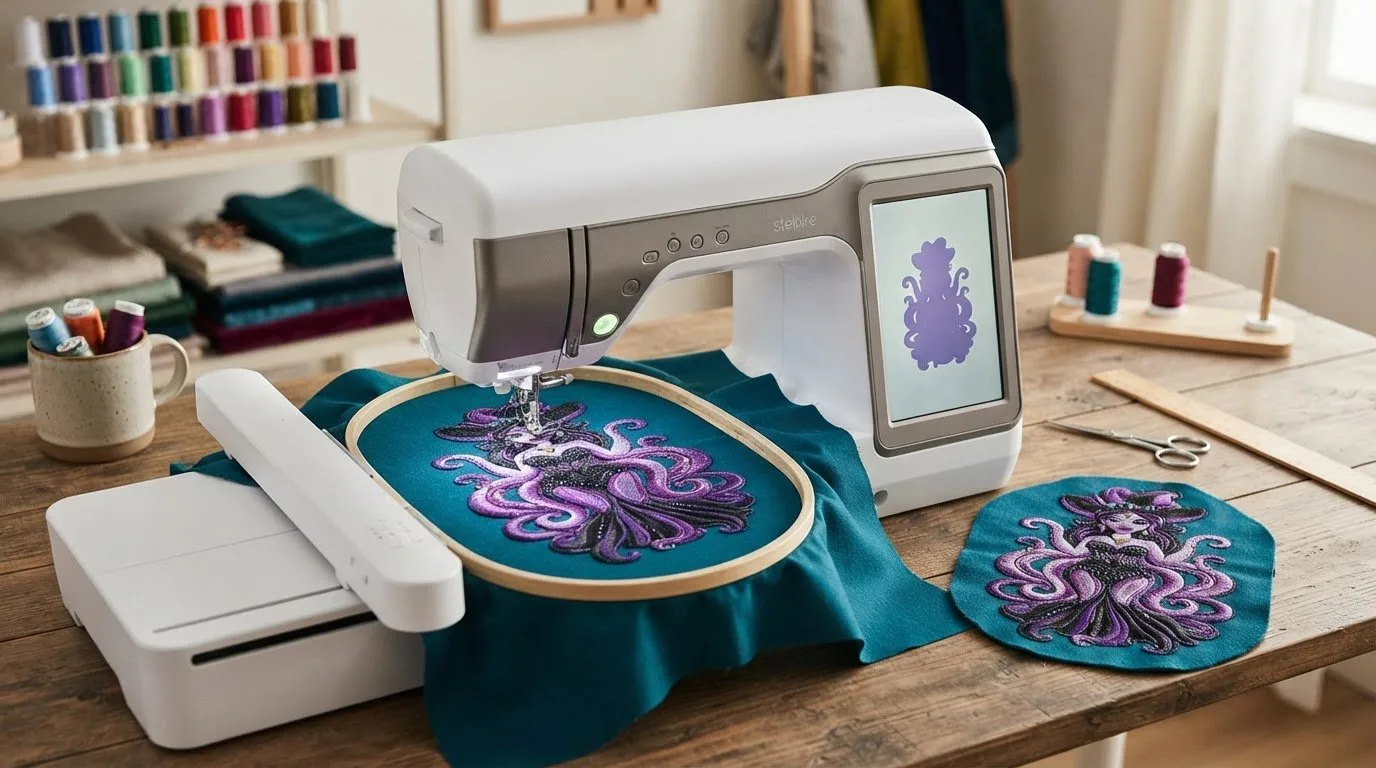
After choosing a motif, check the product listing once more to confirm that its dimensions and file details match your machine and hoop. Download the design and follow your machine’s instructions for loading it. The digital file guides the machine’s stitching, while your fabric and project setup determine how you prepare the item.
Prepare the fabric, hoop, stabilizer, and thread according to the material and your machine’s guidance. A garment, bag, and décor item can each need a different setup, so consider the fabric and placement before stitching. For general setup and stitching fundamentals, browse our machine embroidery beginner guide. The Embroiderers' Guild of America offers a connection to the wider embroidery community.
How can you prepare for a clean first stitch-out?
If the fabric or design is unfamiliar, test your setup on a comparable piece of fabric before stitching the finished item. Use the same type of material and follow your machine’s guidance for hooping and stabilizer. A test lets you assess how the design works with your setup before you commit to the project piece.
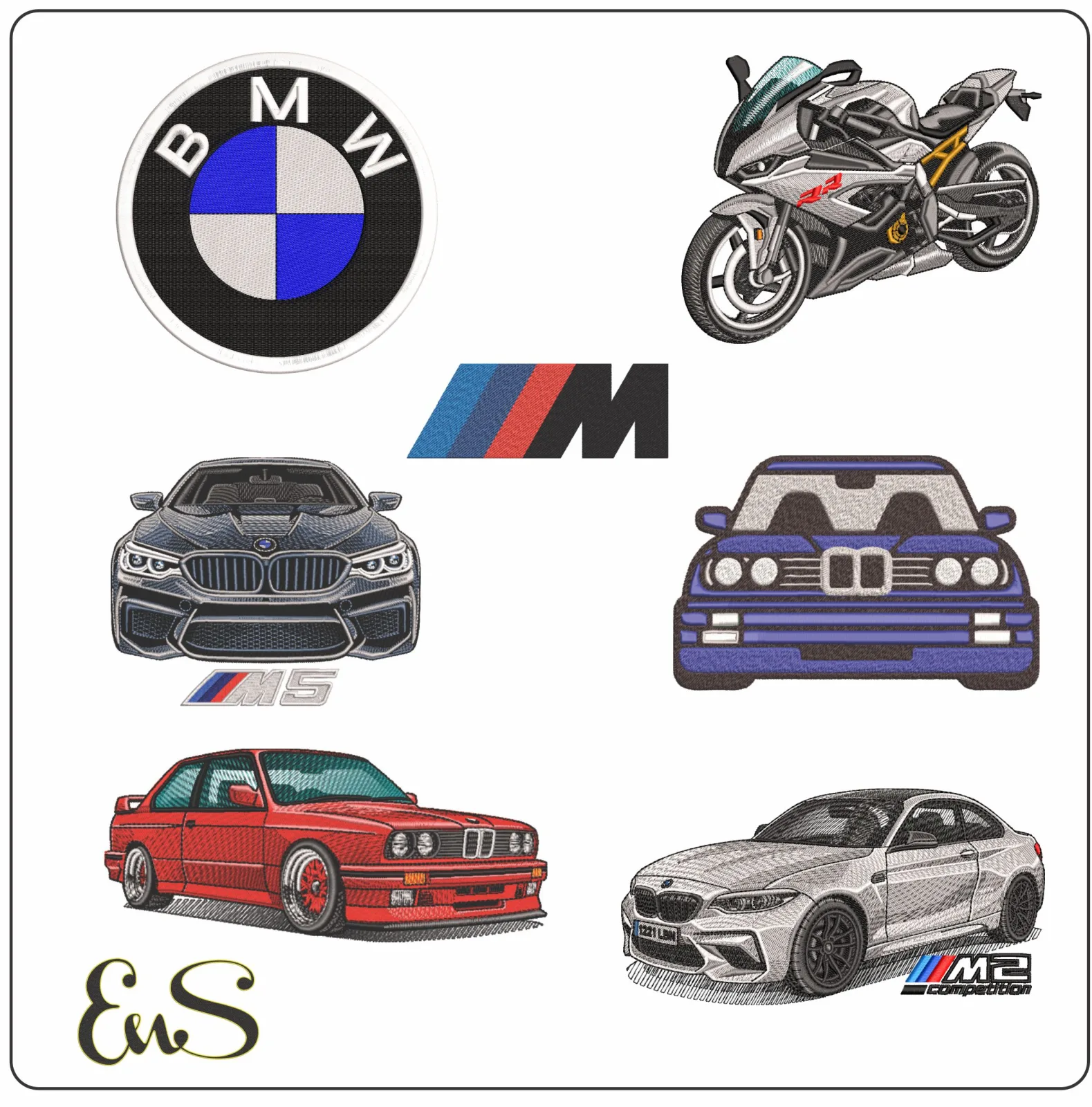
With the file selected and your materials ready, you can move from download to stitching with a clear plan. Browse the BMW embroidery designs category to explore theme-specific options, then choose a design that suits your next project.
Get Your BMW-Themed Project Ready to Stitch
A well-planned project starts with a design that suits the item, reads clearly at its intended size, and fits your machine’s supported file type and hoop area. Review the listing before downloading, then prepare your fabric, hoop, stabilizer, and thread according to your machine’s guidance. These checks make it easier to move from choosing a bmw embroidery design to stitching with confidence.
Embroidery n Sewing offers downloadable BMW embroidery designs within a wide selection of automotive and other themed options. Explore the collection to find a motif for personalizing apparel, preparing a gift, or adding character to a craft project.
Browse BMW embroidery designs and choose a file that inspires your next stitch.