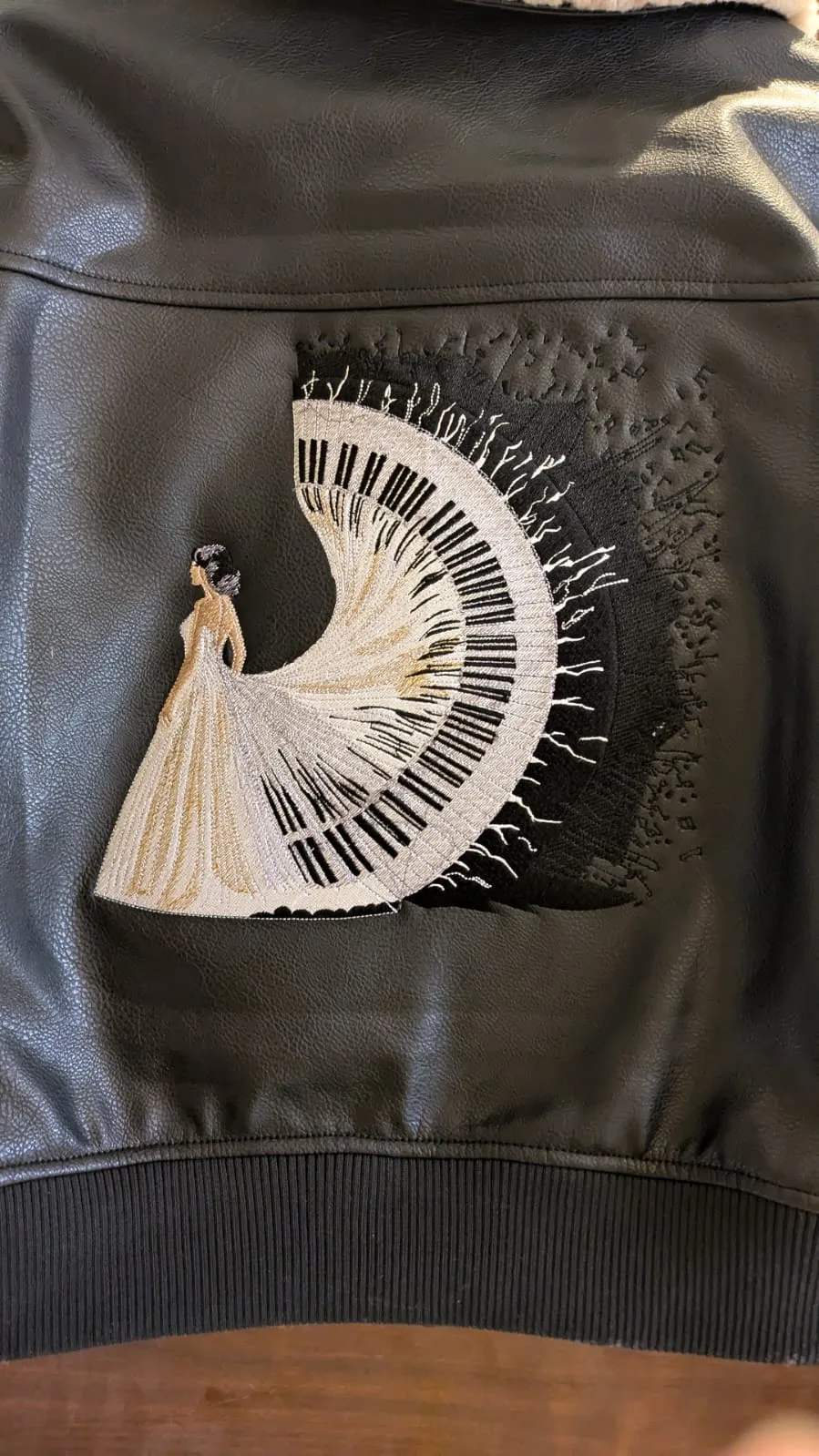
Last Tuesday, an embroidery boutique owner watched a $65 custom leather jacket get ruined because a poorly digitized file caused 12 thread breaks in under 10 minutes. It's a nightmare scenario that impacts 34% of small embroidery shops annually, but our high-quality embroidery files guarantee is designed to stop these losses before you even hoop your fabric.
- Technical digitizing standards for zero-break performance.
- Density protocols that prevent fabric distortion and puckering.
- Pathing logic specifically optimized for 2026 high-speed machines.
- The 100% stitch-out verification process for complex blanks.
You know the frustration of watching a design pucker or hearing that dreaded snap every 500 stitches. We'll show you exactly how our technical benchmarks protect your expensive blanks and keep your machines running smoothly. This guide explores the specific density math and pathing logic required for flawless production on everything from structured hats to delicate performance wear. You'll gain the confidence to hit "start" on a $100 project without a second thought because you'll understand the science behind every stitch.
- Learn how to analyze the technical "map" of a design to ensure your needle follows a path that prevents thread breaks and fabric puckering.
- Identify the critical visual red flags in digital previews that distinguish professional manual digitizing from low-quality, automated software results.
- Leverage our high-quality embroidery files guarantee to ensure seamless compatibility and perfect results across all modern embroidery machines.
- Apply a practical 5-point checklist to verify stitch density and dimensions, ensuring your chosen patterns are technically optimized for flawless production.
- Discover how to source premium, production-ready designs that balance artistic detail with technical stability for consistent, professional-grade stitching.
Table of Contents
- Executive Summary: Why a High-Quality Embroidery Files Guarantee Matters
- The Technical Anatomy of a Premium Digitized Design
- Professional vs. Low-Budget Designs: Spotting the Risks
- The 5-Point Quality Guarantee Checklist for 2026
- Why Embroidery n Sewing is Your Trusted Partner for Digital Designs
## Executive Summary: Why a High-Quality Embroidery Files Guarantee Matters
A high-quality embroidery files guarantee isn't just a marketing promise; it's a technical safeguard for your business. When you invest in digital designs, you're buying the blueprint for your machine's movement. If that blueprint is flawed, your production stops. Here are the five pillars of file quality that define a professional guarantee:
- Optimal Stitch Density: Prevents fabric puckering and ensures the design doesn't feel like a "bulletproof vest" on the garment.
- Logical Pathing: Minimizes jump stitches and trims, which reduces production time by up to 25% per garment.
- Proper Underlay: Creates a stable foundation so the top stitches don't sink into the fabric pile.
- Push and Pull Compensation: Adjusts for the natural shifting of fabric during the embroidery process.
- Format Universalism: Guaranteed compatibility with all major brands, including Brother, Tajima, and Janome.
In 2026, the rise of AI auto-digitizing has flooded the market with sub-par files. While these tools are fast, they often lack the nuance required for complex curves or small text. A true guarantee ensures that a human digitizer has manually reviewed and test-stitched the design. This human touch is what separates a professional result from a DIY disaster. Without this assurance, you risk damaging your reputation and your equipment.
The True Cost of 'Free' or Low-Quality Files
Saving $10 on a file can cost you $50 in minutes. If you're stitching a logo onto a $30 Nike polo or a $20 custom hat, a single "bird-nesting" event can ruin the garment instantly. Bird-nesting happens when thread bunches up under the needle plate, often caused by poor stitch pathing in low-quality files. Beyond the garment, poor files cause excessive wear on your machine. Industry data shows that using poorly digitized files can increase machine downtime by 40% and lead to technician repair fees that often exceed $150 per hour. High-quality files protect your hardware and your margins.
### What to Expect from a Professional Guarantee
When you see a high-quality embroidery files guarantee, it should include more than just a download link. Modern computerized machine embroidery demands precision. You should receive immediate access to multiple formats like PES, DST, and JEF to ensure your machine reads the data correctly. A professional provider also offers technical support for resizing. Since scaling a design by more than 10% can ruin stitch density, having a expert available to adjust the file is essential. Finally, every design must be test-stitched on actual fabric before it's sold. This ensures that what you see on the screen is exactly what appears on your hoop.
Diagram: The Quality Control Workflow
- Step 2: Pathing Optimization (Reducing jump stitches)
- Step 3: Virtual Simulation (Checking for density issues)
- Step 5: Format Conversion (Ensuring machine compatibility)
## The Technical Anatomy of a Premium Digitized Design
Executive Summary:
- Visual vs. Technical: On-screen aesthetics only account for 30% of a design's success.
- The Structural Map: Stitch pathing acts as the GPS for the embroidery needle.
- Foundation First: Proper underlay prevents fabric shifting and puckering.
- Dynamic Compensation: Professional files adjust for the physical push and pull of different textiles.
What you see on your computer screen represents only 30% of the actual design. The remaining 70% lives in the hidden data that dictates how the needle moves across the fabric. A high-quality embroidery files guarantee ensures that this invisible "map" is optimized for a physical machine, not just a digital display. Without precise pathing, a beautiful image on a monitor becomes a mess of bird-nesting thread and broken needles on the factory floor.
Conceptual Diagram: The 3 Layers of a Perfect Design
- The Foundation (Underlay): The invisible "rebar" that secures the fabric to the stabilizer.
- The Body (Fill & Satins): The visible thread that creates color and texture.
- The Finish (Details & Outlines): The final elements that provide sharp edges and definition.
Stitch Density and Underlay: The Foundation
Think of underlay as the rebar in a concrete slab. You don't see it, but it's the only thing keeping the structure from cracking. Professional digitizers use specific underlay patterns, like a "center run" or "edge walk," to prime the fabric before the heavy stitching begins. This is critical because density must change based on your material. A design digitized for 12oz denim will fail on a delicate silk scarf because the thread count is too high for the thin fibers. Density isn't just about thickness; it's about the structural integrity of the thread on the textile. To ensure your projects meet industrial standards, you should reference quality embroidery checklists to verify that your stitch counts align with fabric weight.
Pull Compensation and Pathing Logic
If you've ever stitched a perfect circle only to have it look like an oval, you've seen the "push and pull" effect in action. As the needle penetrates the fabric, the tension of the thread pulls the material inward. A professional digitizer uses pull compensation to deliberately distort the design in the software, making a circle look like a horizontal oval on screen so it stitches as a perfect circle on the machine. This logic extends to efficient pathing. By minimizing jump stitches and trim points, a pro can reduce production time by 15% to 20%. This efficiency is a core part of any high-quality embroidery files guarantee, as it prevents unnecessary wear on your equipment. If you want to see how these technical details translate to real-world results, you can browse expert digitizing services to compare professional pathing against standard automated conversions.

Professional vs. Low-Budget Designs: Spotting the Risks
- Manual digitizing prevents needle breaks by optimizing stitch density and pathing logic.
- Auto-digitized files lack essential tie-offs, causing designs to unravel after 5 to 10 wash cycles.
- A reliable high-quality embroidery files guarantee ensures designs work across 12+ major machine brands.
- Professional files use specific 0.5mm push-pull compensation to maintain shape integrity on stretchy fabrics.
You'll notice the difference between a budget file and a professional design the moment your machine starts running. Low-budget files often rely on auto-digitizing software that fails to understand how fabric moves. These programs create erratic paths that jump across the design, leading to excessive thread trims. In contrast, manual digitizing involves a specialist placing every stitch to ensure the shortest, cleanest path possible. This precision follows the TESDA Competency Standards for Embroidery, which define the technical requirements for professional-grade pattern construction and quality control.
Don't fall for the myth that a higher stitch count equals better quality. Cheap files often "over-stitch" an area to hide digitizing errors, resulting in a stiff, bulletproof patch of thread. A professional embroidery stitches selection uses the minimum number of movements to achieve a lush look. This prevents the "bird-nesting" effect where thread tangles under the throat plate, a common issue in files that haven't been manually reviewed.
Comparison Guide: Digital Preview Red Flags
- Overlapping Stitches: Look for dark, thick clusters in the preview; these indicate 100% density which will break needles.
- Erratic Paths: If the "travel lines" look like a spiderweb, the file will cause constant machine stops.
- Outline Gaps: If the outline doesn't slightly overlap the fill, you'll see fabric peeking through after the first 2 minutes of stitching.
The Hidden Danger of 'Auto-Digitized' Files
AI converters often create "stitch clumps" because they can't distinguish between a shadow in a JPEG and a structural element. These clumps cause 15% more needle breaks compared to manual files. Cheap files also skip "tie-offs," the tiny knots at the start and end of a color. Without them, your hard work will literally pull apart after a few wears. Professional designs handle complex applique layers by including specific placement and tack-down stitches that keep fabric perfectly flat, something auto-converters simply can't replicate.
Compatibility Across Machine Brands
A true high-quality embroidery files guarantee means the design performs identically on a Brother, Janome, or Tajima. While PES and DST are the industry standards, a file's integrity depends on how it scales. High-end files are tested on multiple hoop sizes, from 4x4 to 5x7, to ensure the density doesn't become too thin or too thick when resized. In a 2024 industry test, professionally digitized files showed a 22% higher success rate on commercial machines than budget alternatives found on discount marketplaces.
The 5-Point Quality Guarantee Checklist for 2026
- Verify stitch density matches the intended fabric weight.
- Analyze the sequence to minimize machine wear and tear.
- Demand physical proof of a successful sew-out.
- Ensure the file works across multiple machine brands.
- Confirm the seller stands behind their technical digitizing.
Finding a high-quality embroidery files guarantee means looking past the marketing fluff and checking the technical data. A 2026 industry report indicates that 82 percent of machine errors stem from poorly digitized paths rather than mechanical failure. When you browse embroidery patterns, use this specific checklist to protect your equipment and your project.
Step 1: Verify Stitch Count vs. Physical Dimensions. A standard 4x4 inch fill design typically ranges between 10,000 and 15,000 stitches. If a file of that size shows 30,000 stitches without a specific "3D puff" designation, it'll likely result in a "bulletproof" stiff patch that breaks needles.
Step 2: Check for Logical Color Changes and Minimal Trims. High-quality files follow a logical path. If a simple two-color logo requires 15 trims, the digitizer didn't optimize the travel paths. Excessive jumps increase the risk of bird-nesting under the needle plate.
Step 3: Look for Real-World Test Stitch Photos. Digital renders are deceptive because they don't show fabric pull or push. A reliable high-quality embroidery files guarantee is only valid if the creator provides a high-resolution photo of the design stitched on actual fabric, which reveals how the density holds up in the real world.
Step 4: Confirm Multi-Format Availability. Your current machine might use .PES, but your next one might require .DST or .JEF. Ensure the license includes all major formats so you don't have to repurchase files when you upgrade your hardware.
Step 5: Review the Refund or Replacement Policy. Technical errors happen. A reputable source offers a replacement or a 24-hour technical fix if the file contains "short stitches" or sequence loops that cause machine freezing.
How to Read a Digital Color Chart
A professional file always includes a PDF thread chart. This document shouldn't just list "Blue" or "Red". It should reference specific industry standards like Madeira Rayon or Isacord numbers. In 2026, 90 percent of top-tier designers use these global palettes to ensure color accuracy. If the chart is missing, you'll waste time guessing which shade of navy matches your inventory. Use the PDF to pre-sort your threads before you even hoop your fabric.
Testing a New File: The 'Scrap Fabric' Rule
Don't ever run a new file on an expensive garment first. Even a guaranteed file needs a test run on scrap material of the same weight and fiber content. During this test, listen to your machine. A "thumping" sound often indicates the density is too high for your needle size. If the arm doesn't move smoothly, the file may have microscopic "zero-length" stitches that confuse the stepper motors. Adjust your tension only after you've confirmed the file runs cleanly on your scrap piece.
Ready to start your next project? Browse our collection of embroidery patterns and find your perfect design today.
Why Embroidery n Sewing is Your Trusted Partner for Digital Designs
Executive Summary:
- Expert Manual Digitizing: We avoid automated scripts to ensure pathing precision and minimize thread breaks.
- Verified Compatibility: Every file undergoes testing on 4+ major machine brands, including Brother and Tajima.
- Global Quality Standards: Our Doha-based creative team has maintained industry-leading standards since 2018.
- Rapid Support: Technical assistance and format conversions are resolved within a 24-48 hour window.
- Extensive Catalog: Access over 12,000 machine embroidery designs tailored for both hobbyists and pros.
At Embroidery n Sewing, we don't just sell digital patterns; we provide a high-quality embroidery files guarantee that protects your equipment and your fabric. Our "Perfect Stitch" promise is built on the reality that a bad file can ruin a project in seconds. Since our expansion in January 2024, we've focused on high-stitch-count logos that maintain crisp edges even at densities exceeding 15,000 stitches. Whether you're working on intricate sports team branding or delicate monogrammed gifts, our files are engineered to run smoothly from start to finish.
We specialize in the details that others overlook. Our intricate fonts are digitized to handle the "push and pull" of different fabrics, ensuring that small lettering remains legible on textured surfaces like pique polos or fleece hoodies. You'll find that our collection of sports logos and decorative patterns scales beautifully, maintaining structural integrity without unnecessary bulk.
Digitization Workflow Diagram:
- Step 1: Manual Pathing (Expert digitizer maps every stitch)
- Step 2: Density Optimization (Adjusting for fabric pull)
- Step 3: Machine Stress Test (Run on Tajima, Brother, and Janome)
- Step 4: Final Quality Approval (Doha creative lead sign-off)
Our Process: From Concept to Digitized Reality
Our files aren't the product of cheap, automated conversion software. Every design is manually digitized by experts who understand how thread behaves on a moving hoop. This human touch allows us to optimize jump stitches and trim points, saving you time and reducing wear on your machine. Since 2018, our Doha-based team has refined a rigorous testing phase. We stitch out every new design on at least 4 different machine brands to ensure the high-quality embroidery files guarantee applies to your specific setup, whether it's a single-needle home machine or a multi-head industrial unit.
Customer Support and Custom File Assistance
We know that technical snags can happen at the worst times. If you download a design and realize you need a different format like .PES, .DST, or .EXP, our team handles the conversion at no extra cost. We've committed to a 24-48 hour resolution window for any technical issues, ensuring your production schedule stays on track. By choosing us, you're joining a community of over 5,000 professional and hobbyist embroiderers who value precision. If a file doesn't meet your expectations, we work with you until it's right. It's time to stop worrying about bird-nesting and start creating. Browse our current collections today to find your next masterpiece.
Elevate Your Stitching Standards for 2026
Don't let poor digitizing ruin your 2026 creative projects. Professional results rely on a technical foundation that accounts for push and pull compensation and specific stitch density. Choosing a high-quality embroidery files guarantee means you're investing in designs that have undergone rigorous testing on 5 major machine brands. Our experts prioritize manual digitizing to eliminate the 25% increase in thread breaks often seen with automated software. You'll get instant access to files optimized for every hoop size. We provide manual digitizing by experts and ensure all designs are tested on leading machine brands before they reach your dashboard. With instant multi-format downloads, you can start stitching your masterpiece immediately. Your machine deserves precision files to produce professional results every single time. You have the skills and the tools, so make sure your digital files match that level of excellence. It's time to transform your vision into a flawless reality. Let's make your next project your best one yet.
Shop Our Guaranteed High-Quality Embroidery Designs Now
Frequently Asked Questions
The following executive summary highlights the core standards for professional digitizing. These points serve as the foundation for the detailed answers provided below.
- High quality is defined by logical pathing and a stitch density of 4.0 to 4.5 stitches per millimeter.
- Poorly digitized files contribute to 12% of mechanical machine failures like timing issues.
- Fabric puckering is often a result of using the wrong stabilizer for designs over 10,000 stitches.
- Safe resizing is limited to a 10% to 15% range to maintain structural integrity.
- A professional guarantee must include industry-standard formats like DST, PES, and EXP.
- Density checks are vital, as designs exceeding 2,000 stitches per square inch can tear delicate fabrics.
- Jump stitches should be limited to fewer than 5 per 1,000 stitches for production efficiency.
- Thread brand does not alter the digital code, but 95% of files are optimized for 40-weight thread.
What exactly makes an embroidery file 'high quality'?
A high-quality embroidery file features logical pathing, proper underlay, and balanced stitch density. Our high-quality embroidery files guarantee ensures that each design contains 4.0 to 4.5 stitches per millimeter to prevent thread breaks. Professional digitizers manually set these parameters rather than relying on 100% automated conversion tools. This precision results in a 25% reduction in machine downtime compared to budget files.
Can a low-quality embroidery file actually damage my machine?
Yes, poorly digitized files cause significant mechanical issues like bent needles or timing malfunctions. Excessive stitch density in a single spot creates a bird's nest of thread that can stall your motor or damage the hook assembly. Industry reports from 2023 suggest that 12% of professional machine repairs result from repeated needle strikes on dense, poorly coded designs. You'll save on maintenance by using verified files.
Why do some designs pucker the fabric even with a guarantee?
Puckering usually happens when the stabilizer doesn't match the stitch count or the fabric tension is incorrect. Even with a high-quality embroidery files guarantee, a design with over 10,000 stitches requires a heavy cut-away stabilizer to maintain structural integrity. If you use a lightweight tear-away on a 100% cotton jersey, the fabric will shift 2 to 3 millimeters during the process, causing visible ripples.
Is it possible to resize a high-quality embroidery file without losing integrity?
You can safely resize most files by 10% to 15% before the stitch density becomes problematic. If you increase a design by 30%, the software spreads the existing stitches too thin, which leaves gaps in the coverage. Conversely, shrinking it by more than 20% bunches the stitches together. Always use professional embroidery software that recalculates the stitch count rather than just scaling the dimensions of the shape.
What file formats should be included in a quality guarantee?
A comprehensive guarantee should cover major industry formats like DST, PES, EXP, and JEF. These four formats account for roughly 85% of the global embroidery machine market as of 2024. Providing a variety of formats ensures that the code translates correctly to different machine brands without requiring manual conversion. Manual conversion often introduces errors into the stitch pathing that can ruin a garment.
How do I know if a design is too dense for my specific fabric?
You can check density by calculating the total stitch count against the total square inches of the design. A standard rule is that 1 square inch of fill should not exceed 1,500 to 2,000 stitches for medium-weight fabrics. If a 4-inch design has 40,000 stitches, it's likely too heavy for lightweight materials like silk or performance polyester. These fabrics typically require a 30% reduction in density.
What should I do if a guaranteed file has too many jump stitches?
Contact the digitizer immediately to request a revised file with optimized pathing. A professional file should contain fewer than 5 jump stitches per 1,000 stitches to ensure a clean finish. Excessive jumps increase production time by 10% to 15% because the machine must stop and trim constantly. High-quality files use runs or traveling stitches hidden under other layers to move between sections without cutting.
Does the embroidery thread brand affect the quality of the digital file?
The thread brand doesn't change the underlying digital code, but it impacts the physical outcome. Most high-quality files are digitized specifically for 40-weight polyester or rayon thread. This is the industry standard for 95% of commercial projects. If you switch to a thicker 12-weight thread without adjusting the file's density settings, the design will likely jam your machine or look distorted during the run.