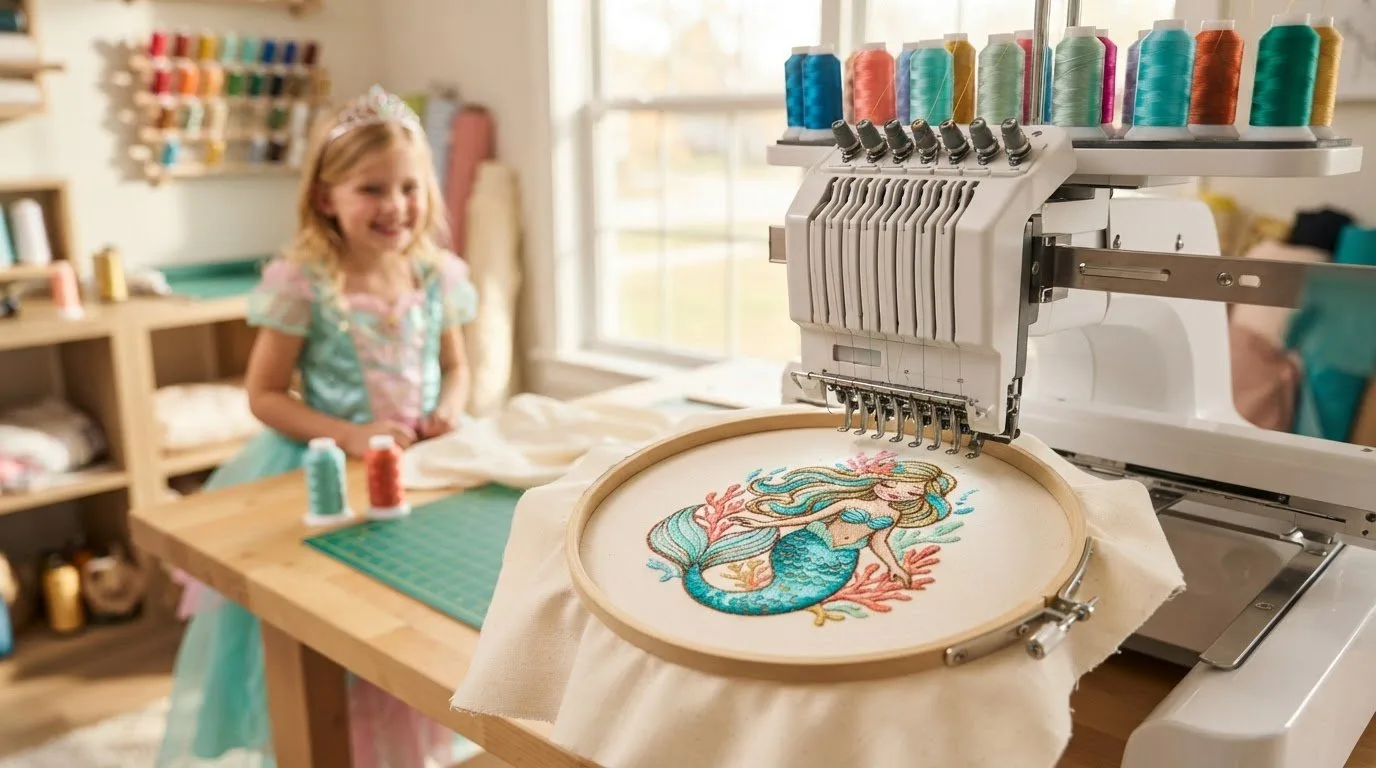
# Little Mermaid Embroidery Designs: Find a Fit for Your Next Project
The character theme may catch your eye, but the right file also needs to suit your machine and project. Searching for little mermaid embroidery designs can feel difficult in a large marketplace, especially when unrelated themes get in the way. Embroidery n Sewing offers a broad catalog of digital designs, including cartoon and children’s themes. Check current listings to see which options are available.
Before you browse, decide what you want to embroider and where the design will go. Then compare relevant listings against your item, available embroidery area, and machine requirements. This guide explains what to search for, which file details to review, and how to avoid choosing a design based on its preview alone. A downloadable design can be a practical starting point for personalizing apparel, gifts, or décor.
Key Takeaways
- Start with the item you want to personalize, then look for mermaid-themed designs that suit its purpose and available embroidery area. [
- Search relevant cartoon and children’s ](/categories/children)categories for little mermaid embroidery designs, and check current listings for availability.
- Compare the listing’s stated size, file, and machine details with your material, hoop, and machine requirements.
- Review the listing and usage terms before purchasing. Don’t assume a file includes a particular format or permission unless stated.
Table of Contents
-
Little Mermaid Embroidery Designs: What to Look For Before You Browse
-
How to Choose a Little Mermaid Embroidery File for Your Project
Little Mermaid Embroidery Designs: What to Look For Before You Browse
Start with the item you want to personalize, then search for a mermaid-themed machine embroidery design that could suit it. A small decorative detail on a garment, a gift, and a larger craft project may each call for a different design size and placement. Searches for little mermaid embroidery designs can lead to different results over time, and a specific character or image may not be available. Treat search results as a starting point, then check each listing rather than assuming an exact match.
A digital embroidery file is not a finished embroidered product or a physical embroidery machine. It’s a file intended for machine embroidery, and the listing is where you can check what is included. Embroidery n Sewing’s catalog focuses on digital designs, with themes such as cartoons and children’s designs. Browse relevant categories and confirm current availability before settling on an option.
How to search for a specific mermaid embroidery theme
Try the exact theme you have in mind first. If that search doesn’t bring up a suitable option, broaden your wording with phrases such as “mermaid embroidery,” “underwater design,” or “sea-themed embroidery.” These searches may surface related motifs, but they don’t confirm that a particular character design is available. For narrative context, Disney's The Little Mermaid is one reference readers may have in mind. A familiar story theme doesn’t mean a matching file is offered.
Browse the embroidery design categories and open relevant listings to check each design’s details. For general background on digital patterns, see the digital embroidery design guide. If the exact theme isn’t listed, compare related options by size, style, and how well they suit the item you plan to embroider.
How to Choose a Little Mermaid Embroidery File for Your Project
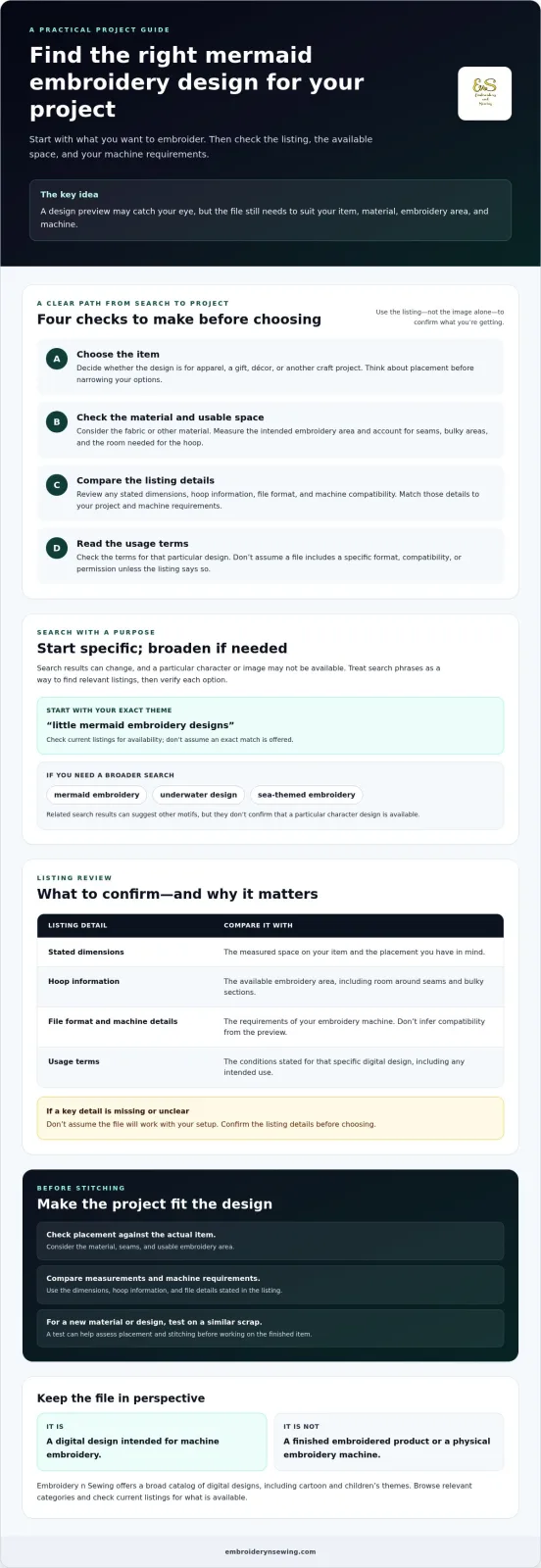
A design that looks appealing in a preview still needs to fit the item you plan to embroider and your machine’s requirements. Use this checklist to compare little mermaid embroidery designs with your project before you buy:
-
Project purpose: Decide whether the design is for apparel, a gift, décor, or another craft project. Think about placement first, since a design meant for a large, open area may not suit a small pocket or narrow accessory.
-
Material: Consider the fabric or other material you plan to embroider. The material affects how you prepare and hoop the item, so look for listing details that help you assess whether the design is suitable.
-
Embroidery area: Measure the space available on the item, then compare it with any design dimensions or hoop information stated in the listing. Make sure the planned placement leaves enough room for the hoop and doesn’t cross seams or bulky areas.
- **Machine-file details:** Compare the format and machine information provided by the seller with your machine’s requirements. Don’t infer a format, size, or compatibility from the design image alone.
Which listing details should you confirm first?
Start with the file format, any stated dimensions, and machine compatibility. Check that the design fits both your machine’s requirements and the embroidery area you measured. If important information is missing or unclear, don’t assume the file will work with your setup. Confirm the listing before purchasing, then consider whether the design’s placement and scale make sense for the item. A motif suited to a gift or décor project may not be the right fit for every garment or craft surface.
Digital embroidery files can be a practical starting point for personalizing suitable projects, but the listing is your guide to what’s included and what to verify. Browse the digital design pricing information, then compare the relevant listing details with your machine and project before choosing a file.
![Little mermaid embroidery designs]
Turn a Mermaid-Themed Design Search into a Finished Project
Give your search a clear destination: choose the item you want to personalize before narrowing down design options. A motif for a gift may need a different placement or scale from one intended for apparel or décor. Starting with the project lets you judge whether the listing’s details match what you plan to make, instead of choosing a file based on its preview alone.
Plan the project before downloading a design
First, identify the item and consider its material, seams, and usable embroidery area. Measure the space where you want the design to sit, then compare it with the listing’s stated dimensions and hoop requirements, if provided. Check that the file details match your machine. For a new material or design, testing your setup on a similar scrap can help you assess the placement and stitching before working on the finished item.
Review the usage terms as well, so you understand the conditions that apply to that particular design. Don’t assume a file will suit a material, machine, or project if the listing doesn’t confirm it. If you sell finished items, check the terms rather than assuming a digital design includes permission for every type of use.
Digital embroidery files can provide a practical starting point for personalizing apparel, gifts, décor, and other craft projects, provided the design and file suit your intended use. If the exact mermaid-themed option you hoped to find isn’t listed, try broader search wording or explore related designs that fit your project. Availability can change, so assess the current listing before deciding.
For more inspiration on planning a machine embroidery project, explore this machine embroidery pattern guide. Then browse the Embroidery n Sewing design catalog for currently available options, and check each relevant listing before choosing a file. A clear project plan makes it easier to turn a search for little mermaid embroidery designs into a thoughtful next step for your craft.
Choose a Design That Moves Your Project Forward
Finding little mermaid embroidery designs starts with a clear project plan. Decide what you want to personalize, then compare each listing’s stated file details with your machine’s requirements, the material, and the available embroidery area. Search results and catalog availability can change, so confirm that a suitable design is currently listed rather than counting on an exact character match.
Embroidery n Sewing’s searchable catalog includes a broad range of themed digital designs, including cartoon and children’s themes. Where an instant-download option is listed, it can offer a convenient way to get started without waiting for a custom digitized file. Check the listing for its details and usage terms before purchasing, and choose a file based on how well it fits your intended project.
Browse available digital embroidery designs to explore current options. Compare the listing with your machine and project, then choose a design that fits the item you’re ready to personalize.
Frequently Asked Questions
Can I find Little Mermaid embroidery designs online?
Mermaid-themed machine embroidery designs may be available online, but availability depends on current listings. Search for little mermaid embroidery designs using both specific phrases and broader terms such as “mermaid embroidery” or “underwater design” if an exact-name search doesn’t help. Before purchasing, review the individual listing to confirm what design is offered and whether its details suit your project.
How do I know whether an embroidery design will work with my machine?
Compare the file details stated in the listing with your embroidery machine’s requirements before buying. Check any listed format and machine information, and make sure it matches your setup. Don’t assume compatibility based on a design image or general description. If a detail you need is missing or unclear, ask the seller before purchasing.
Can I use a digital embroidery design on clothing or gifts?
Digital embroidery designs can support personalization projects such as apparel and gifts when the design, material, machine, and project are suitable. Before choosing a file, consider the item you plan to embroider and check the listing for its stated requirements. Review any usage terms provided as well. A listing alone can’t guarantee a particular finished result.
What should I check before downloading a mermaid-themed embroidery design?
First, confirm that the mermaid-themed design is currently available. Then compare the machine-file details stated in the listing with your machine’s requirements, and check that any listed dimensions suit the space on your item. Review the usage terms before purchasing. Don’t assume the file includes particular formats, dimensions, instructions, or permissions unless the listing specifically says so.