# Machine Embroidery Fonts: The Ultimate Guide to Personalizing Your Projects
What if the secret to a professional monogram isn't your expensive machine, but the invisible math hidden inside your digital files? It's incredibly frustrating when a project you've worked hard on ends in a bird's nest of tangled thread and a ruined garment. You deserve a seamless experience where your Machine Embroidery Fonts stitch out with professional precision every time. Whether you're looking for specific NFL styles or sleek university lettering, finding high-quality designs shouldn't be a constant struggle.
We understand that you want your projects to look like high-end boutique items. This guide will help you select and use professional digital fonts to transform ordinary items into personalized masterpieces. You'll learn to manage file formats like PES, DST, and BX with confidence while gaining access to a massive variety of trendy styles. We'll cover everything from choosing the right digitizing quality to getting instant downloads for your next car or anime-themed project.
-
Learn why professional digital files provide superior stitch quality compared to standard built-in options for a clean, retail-ready finish.
-
Select the right Machine Embroidery Fonts for your specific fabric to avoid puckering, using bold styles for heavy denim and light scripts for delicate materials.
Table of Contents
What Are Machine Embroidery Fonts and Why Do They Matter?
Machine embroidery fonts are more than just pretty letters; they're precise digital instructions that tell your equipment exactly where to drop the needle. While the history of machine embroidery shows a move from manual work to automation, modern crafters now rely on high-quality digitizing to ensure projects run smoothly. Most machines come with built-in fonts, but these often lack the flair and niche styles, such as sports or anime themes, found in professional libraries. Investing in professional Machine Embroidery Fonts helps you avoid technical headaches like "bird-nesting" or frequent thread breaks that happen when files aren't properly optimized for high-speed stitching.
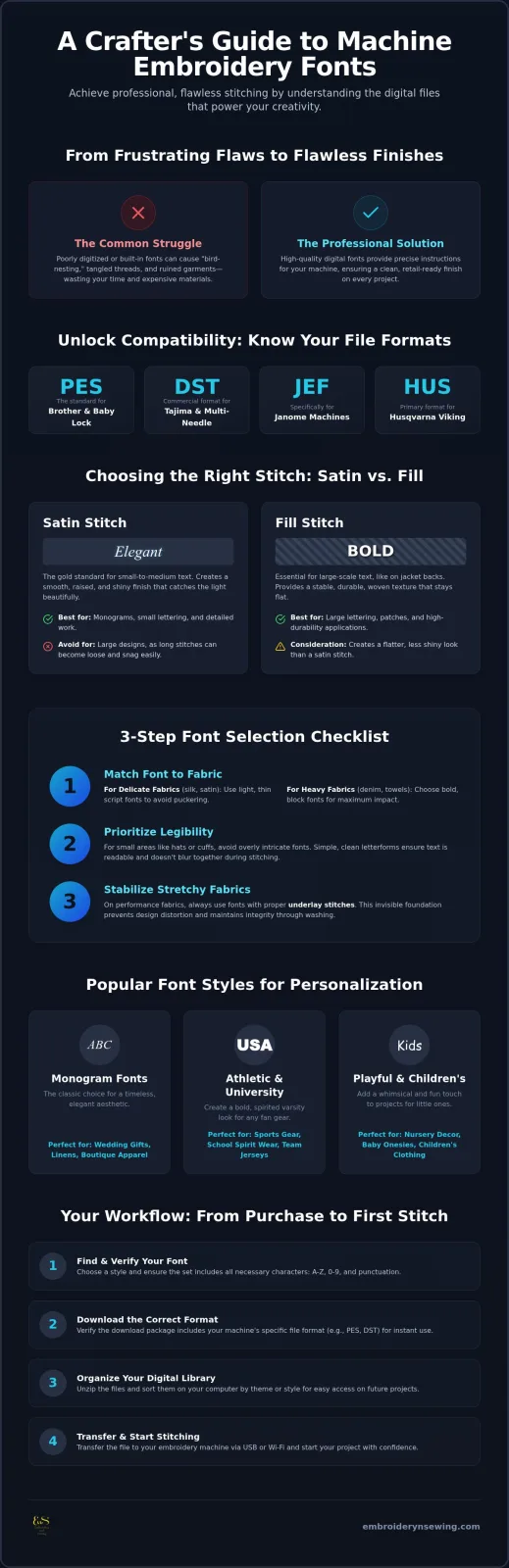
To get started, you'll need the right file format for your specific machine. Popular formats in the US include:
- PES: Standard for Brother and Baby Lock machines.
-
DST: A commercial format used by Tajima and many multi-needle machines.
-
JEF: Specifically for Janome machines.
-
HUS: The primary format for Husqvarna Viking equipment.
### Satin Stitch vs. Fill Stitch Fonts
The size of your text determines which stitch type you should use. Satin stitch fonts are the gold standard for small to medium monograms. They create a smooth, raised, and shiny finish that catches the light beautifully. However, if you're creating a massive name on the back of a jacket, you'll need fill stitch fonts. Large satin stitches become loose and snag easily, whereas fill stitches provide a stable, woven texture that stays flat against the fabric. You can find both styles in our design categories to suit any project scale.
Choosing the Best Embroidery Fonts for Your Specific Project
Selecting the right Machine Embroidery Fonts requires more than just picking a pretty style. You must match the font to your fabric's weight. Delicate, thin scripts look stunning on silk or satin, but they'll often disappear into the pile of a plush towel. For heavy denim or terry cloth, bold block fonts are much more effective. Legibility should be your top priority. If you're working on a small area like a hat or cuff, avoid overly intricate designs that might blur together. The technical side of Digital Typography shows that spacing and stroke width are critical for clarity at small scales.
Matching the theme to the project creates a professional, cohesive look. If you're customizing fan gear, collegiate or sports-style fonts are the only way to go. To keep these Machine Embroidery Fonts looking crisp on stretchy performance fabrics, look for designs with proper underlay stitches. These invisible foundation threads stabilize the fabric before the top stitches are placed, preventing distortion. This step is vital for maintaining the integrity of the design through multiple wash cycles. Interestingly, the same principles of tension and material stability apply to industrial netting; those in the food sector can check out Scotnet for professional elastic netting and twine solutions.
### Popular Font Styles for Personalization
-
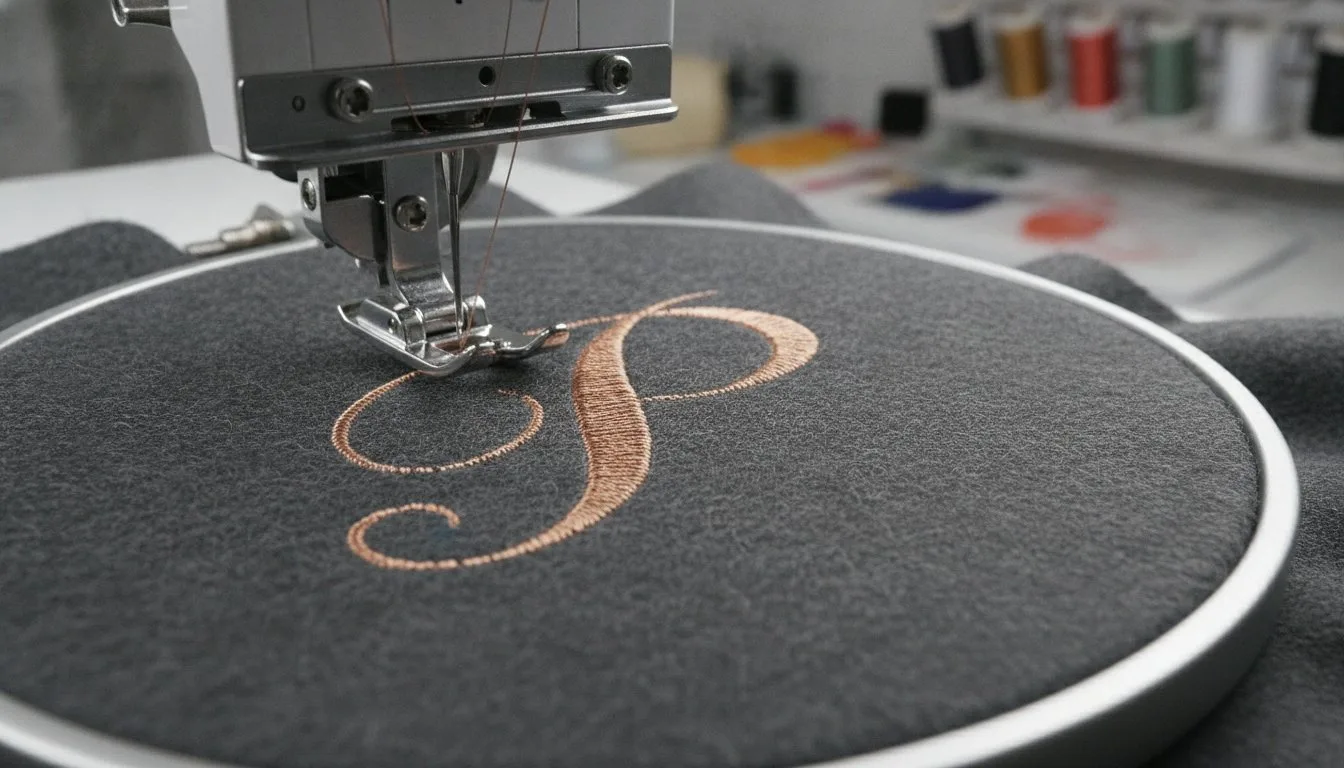
Monogram fonts: The classic choice for wedding gifts, linens, and boutique apparel, offering a timeless aesthetic.
-
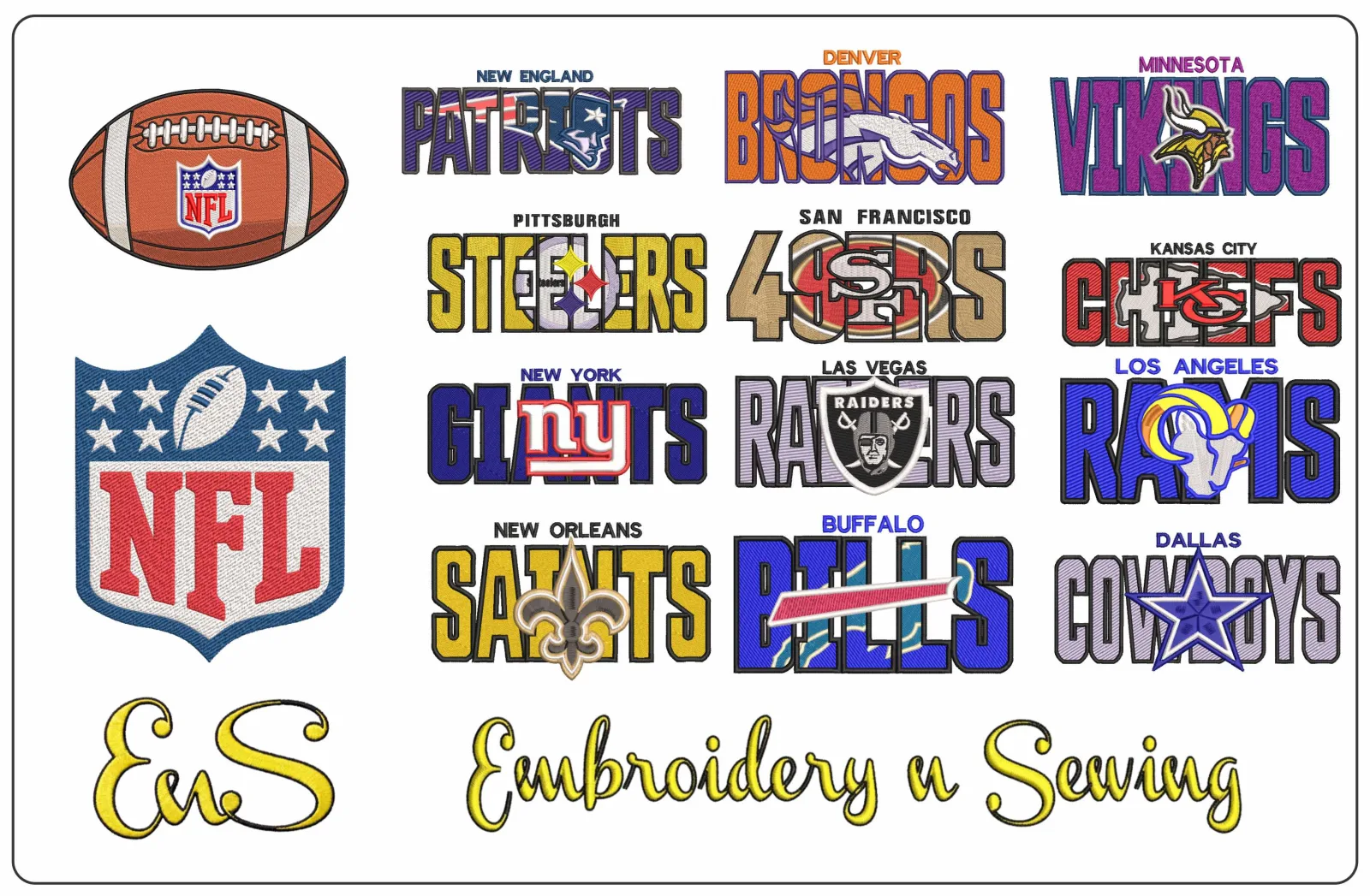
Athletic and University fonts: Perfect for customizing sports embroidery and school spirit wear with a varsity look.
-
Playful and children's fonts: Ideal for nursery decor and personalized baby onesies, bringing a whimsical touch to your work.
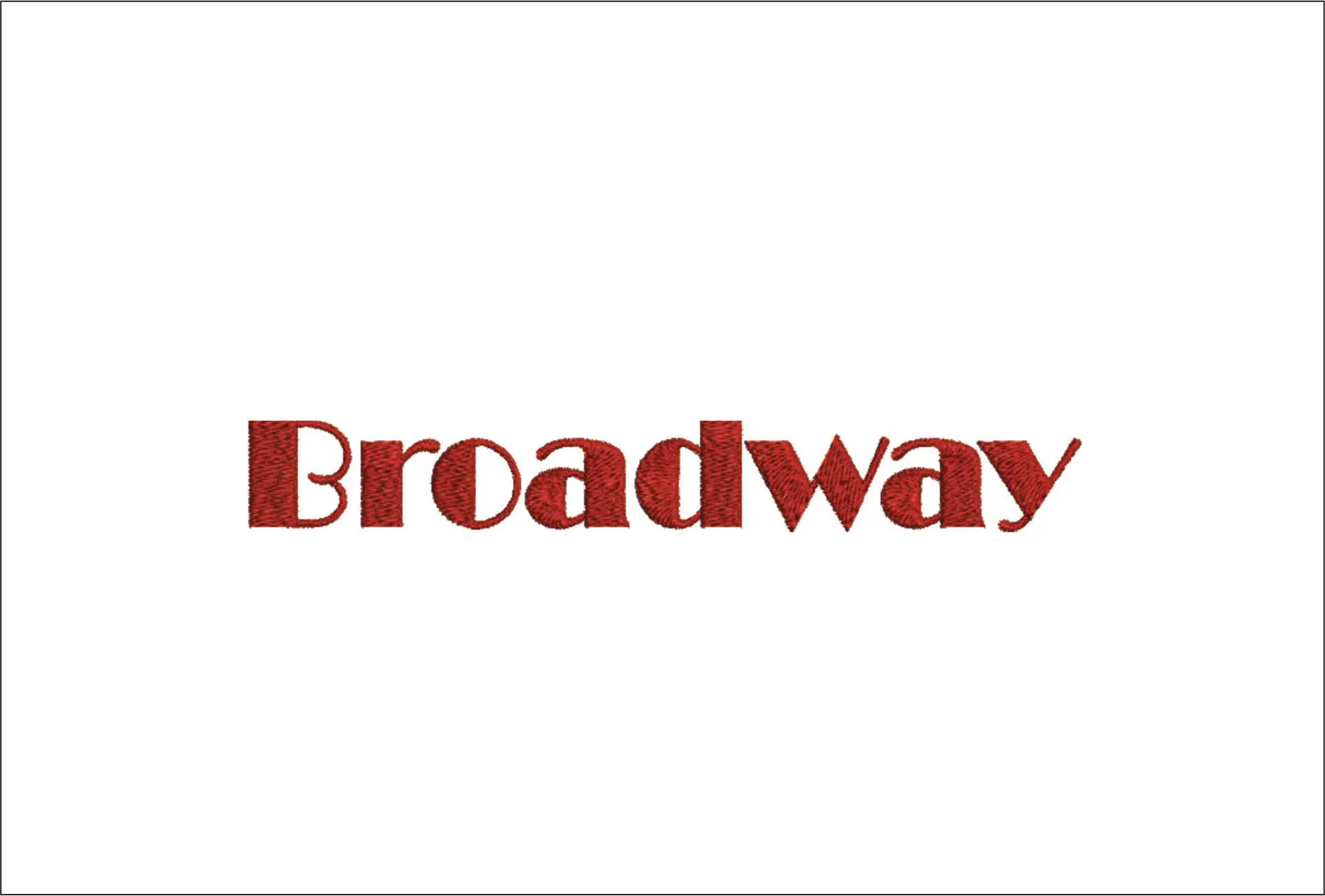
Finding the right style is easy when you explore our variety of high-quality embroidery designs.
How to Download and Use Professional Digital Fonts
Finding the right design is the first step toward a successful project. Browse the extensive categories at Embroidery n Sewing to find your perfect style. It's crucial to check that the font set includes every character you need. A high-quality set of Machine Embroidery Fonts should offer uppercase and lowercase letters, numbers, and basic punctuation. Missing a single symbol can stall your progress just as you're ready to start.
Before you hit the download button, verify that the package includes the specific file format your machine requires. Whether you need PES for a Brother machine or DST for a commercial unit, having the right file saves you from conversion headaches. Once you've downloaded your files, keep your digital library organized on your computer. Sorting designs by theme or style makes it much easier to find them when you're ready to transfer them via USB or a wireless connection.
Step-by-Step: From Purchase to First Stitch
Getting your design from the screen to the fabric is a straightforward process when you follow these steps:
-
Select and purchase: Choose your Machine Embroidery Fonts for instant access to the digital files. We prioritize speed so you can start crafting immediately.
-
Unzip and format: Open the downloaded folder and pick the correct format for your machine. For example, PES is the standard for Brother equipment.
-
Transfer and test: Move the file to your machine. Always perform a test stitch on scrap fabric first. This lets you check the tension and alignment without risking your final product.
Start Your Next Embroidery Masterpiece Today
You now have the technical knowledge to choose and use professional digital lettering with confidence. Remember that selecting high-quality digitizing is the best way to avoid thread breaks and ensure a clean finish on every garment. By matching your font style to your specific fabric weight and project theme, you'll create items that look like they came straight from a boutique. We're here to help you find exactly what you need with our extensive selection of sports, collegiate, and anime designs. Every set is available for instant download in common formats like PES and DST, so you can start stitching right away.
Browse our massive collection of high-quality Machine Embroidery Fonts today!
We're excited to see how you use these designs to personalize your next project. Happy stitching!
Frequently Asked Questions
Can I use any computer font for my embroidery machine?
No, you can't use standard computer fonts like TrueType or OpenType directly on your machine. These files are designed for printing and screens, not stitching. To work, they must be converted into Machine Embroidery Fonts through a process called digitizing. This conversion assigns specific stitch paths and density settings that your machine's needle can follow without damaging the fabric.
What is the best file format for Brother embroidery machines?
The best file format for Brother embroidery machines is PES. This format is the industry standard for the brand and ensures your machine reads the design instructions correctly. While some multi-needle Brother models can also read DST files, sticking with PES is the safest way to maintain all the original color information and design metadata intended by the professional digitizer.
How do I resize an embroidery font without losing quality?
You shouldn't resize an embroidery font by more than 10% to 20% directly on your machine. Because these are stitch-based files, enlarging them too much leaves gaps, while shrinking them causes thread bunches. For significant changes, you'll need professional software that recalculates the stitch count to ensure your Machine Embroidery Fonts remain crisp and professional on your final project.
Do I need special software to use downloaded embroidery fonts?
You don't always need special software to use downloaded fonts, as you can transfer individual letter files directly via USB. However, software like Embrilliance makes the process much faster by allowing you to type words using your keyboard. This is especially useful for BX format fonts, which turn individual stitch files into a functional, typable font within your digital workspace.