# How Do I Choose the Right Machine Embroidery Design for My Needs? (2026)
Have you ever spent hours prepping a garment only to have the fabric pucker and ruin the finish because the design was too dense? It's a common frustration that makes any crafter feel hesitant before hitting the start button. You want to dive into your project with confidence that your digital file will behave. The question, "How do I choose the right machine embroidery design for my needs?" is about more than picking a pretty image. It's about ensuring technical compatibility with your specific machine and hoop size.
I know you want professional results without the headache of trial and error. This guide helps you master the steps to selecting digital designs that stitch out perfectly every time. We'll look at avoiding pitfalls like wrong file formats or exceeding hoop limits. From 2026 trends to niche sports logos, you'll learn how to browse our vast collection for a successful project start.
- Identify your machine's required file format and verify design dimensions against your hoop size to prevent "out of bounds" errors before you start.
- Balance stitch density with fabric weight by selecting lighter designs for delicate silks and reserving high-stitch patterns for sturdy materials like denim.
- When asking, "How do I choose the right machine embroidery design for my needs?" consider niche categories like sports logos or anime themes to match your project's personality.
- Achieve professional results quickly by choosing high-quality digital files that offer an affordable alternative to custom digitizing services in 2026.
Table of Contents
-
Technical Fundamentals: Matching Formats and Hoop Dimensions
-
Fabric Compatibility: Understanding Stitch Density and Weight
-
Thematic Selection: Finding the Perfect Design for Every Project
Technical Fundamentals: Matching Formats and Hoop Dimensions
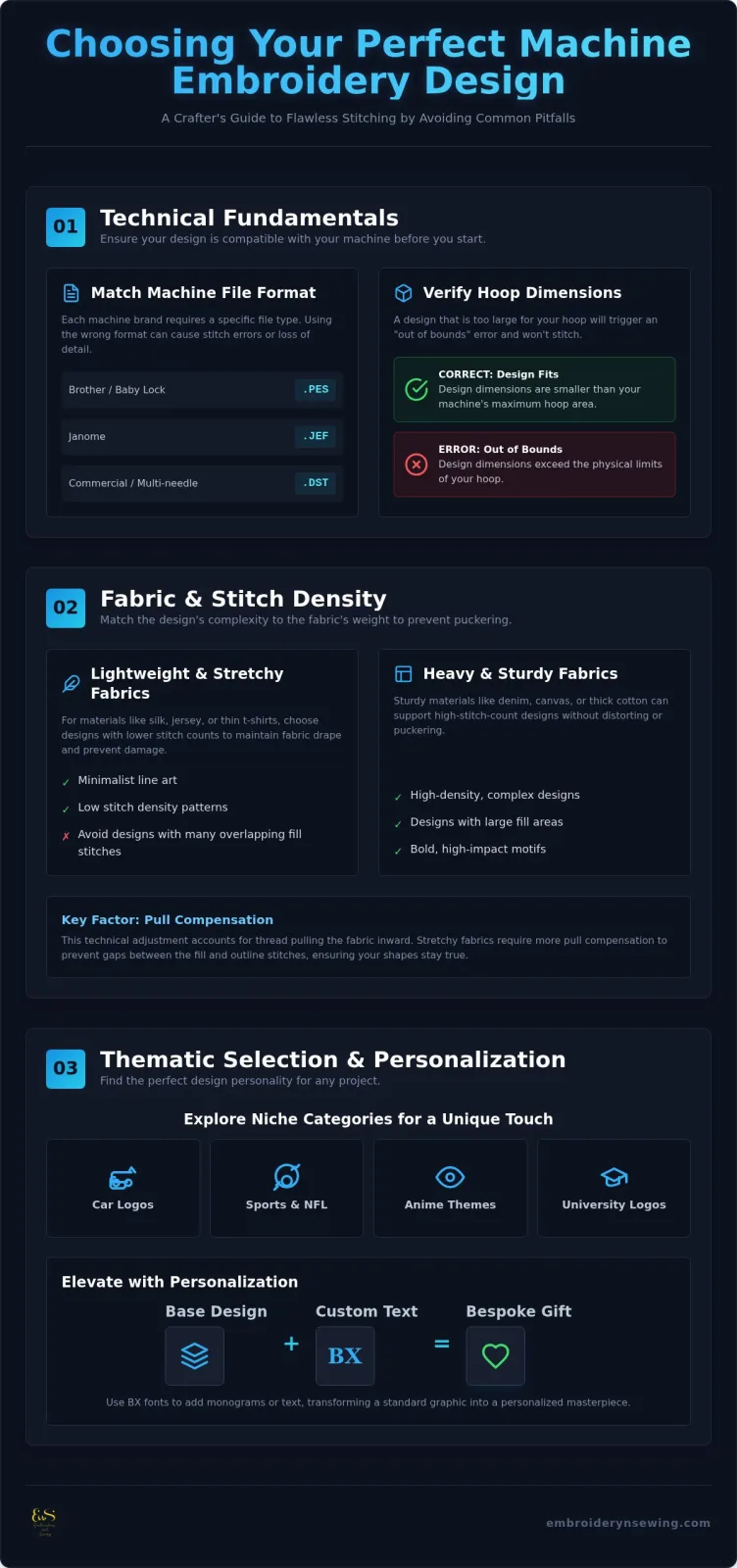
Success starts with technical alignment. Your machine is a specialized computer that requires a specific language to operate. If you're asking, "How do I choose the right machine embroidery design for my needs?" the first step is checking your machine brand requirements. Brother and Baby Lock machines typically require .PES files, while Janome users need .JEF. If you use a multi-needle or commercial machine, you'll likely use .DST files. These commercial formats are robust but often lack specific thread color data, which means you'll set those colors manually on your machine screen.
You must also verify the design dimensions against your maximum hoop area. A design that is even slightly too large will trigger an "out of bounds" error, preventing the machine from starting. Our collection provides clear measurements for every file, from small Machine embroidery designs to large jacket backs. Always check these specs before downloading to ensure your project stays within your machine's physical limits and avoid wasting expensive stabilizer.
Why Your Machine Specific File Format Matters
Different brands interpret digital stitch data in unique ways. Converting a file from one format to another can sometimes cause a loss of detail or stitch precision. An embroidery format serves as the digital bridge between a graphic idea and a physical stitch-out. In 2026, it's vital to check for firmware updates from your manufacturer, as new updates can improve how your machine reads specific file versions. Understanding the Machine embroidery process helps you appreciate why these specific digital instructions are necessary for a clean finish. Our instant downloads are organized to help you find the right fit for your machine without the need for complex software.
Fabric Compatibility: Understanding Stitch Density and Weight
Choosing a design isn't just about the visual appeal; it's about the physics of thread interacting with fabric. Stitch density refers to how many stitches occupy a specific area. If you're asking, "How do I choose the right machine embroidery design for my needs?" you must look at the stitch count relative to the design size. A dense pattern with 15,000 stitches in a small area will likely cause a thin t-shirt to buckle. For heavy-weight materials like denim or canvas, high-density High Quality Embroidery Designs are ideal because the fabric can support the weight without distorting.
Pull compensation is another vital factor. This technical adjustment accounts for how the thread pulls the fabric inward during stitching. Stretchy textiles require more compensation than stable wovens to prevent unsightly gaps between the fill and the outline. Proper compensation ensures that your circles stay round and your borders meet precisely where they should.
Choosing Designs for Lightweight and Stretchy Fabrics
Spotting designs with excessive layers is crucial when working with delicate materials like jersey or silk. Too many overlapping fill stitches can lead to needle perforations, essentially cutting the fabric rather than decorating it. To prevent this, look for "light" designs or minimalist line art that maintains the fabric's natural drape. You can explore our Embroidery Stitches: A Visual Guide to better understand how fill vs. satin stitches impact your project. Always use a high-quality stabilizer in conjunction with your design selection to provide the necessary foundation. This careful matching allows you to create beautiful, wearable art on even the most challenging fabrics.
![How do I choose the right machine embroidery design for my needs?]
Thematic Selection: Finding the Perfect Design for Every Project
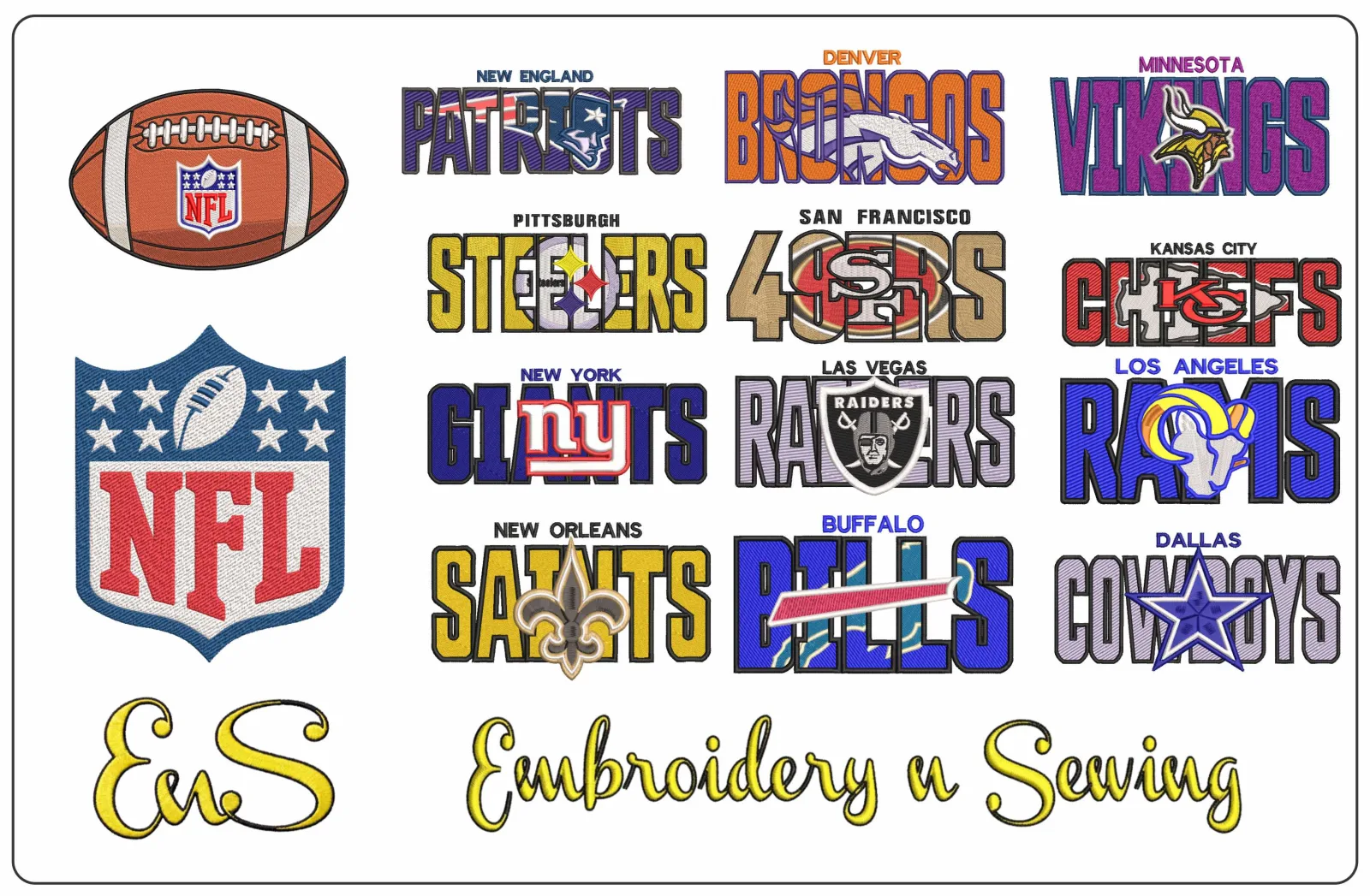
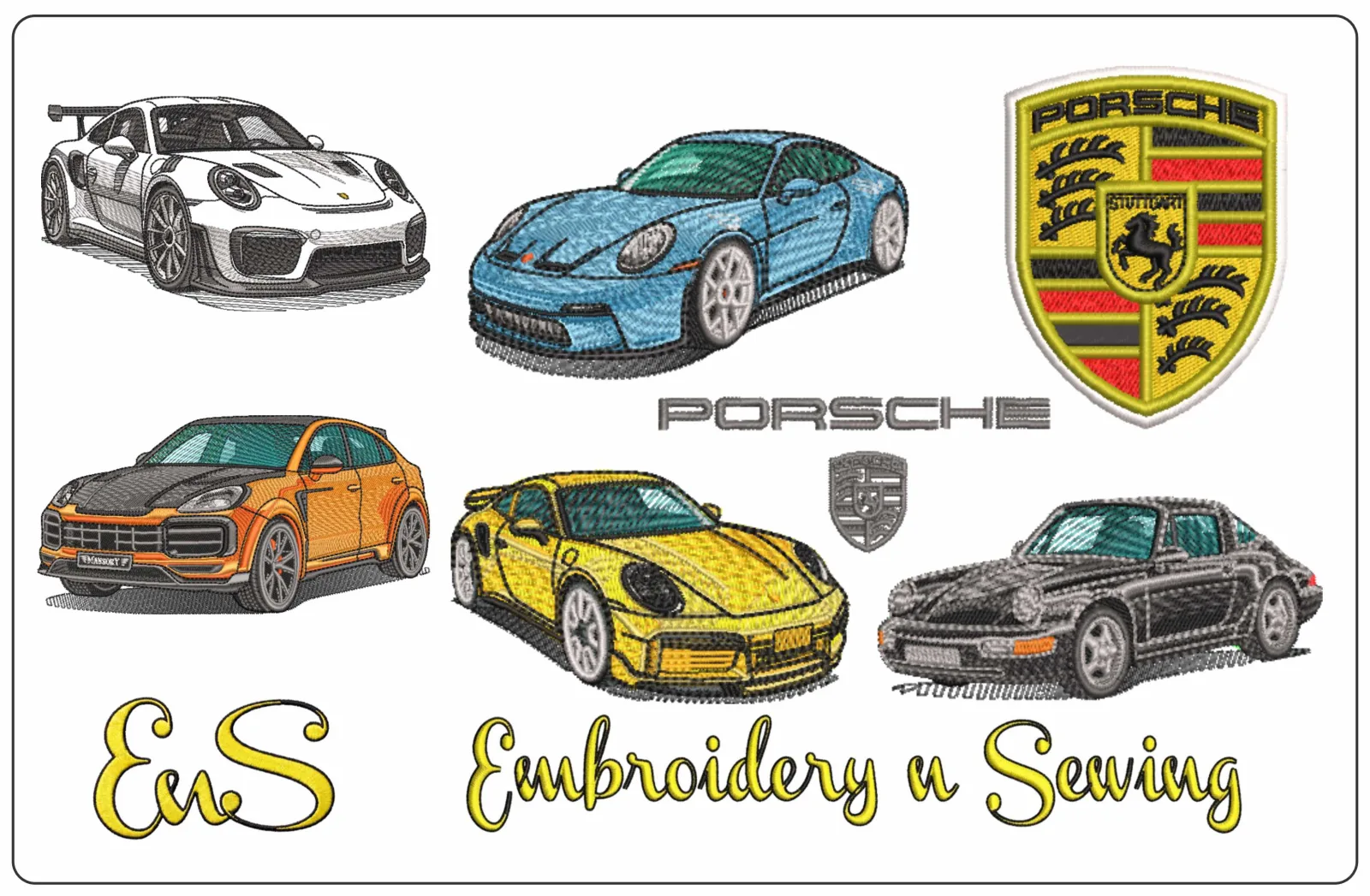
Once you've handled the technical specs, the creative part begins. Choosing a theme that resonates with your project's recipient is where your passion for the craft truly shines. If you're wondering, "How do I choose the right machine embroidery design for my needs?" start by considering the intended use and the "visual weight" of the graphic. Bold car logo embroidery designs or NFL embroidery designs possess a heavy visual presence. These work best on structured items like canvas jackets or hats that can support a prominent, high-impact motif without sagging.
Personalization is the heart of modern digital crafting. You can easily find niche themes ranging from anime embroidery designs to specific university embroidery designs in our extensive catalog. Adding a monogram or custom text using BX fonts elevates a simple graphic into a bespoke gift. Integrating text requires a thoughtful balance between the primary image and the lettering style. You don't want the font to compete with the graphic; instead, it should complement the overall aesthetic and layout.
Personalizing with Specialty Niche Categories and Fonts
Finding exactly what you need is simple when you explore the Embroidery n Sewing categories. We offer thousands of searchable options, including high-demand fandom styles like Marvel Comic Embroidery Designs and sports motifs for the NBA or MLB. When selecting a font, match the style to your project's vibe. Use playful bubble fonts for cute children embroidery or traditional scripts for formal linens. If you're just starting your journey, check our Machine Embroidery & Sewing: A Beginner’s Complete Guide for project inspiration. Our instant downloads ensure you can move from browsing to stitching in seconds.
Start Stitching Your Next Masterpiece Today
Selecting the perfect file is the essential first step toward a professional finish. By matching your machine's format and balancing stitch density with your fabric weight, you ensure a smooth stitch-out every time. When you ask, "How do I choose the right machine embroidery design for my needs?" the answer lies in combining these technical checks with the specific themes you love. Our marketplace offers immediate access to thousands of downloadable patterns, including NFL stadium motifs and anime characters. These professional-grade digital files are available at impulse-purchase prices, making it easy to find specialty niche categories like college athletics or car logos for your 2026 projects. Browse our massive library of high-quality embroidery designs and start your project today! You've got the skills and the inspiration; now it's time to let your machine create something beautiful.
Frequently Asked Questions
Can I resize a digital embroidery design after I buy it?
You can resize designs using most embroidery software or machine settings, but we recommend staying within a 10% to 20% range. Scaling a file too much often leads to poor stitch quality or incorrect density. It's always best to select a design that already fits your specific hoop size to ensure the most professional results on your final garment.
What happens if I download the wrong file format for my machine?
Your machine simply won't display or read the file if the format is incorrect. If you've downloaded a .JEF file for a Brother machine, you'll need to go back and download the .PES version. When thinking about how do I choose the right machine embroidery design for my needs, always double check your machine's manual for its preferred digital file extension.
How do I know if a design is too dense for my fabric?
Check the total stitch count against the physical size of the design. A pattern with 15,000 stitches in a small 3 inch area is very dense and requires heavy stabilizer or sturdy fabrics like denim. If you're working with lightweight jersey, look for "light" or open-work designs that won't weigh down or pucker your delicate material.
Are these designs compatible with Brother, Janome, and Singer machines?
Our digital designs are compatible with Brother, Janome, Singer, and most other home or commercial machines. We provide all common formats, including .PES, .JEF, and .DST, to make your shopping experience seamless. This variety is key when asking, "How do I choose the right machine embroidery design for my needs?" because it ensures you can start your project immediately on any equipment.