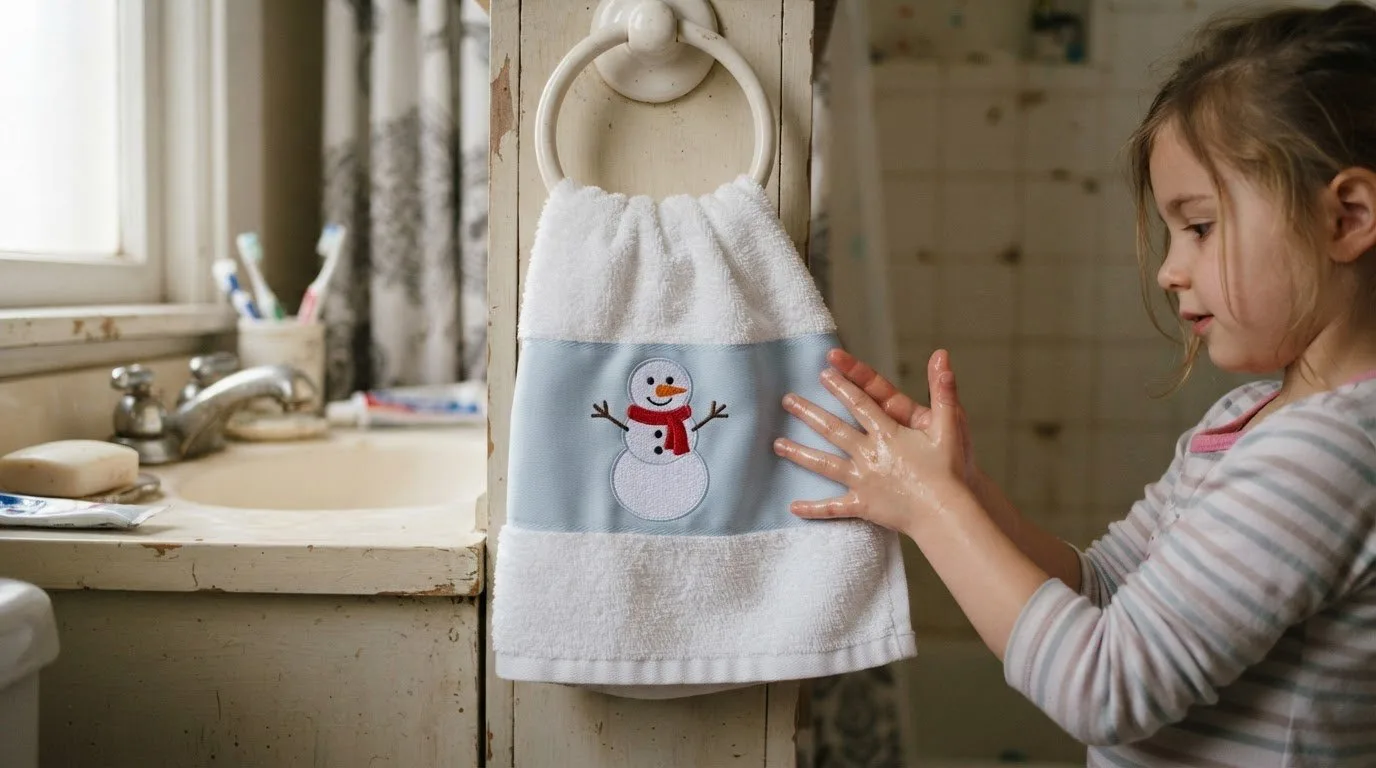
What makes a snowman motif stand out on a towel instead of disappearing into its texture? Snowman embroidery designs can turn towels into cute winter projects when the fabric and thread suit the motif and its details stay visible. A filled machine embroidery design can give the snowman a clear, finished look.
Choosing a towel-friendly design is part of the fun, but material and stitch coverage matter too. This guide explains how to match fabric and thread to a custom project, what to consider when using filled designs, and how to bring a cheerful winter scene to towels for your home or as a handmade gift.
Key Takeaways
- Match towel fabric and thread to the project so the snowman details remain clear and the finished design suits its purpose.
- Consider how filled stitching will look on a towel, and choose a design whose coverage and details fit your project.
- Choose a machine embroidery file format that works with your embroidery machine before starting the project.
- Explore Embroidery n Sewing’s children's embroidery designs and digital machine embroidery designs for cheerful winter project inspiration.
Fabric and thread choices for custom snowman projects
Start with the towel’s surface. Cotton terry has raised loops that can obscure small snowman details, while flatter cotton gives outlines and facial features a smoother base. For plush terry, choose a motif with clear shapes, such as a round body, scarf, and simple carrot nose. Fine details may be harder to distinguish against deep loops. Our guide to choosing fabric for machine embroidery covers how different materials behave under the needle.
Stabilize the fabric before stitching. Place suitable embroidery stabilizer behind the towel to support the stitches. A water-soluble topper over terry helps keep the pile from rising through filled areas. Hoop the stabilizer securely, then position the towel without stretching it. Test the setup on a matching fabric scrap before embroidering the finished towel; see how to test an embroidery design for a step-by-step stitch-out routine.
Choose thread colors that contrast with the towel. White thread can disappear against white fabric, so add a dark outline or colorful accessories. Red for a scarf, orange for a carrot nose, and black for eyes create recognizable features. Polyester or rayon embroidery thread can both bring color to a design. Follow the thread maker’s guidance for handling and care.
- Light towel: Contrast white snow with a colored scarf or outline.
- Dark towel: Use bright snowman details that stand apart from the fabric.
- Textured terry: Add a topper and favor bolder shapes over tiny accents.
For a coordinated set, repeat the same thread palette across hand and guest towels. Keep the motif clear of hems and folded edges, where extra layers can affect stitching. These choices help a snowman project suit the towel’s texture, color, and intended use.
Filled snowman machine embroidery designs
Filled designs use stitched areas to form snowman shapes, clothing, and facial details. On towels, stitch coverage affects both the motif’s texture and its visibility.
Filled Snowman Designs
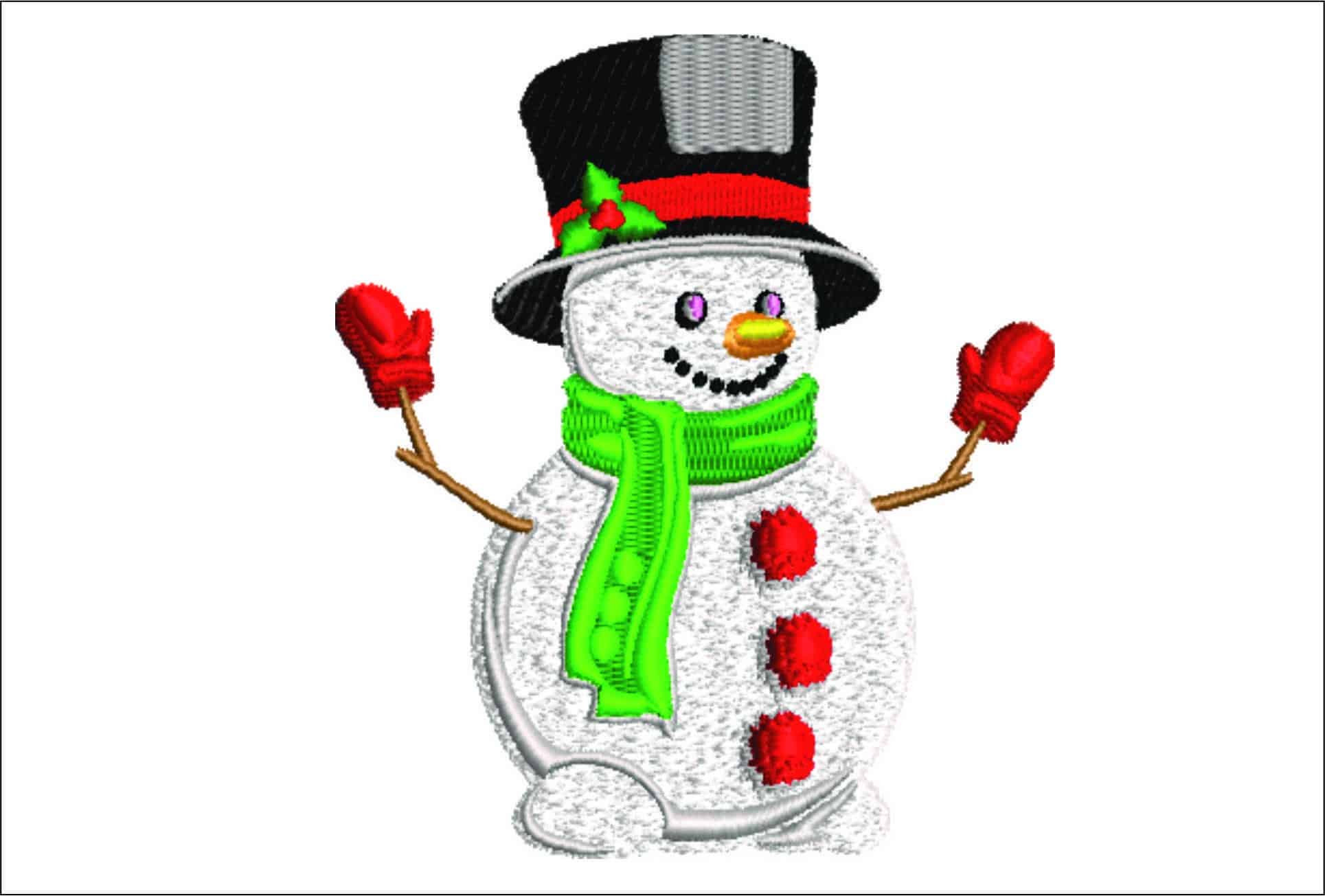
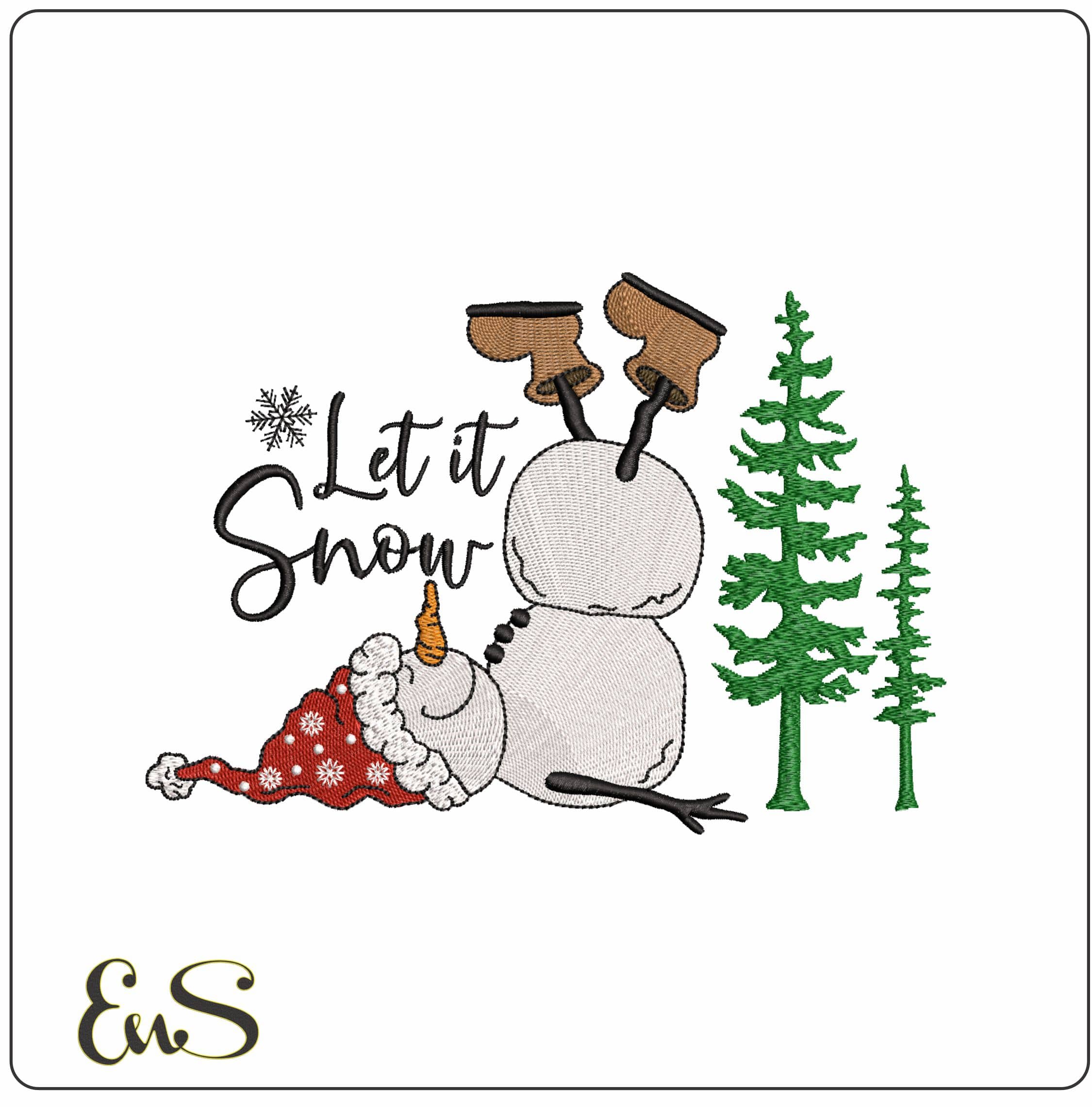
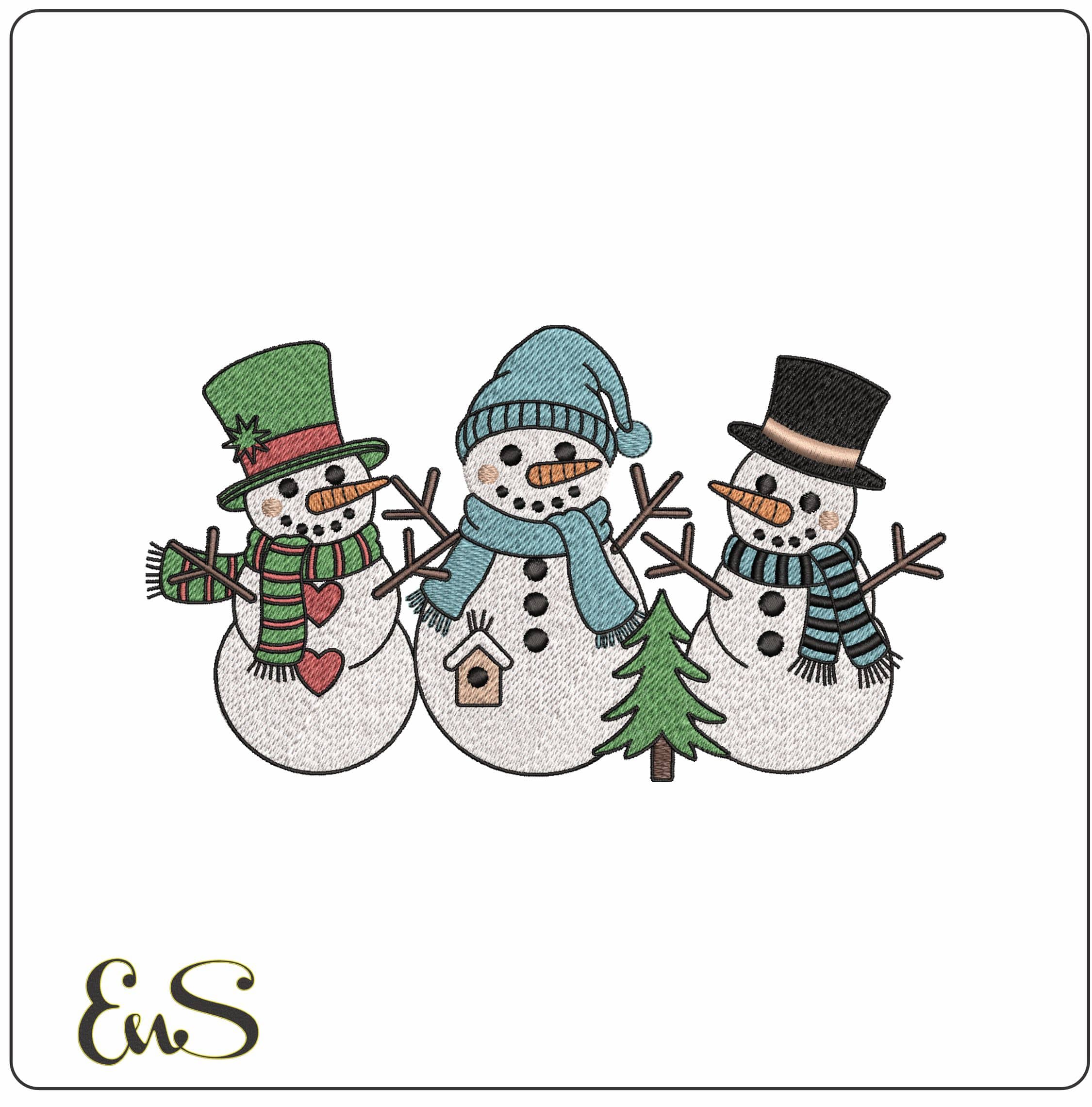
A filled motif can show a round body, hat, scarf, and carrot nose in distinct sections. Look for clear outlines and separated details, especially when the towel has a textured pile, like the Snowman Let It Snow design or the cheerful Christmas Snowmen with Coats and Hats. Dense coverage can make an area feel stiff, so consider how much of the towel the design fills; our article on embroidery design density and pull compensation explains why. Download prices vary by design and seller; compare the artwork and included file formats rather than assuming every snowman design costs the same.
Towel Design Sizing
There isn’t one design size for every hand towel or bath towel. Choose a motif that fits comfortably within the towel’s flat area and the embroidery machine’s hoop field. A compact snowman near a hand towel’s corner, such as the small framed Snowman design, can leave room for everyday use, while a larger motif may suit the broad center of a bath towel. Account for hems, folds, and placement before stitching.
For care, follow the towel and thread makers’ instructions. Wash the towel gently and avoid harsh handling around embroidered areas. Common problems include loops showing through fill stitches, puckering, and details disappearing into the pile. A water-soluble topper, stable backing, and test stitching on similar fabric can help prevent these issues. Check the placement and thread path before embroidering the finished towel.
For more winter project inspiration, browse digital embroidery designs or our full range of Christmas embroidery designs.
File formats for machine embroidery snowman designs
Machine embroidery designs use file formats such as PES, DST, JEF, and EXP. These extensions identify how embroidery data is stored, but formats are not interchangeable on every machine. Match the downloaded design file to a format your machine reads. Even an appealing snowman motif needs a compatible file to stitch correctly. If you're unsure which to pick, read PES vs DST formats: which should you use?
Check your machine manual or software for supported formats before choosing a file. Brother and Baby Lock machines commonly use PES, while Janome machines commonly use JEF. DST is another widely used embroidery format. These are examples, not a guarantee for every model. The exact machine model and software determine compatibility.
Use this practical sequence before stitching:
- Find the supported extensions in your machine documentation.
- Compare those extensions with the files offered for the snowman design.
- Transfer the matching file using the method your machine supports.
- Open the design on the machine or in compatible software.
A design download may include multiple file formats, though the available formats vary by design. Read the file details and choose the version your machine supports rather than renaming an extension. Changing a filename does not convert embroidery data. If a format does not match, compatible embroidery software may be needed to convert it.
Also review the design preview and stitch information in your software. Confirm the snowman fits the intended hoop and appears in the right orientation. A test stitch can reveal whether the file displays as expected before you embroider the towel. Explore digital embroidery designs to find a motif for your next winter project.
Embroidery n Sewing: Cute Children Embroidery
Embroidery n Sewing offers downloadable designs for machine embroidery, including children’s and seasonal embroidery designs. Browse the digital collection for cheerful ideas for towels, gifts, and other fabric projects. Choose a snowman motif that fits the towel’s usable space, then match its listed file format to your embroidery machine.
The collection also includes themes beyond children’s designs, such as college embroidery designs, so you can find ideas for different projects in one place. Turn to Embroidery n Sewing when you’re ready to browse digital designs and choose a motif that fits your next stitching plan.
Browse the catalog to find designs that match your project.
Plan Your Next Winter Stitching Project
Let snowman embroidery designs inspire a fresh winter towel project, or adapt the same seasonal idea for a thoughtful handmade gift. A simple creative choice can make the project feel personal: select a snowman expression, accessory, or setting that reflects the person who will use it. Then carry that theme into coordinating linens or another fabric project, creating a consistent look without repeating the exact same placement.
As you plan, keep your next project’s purpose in mind. A cheerful motif can brighten a guest towel, while a coordinated design can help tie together a seasonal gift set. Embroidery n Sewing offers winter designs to explore for your stitching plans. Browse the catalog for winter designs and take the first step toward a project that feels distinctly yours.
Frequently Asked Questions
What are popular snowman embroidery designs for towels?
Snowman trios, stacked snowmen, and snowmen framed in snowglobes can make distinctive towel motifs. A scene with several figures creates a playful focal point on a larger towel, while one character suits a smaller accent area. Choose details that remain recognizable at the intended scale, such as different hats, scarves, or winter accessories.
Where can I download snowman towel embroidery designs?
Embroidery n Sewing offers downloadable machine embroidery designs, including seasonal patterns. Browse the digital catalog for a snowman motif suited to your towel project. Each design page lists the available machine formats, and the download includes every format listed there. Select the file that matches your embroidery setup.
What towel fabric, stabilizer, and needle work best for snowman embroidery?
A smooth cotton towel provides a clear surface for small snowman details. For textured terry, use stabilizers that support the fabric and help prevent loops from obscuring stitches. Select an embroidery needle suited to the towel’s weave and your thread. The right combination depends on fabric thickness, pile, and design density, so consider all three together.
How much do snowman embroidery design downloads cost?
Prices vary by design and seller. Compare the artwork, size options and included file formats on each design page, and check whether a design comes in multiple sizes so one purchase covers both hand and bath towels.